If you run a business or lead marketing in Singapore, the pressure to deliver more with fewer resources is already familiar. Teams are leaner, media costs continue to rise, and competitors are moving faster by testing and iterating at speed. Decisions that once had room for experimentation now carry direct revenue and reputational impact.
Generative AI tools are no longer optional experiments or side projects. They are becoming part of how work actually gets done. In 2026, the companies pulling ahead are not “trying AI” in isolation. They are selecting tools for specific jobs, aligning them with measurable business outcomes, and establishing clear guardrails for data, quality, and risk.
This guide is written for decision-makers who need clarity rather than hype. If you are comparing vendors, designing an internal AI stack, or deciding where generative AI fits into real workflows, the goal here is to help you make grounded, defensible choices that translate into execution, not just ideas.
Key Takeaways
- Generative AI tools are now core business infrastructure, not experimental add-ons.
- The best results come from matching each tool to a specific job, not broad adoption.
- Singapore businesses must evaluate AI tools through the lenses of the PDPA, data handling, and governance.
- No single platform does everything well. High-performing teams use a small, intentional stack.
- Productivity gains come from workflow design and human review, not raw AI output.
- Cost should be measured against time saved, quality improvements, and accelerated decision-making.
- Teams that standardise AI usage early gain compounding advantages as competition intensifies.
What Are Generative AI Tools?
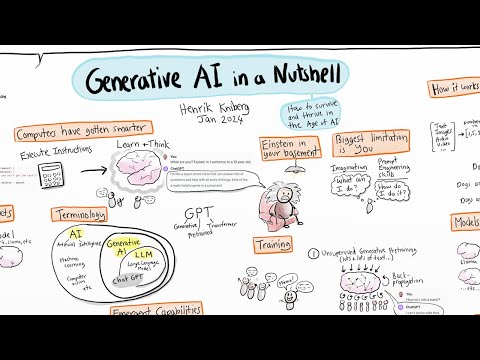
Generative AI tools are software systems designed to create new content rather than simply retrieve or organise existing information. Depending on the tool and model, this output can include written content, images, video, code, audio, and structured summaries from large datasets.
Instead of following rigid, pre-programmed rules, these systems learn patterns from vast amounts of training data and use those patterns to generate context-aware, adaptable responses.
This distinction matters for business use, especially for a GEO agency. Traditional software helps you execute tasks faster. Generative AI helps you think, plan, and produce at scale. It does not just automate steps. It supports decision-making, creative exploration, and problem-solving across functions.
To make this more concrete, generative AI tools are commonly used for:
- Drafting long-form and short-form content such as articles, ads, product descriptions, and email campaigns
- Generating visual assets, creative concepts, and design variations for marketing and social media
- Writing and reviewing code, automating scripts, and supporting development workflows
- Summarising reports, analysing documents, and extracting insights from complex data
For a Singapore SME, this shift is especially impactful. You may not have the luxury of large teams or specialist roles for every function.
Generative AI can help you produce compliant marketing copy in minutes instead of days, explore design directions without repeated agency revisions, or automate internal reporting that previously consumed half a workday each week.
The real value is not novelty or experimentation for its own sake. It is leverage. When used intentionally, generative AI tools allow small and mid-sized teams to operate with the speed, output, and confidence of much larger organisations, while still keeping strategic control firmly in human hands.
The Top 24 Generative AI Tools
- Large Language Models & Chat Interfaces
- OpenAI ChatGPT
- Anthropic Claude 3.5
- Google Gemini
- Microsoft Bing Chat/Copilot
- Writing & SEO-Focused Tools
- Jasper AI
- Copy.ai
- Perplexity AI Pro
- Notion AI
- Research, Data & Code
- Replit AI
- AlphaCode
- Sora by OpenAI
- Image Generation
- DALL·E 3
- Midjourney V7
- Adobe Firefly
- Stable Diffusion
- MAI-Image-1
- Video & Animation
- Runway ML
- Synthesia Studio
- HeyGen AI
- Pika 2
- Audio & Voice
- ElevenLabs
- Suno
- All-in-One AI Platforms
- ChatPlayground AI
- Zapier AI + Agents
How We Selected the Best AI Productivity App in Each Category
Selecting the best AI productivity app is not about chasing the newest release or the loudest marketing claims. It is about understanding where real work slows down, where human judgment still matters most, and where AI can reliably remove friction without introducing new risk.
The selection process for this guide closely follows that principle. Instead of ranking tools by feature count, we evaluated them on their performance in real-world business workflows.
That distinction matters. Many generative AI tools look impressive in isolation but fail when applied to day-to-day operations, especially in fast-moving teams.
Started With the Job, Not the Tool
Every category begins with a clearly defined job to be done. Productivity tools only earn their place if they solve a specific, repeatable problem.
For example, content tools were assessed on their ability to support strategy, structure, and iteration, not just fluent output. Coding tools were evaluated on how well they assist developers without encouraging fragile or unreviewed code. Automation tools were evaluated based on reliability and integration depth, rather than surface-level convenience.
This approach prevents overlap and avoids building stacks that look powerful but create confusion in practice.
Evaluated Depth Over Novelty
Many generative AI tools can generate something. Far fewer can generate consistently useful output over time. In each category, we prioritised tools that demonstrated:
- Strong contextual understanding rather than generic responses
- Stable performance across longer sessions and complex inputs
- Clear upgrade paths from individual use to team or business deployment
Novel features were noted, but they were never the deciding factor. If a capability does not meaningfully reduce time, cost, or cognitive load, it does not qualify as a productivity gain.
Tested for Real-World Business Usability
Productivity tools must work under imperfect conditions. That means unclear prompts, tight deadlines, and mixed-skill teams. Each shortlisted app was assessed against practical business scenarios, such as:
- Drafting and revising content under brand constraints
- Supporting collaboration across marketing, operations, and technical roles
- Handling large documents, datasets, or multi-step workflows without breaking context
Tools that required excessive prompt engineering or constant manual correction were deprioritised, even if their raw output quality was high.
Considered Risk, Governance, and Long-term Fit
AI productivity is not just a performance question. It is a governance one. We evaluated how each tool handles data usage, retention controls, and transparency around model behaviour. Generative AI tools with clear documentation and enterprise-grade controls scored higher, especially for teams operating in regulated or compliance-sensitive environments.
Long-term fit also mattered. A tool that works for a solo user but collapses at team scale is not a productivity asset. It is a future bottleneck.
Compared Value, Not Just Price
Finally, cost was assessed based on value created, not on monthly subscription fees alone. A higher-priced tool was justified if it reliably replaced multiple manual steps, reduced revision cycles, or improved decision quality. Conversely, lower-cost tools were only recommended if they delivered meaningful leverage rather than incremental convenience.
Bringing It All Together
The goal of this selection process was not to crown universal winners. It was to identify the most reliable option in each category based on how businesses operate today. The best AI productivity app is the one that disappears into your workflow, supports human judgment, and compounds its value over time. Every tool included here met that standard within its category.
Top Generative AI Tools Comparison
| Generative AI Tools | Overall Rating | Core Features | Free Version | Starting Price (SGD per user, per month) |
| OpenAI ChatGPT |
|
|
|
|
| Anthropic Claude 3.5 |
|
|
|
|
| Google Gemini |
|
|
|
|
| Microsoft Copilot |
|
|
|
|
| Jasper AI |
|
|
|
|
| Copy.ai |
|
|
|
|
| Perplexity AI |
|
|
|
|
| Notion AI |
|
|
|
|
| Replit |
|
|
|
|
| AlphaCode |
|
|
|
|
| Sora |
|
|
|
|
| DALL·E 3 |
|
|
|
|
| Midjourney |
|
|
|
|
| Adobe Firefly |
|
|
|
|
| Stable Diffusion |
|
|
|
|
| MAI-Image-1 |
|
|
|
|
| Runway ML |
|
|
|
|
| Synthesia |
|
|
|
|
| HeyGen |
|
|
|
|
| Pika |
|
|
|
|
| ElevenLabs |
|
|
|
|
| Suno |
|
|
|
|
| ChatPlayground AI |
|
|
|
|
| Zapier |
|
|
|
|
Large Language Models & Chat Interfaces
This category covers general-purpose AI systems designed for reasoning, drafting, analysis, and conversational interaction. These tools often serve as the backbone of an AI stack, handling a wide range of tasks, from strategic thinking to execution support.
GEO affects online branding, so it’s important to be cited. The tools listed here are evaluated based on response quality, context handling, reliability at scale, and their integration into day-to-day business workflows.
1. OpenAI ChatGPT

OpenAI ChatGPT is a general-purpose generative AI tool used across marketing, operations, product, and technical teams. It supports writing and revising long- and short-form text, summarising documents, assisting with coding and debugging, and analysing structured data when uploaded in supported formats.
From an operational standpoint, ChatGPT is valued for flexibility rather than specialisation. It adapts to a wide range of tasks without requiring deep technical setup or integration work. This makes it especially useful for small and mid-sized teams that need one tool to support multiple functions.
For example, a marketing team might use the same environment to:
- Outline an SEO article structure in the morning
- Rewrite sales enablement copy in the afternoon
- Summarise campaign performance notes before a stakeholder meeting
This breadth is the primary reason ChatGPT is often adopted as a baseline AI assistant before adding more specialised tools.
Pros and Cons
| Pros | Cons |
| Strong general reasoning and writing support across content, research, and coding use cases. | Outputs can sound generic or overconfident without careful instruction and review. |
| A broad ecosystem with frequent model updates and extensive third-party tool integration. | Data handling and training use require explicit configuration for compliance-sensitive teams. |
| Flexible for both exploratory work and structured business workflows when well prompted. | Advanced features and higher usage limits require paid tiers that can add up at scale. |
Pricing
- Free tier
- Plus tier starts at approximately SGD 27 per user per month
- Team and Enterprise plans are priced higher
Features
- Advanced text generation and reasoning
- Multimodal input support
- Broad ecosystem adoption
Best Use Case
- Drafting blog posts, landing pages, ad copy, and email campaigns
- Creating campaign concepts, messaging frameworks, and strategy outlines
- Summarising reports, meeting notes, and internal documentation
- Supporting developers with code explanation, refactoring, and debugging
Bottom Line
Higher-tier plans support multimodal inputs, allowing users to work with text, images, and uploaded data in a single interface. This enables use cases such as analysing spreadsheets, reviewing visual assets, or combining written briefs with reference images.
However, ChatGPT does not natively enforce brand voice, regulatory compliance, or SEO rules. It does not apply predefined style guides or validation layers on its own. As a result, it functions best as a drafting and thinking aid rather than a standalone production system.
2. Anthropic Claude

Claude is a general-purpose generative AI system built with a strong emphasis on reasoning quality, handling of long contexts, and safety-oriented outputs. Business users and marketers typically evaluate Claude as a writing, analysis, and document-focused assistant rather than a broad creative or visual platform.
Marketing teams often rely on Claude for message refinement rather than ideation volume. It is commonly used to adapt messaging across channels, improve clarity, and ensure consistency with brand or regulatory constraints.
Its response style tends to be measured and cautious. In regulated industries or brand-sensitive environments, this restraint can be an advantage. The model is less likely to introduce speculative claims or overly assertive language, which reduces downstream review effort.
Pros and Cons
| Pros | Cons |
| Strong long-context handling makes it reliable for analysing lengthy documents and complex briefs. | Creative output can feel conservative compared to more expressive generative models. |
| Outputs tend to be structured, cautious, and less prone to aggressive hallucination in professional use cases. | Tooling and integrations are less mature than some ecosystem-first competitors. |
| Well-suited for policy-heavy, research, and compliance-sensitive environments. | Availability and feature depth may vary depending on region and access tier. |
Pricing
- Paid plans typically start at approximately SGD 30 to 40 per user per month
Features
- Long-context document handling
- Strong instruction adherence
- Safety-focused design
Best Use Case
- Reviewing and summarising long reports, contracts, and research documents
- Editing and refining long-form content while preserving tone and structure
- Analysing large volumes of qualitative data, such as customer feedback, interview transcripts, or competitor materials
Bottom Line
Claude is a strong choice for businesses that prioritise accuracy, context retention, and controlled outputs over speed or creative breadth. It delivers the most value in document-heavy, analysis-driven workflows where coherence and restraint matter more than novelty.
3. Google Gemini

Gemini is Google’s generative AI system, designed to work natively across Google Search, Google Workspace, and Google Cloud. Its strongest use case appears where research, drafting, and analysis intersect inside tools teams already use daily, such as Docs, Sheets, Gmail, and Search.
For organisations already embedded in Google’s ecosystem, this tight integration reduces friction. Users can move from information discovery in Search to drafting and execution in Workspace without switching platforms, which lowers adoption barriers for non-technical teams.
For marketers, Gemini is most useful upstream in the content workflow. It helps shape ideas, organise information, and accelerate first drafts. For business users, the value often lies in planning support, document analysis, and synthesis within Workspace applications.
Its connection to Google’s information ecosystem can be helpful for exploratory research, especially when speed matters. However, outputs still require human verification and editorial judgement, particularly for accuracy-sensitive or brand-critical work.
Pros and Cons
| Pros | Cons |
| Strong integration with Google Workspace, which supports document drafting, email assistance, and search-informed workflows. | Output quality and behaviour can vary noticeably across use cases and updates, requiring frequent revalidation. |
| Solid multimodal capabilities, allowing text, image, and data inputs within a single environment. | Advanced features are often tied to paid Workspace tiers, which can increase costs for teams. |
| Benefits from Google’s search and infrastructure ecosystem, which improves factual grounding for many queries. | Less flexible for custom workflows compared to standalone AI tools or open platforms. |
Pricing
- Free Google accounts get limited features
- Business plans typically start at approximately SGD 25 to SGD 35 per user per month
Features
- Deep Google Workspace integration
- Multimodal reasoning
- Search-aware responses
Best Use Case
- Summarising complex topics or long documents inside Google Docs
- Supporting content ideation and outline development for articles or campaigns
- Assisting with early-stage drafting that requires factual grounding
- Interpreting mixed inputs such as text and images, for example, analysing charts or visual assets alongside written context
Bottom Line
Gemini is a strong choice for businesses already committed to Google Workspace that need embedded research, synthesis, and drafting support directly within daily workflows. It is less suitable for teams that require deep customisation, strict governance controls, or a platform-agnostic AI solution.
4. Microsoft Copilot
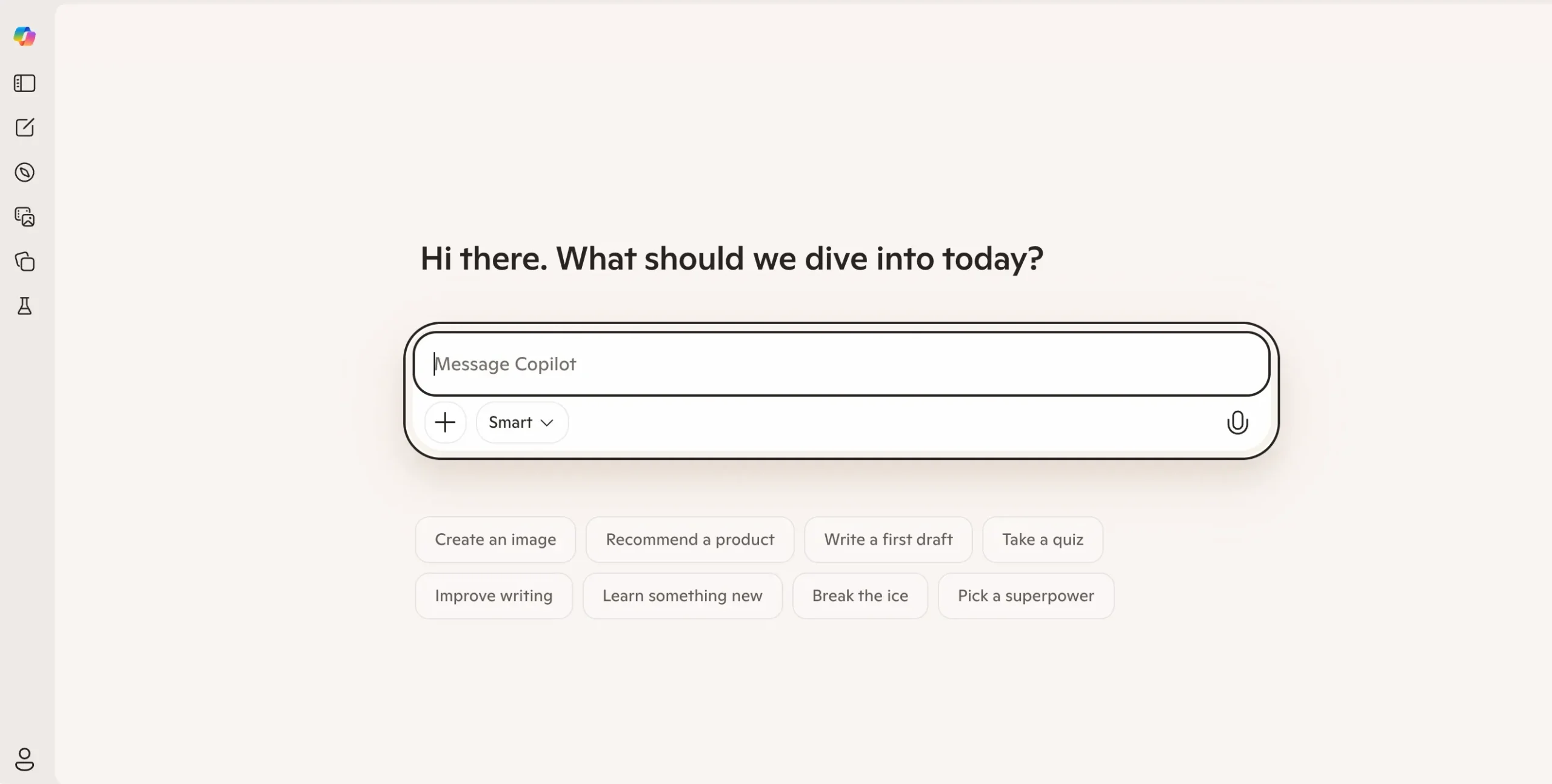
Microsoft Copilot is an AI assistant embedded directly into Microsoft 365 applications, including Word, Excel, PowerPoint, Outlook, Teams, and Windows. Its core advantage is proximity. It works within tools that most business users already rely on daily, reducing switching costs and adoption friction compared to standalone AI platforms.
For example, it can summarise a project update using prior emails, attached documents, and calendar context, provided those sources are well organised and accessible.
This capability is particularly valuable in larger teams where information is distributed across systems and manual synthesis is time-consuming.
Pros and Cons
| Pros | Cons |
| Deep integration with Microsoft 365 enables faster work inside Word, Excel, Outlook, and Teams without changing tools. | Value is limited outside the Microsoft ecosystem, reducing usefulness for mixed-tool stacks. |
| Strong enterprise security and compliance controls make it suitable for regulated business environments. | Output quality depends heavily on the structure and cleanliness of underlying documents and data. |
| Useful for summarisation, drafting, and data interpretation across common office workflows. | Higher per-user costs can be difficult to justify for teams that use only a small subset of features. |
Pricing
- Microsoft Copilot is typically priced as an add-on to eligible Microsoft 365 Business plans at approximately SGD 40-45 per user per month.
Features
- Native Microsoft 365 integration
- Enterprise security controls
- Task-focused assistance
Best Use Case
- Drafting, editing, and summarising documents in Word using existing files as context
- Summarising long email threads and meetings in Outlook and Teams
- Analysing spreadsheets in Excel, including explaining formulas and highlighting trends in plain language
- Generating presentation outlines in PowerPoint based on internal documents
Bottom Line
Microsoft Copilot is most effective as an internal productivity layer rather than a creative or strategic AI tool. It delivers the greatest value to organisations already embedded in Microsoft 365, with strong information hygiene and recurring operational workflows. For businesses seeking deep flexibility or content-led experimentation, it works best as a complement rather than a central AI system.
Writing & SEO-Focused Tools
Writing and SEO-focused tools are built for teams that need consistent, on-brand output at speed. Unlike general chat models, these platforms prioritise structure, repeatability, and search performance optimisation. The AI tools in this section are selected for their ability to support content planning, drafting, and iteration while aligning with real SEO and go-to-market requirements.
5. Jasper AI
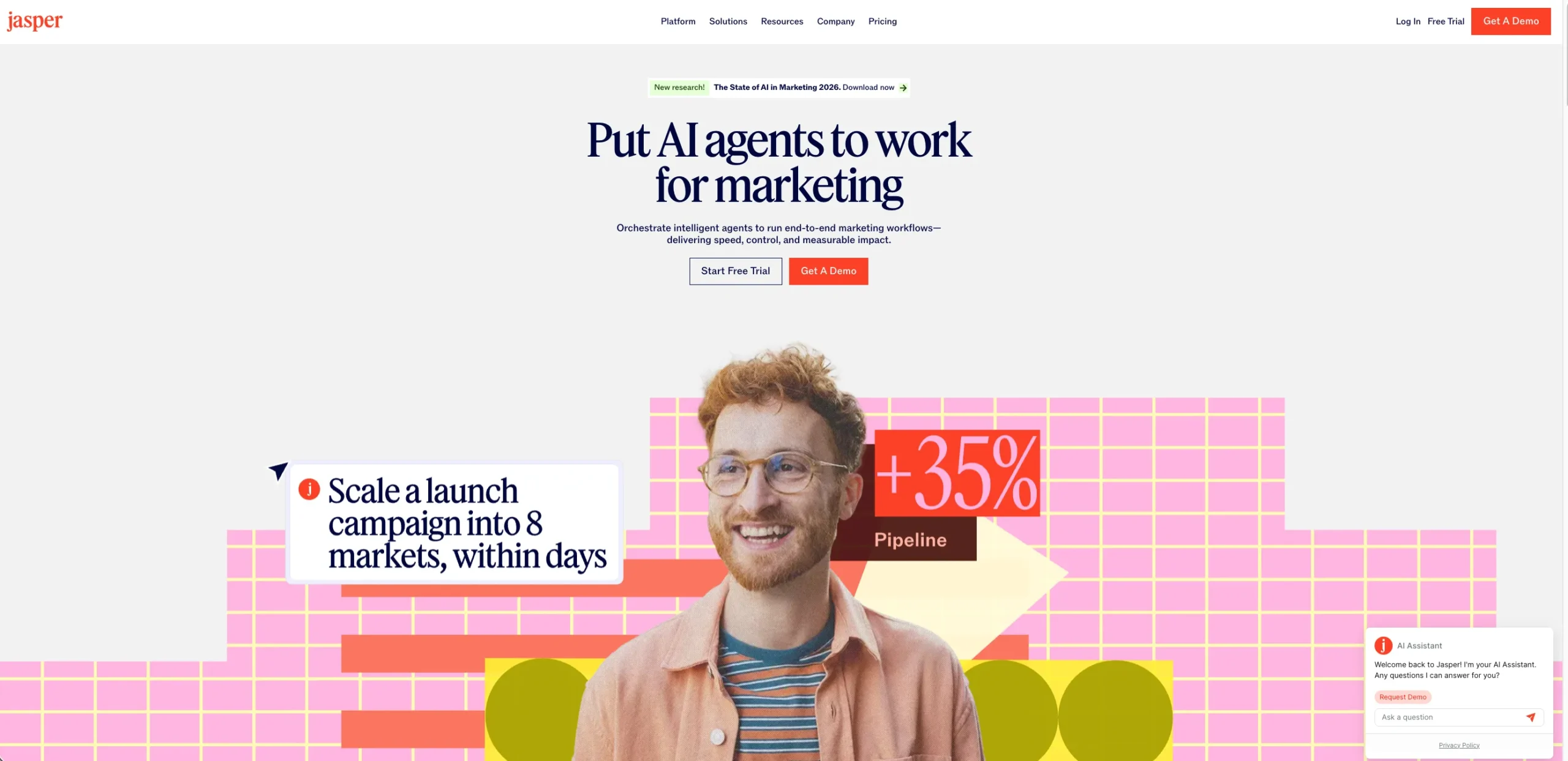
Jasper AI is a generative AI writing platform built specifically for marketing and commercial content teams. It is designed to produce structured outputs such as blog posts, landing pages, ad copy, and email campaigns, rather than open-ended experimentation.
Jasper is most effective as a drafting and ideation assistant. It can quickly generate first drafts, content outlines, and multiple variations for testing. This is particularly useful for marketers producing high volumes of similar content, such as SEO blog posts or paid media copy.
In practice, teams often use Jasper to reduce time spent on initial drafts, then rely on human editors for accuracy, nuance, and strategic alignment. It accelerates production, but it does not replace editorial judgment.
Pros and Cons
| Pros | Cons |
| Strong brand voice controls and templates tailored for marketing and campaign use cases. | Higher starting price compared to general-purpose AI writing tools. |
| Well-suited for scaling short-form and long-form content across teams with shared guidelines. | Limited usefulness outside marketing and copy-focused workflows. |
| Integrates with common marketing workflows, including SEO and content planning tools. | Output quality still depends heavily on prompt quality and human editorial review. |
Pricing
- Starts at around SGD 65 per user per month
Features
- Brand voice management
- Marketing-specific templates
- Collaboration features
Best Use Case
- Long-form marketing content, such as blog posts, landing pages, and pillar pages, must align with a defined brand voice
- SEO-driven content drafts where structure, tone consistency, and scalability matter more than raw ideation
- Campaign messaging frameworks that need to stay on-brand across multiple channels and formats
- Content production workflows for in-house marketing teams managing high output with editorial oversight
Bottom Line
Jasper AI is best suited for marketing teams that value consistency, repeatable workflows, and ease of adoption over maximum flexibility.
It delivers clear productivity gains in drafting and content scaling, but its higher cost and structured design make it most suitable for teams managing volume, brand risk, or multiple contributors, rather than solo users or experimentation-driven workflows.
6. Copy.ai
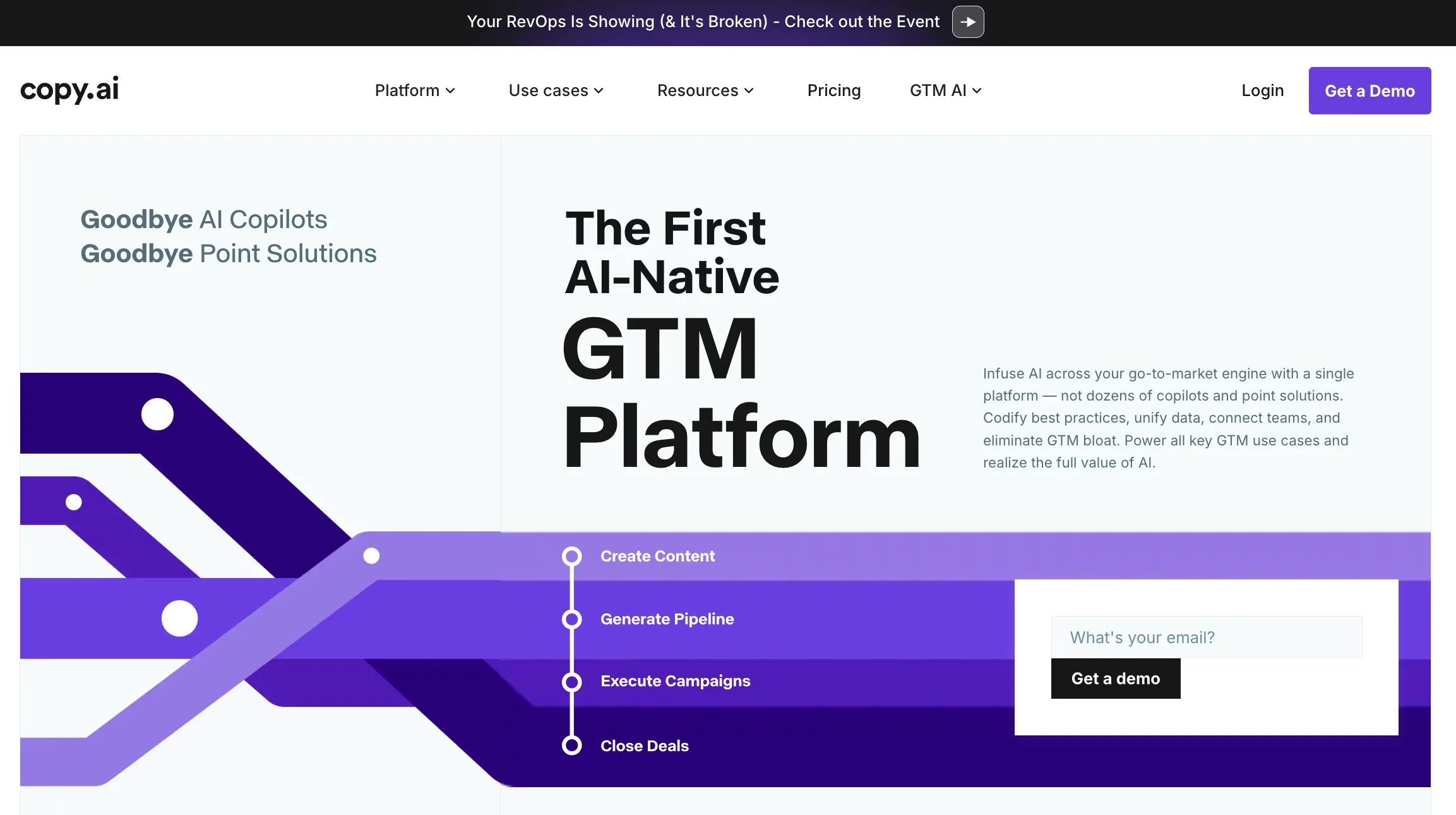
Copy.ai is a generative AI writing tool built for marketing, sales, and go-to-market teams. It is designed to speed up routine, repetitive content tasks rather than to support open-ended reasoning or research-intensive work.
Unlike general-purpose AI assistants, Copy.ai relies on predefined workflows and templates that mirror common business tasks. Instead of starting with a blank prompt, users select a use case and complete structured inputs.
This approach reduces setup time and lowers the learning curve for non-technical users. For example, a marketing coordinator can generate multiple ad variants without knowing how to engineer prompts, while a sales team can standardise outbound messaging across regions or accounts.
Pros and Cons
| Pros | Cons |
| Faster draft production for short-form content | Weaker performance for long-form or strategic writing |
| Reduced dependency on individual writing skill levels | Limited support for deep research or multi-step reasoning |
| Collaboration features that support shared workflows | Less control over highly customised outputs |
| Easier onboarding for larger or distributed teams | Variable output quality depending on the template selected |
Pricing
- Paid plans start at approximately SGD 50 to 65 per user per month
Features
- Go-to-market workflows
- Short-form content optimisation
- Team-oriented dashboards
Best Use Case
- Paid ad copy for Google Ads, Meta, and LinkedIn campaigns
- Product descriptions for ecommerce and SaaS websites
- Sales emails, follow-ups, and outbound sequences
- Sales enablement materials, such as one-pagers and pitch snippets
Bottom Line
Copy.ai works best as a production engine for short-form, commercial content in marketing and sales workflows. It is not a replacement for strategic thinking, deep research, or editorial judgment. Businesses should adopt it where consistency and speed matter most, and pair it with more flexible AI tools where complexity and originality are required.
7. Perplexity AI
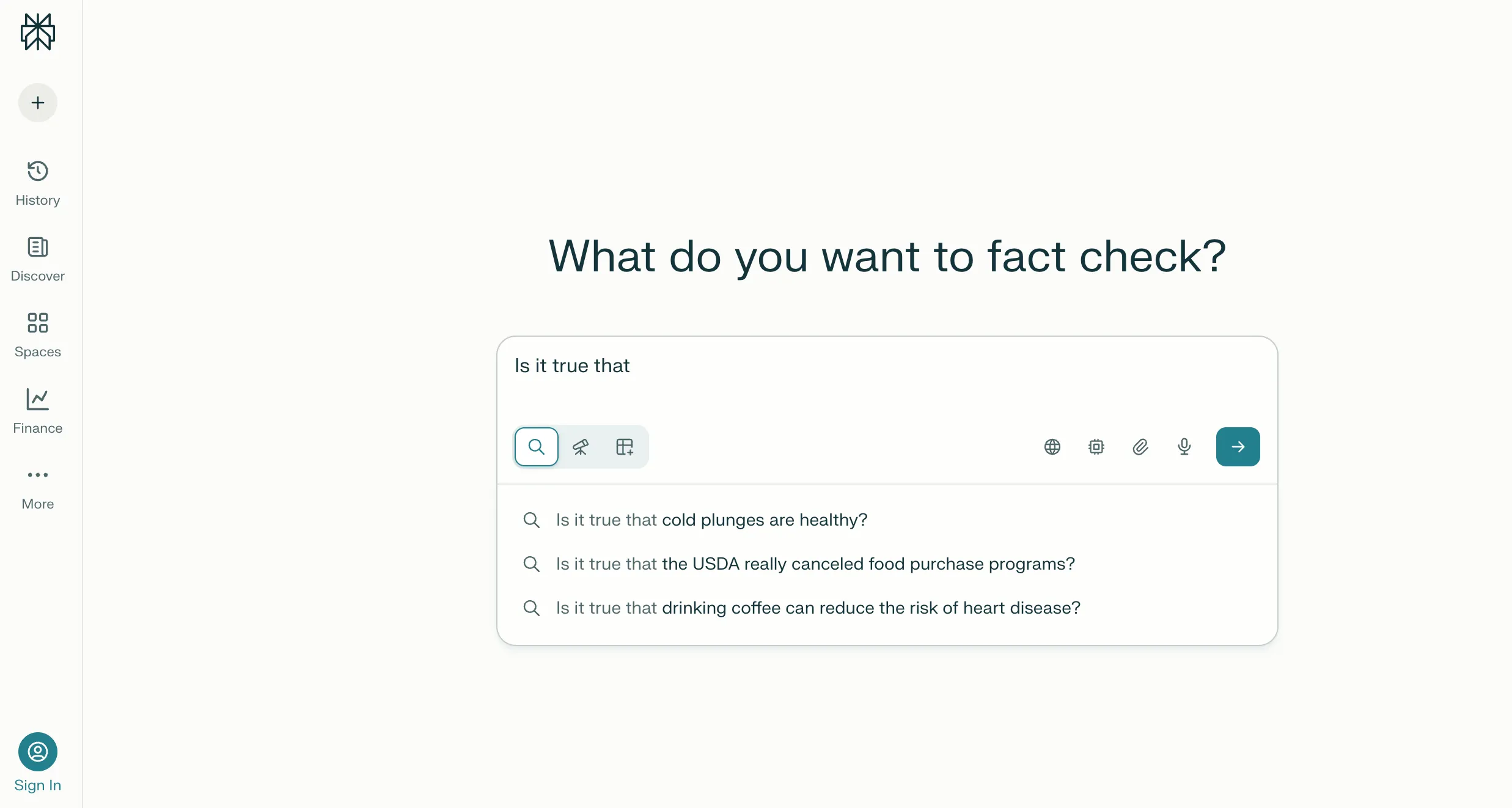
Perplexity AI is an AI-powered research and answer engine built to speed up information discovery and verification. Instead of returning a ranked list of links as Google does, it provides direct answers with inline citations.
This allows users to trace each claim to its original source, which is critical for business and marketing teams operating under accuracy and credibility constraints.
Example: A marketer researching the Singapore fintech market can receive a summary of trends, funding patterns, and regulatory context, with links to government sites, reputable media, and industry reports rather than blog speculation.
The interface is intentionally simple, which lowers the learning curve for non-technical users and reduces time spent validating the source of information.
Pros and Cons
| Pros | Cons |
| Strong at research with cited sources, which supports verification and governance. | Limited control over tone and structure for long-form outputs. |
| Fast synthesis of complex topics across multiple web sources. | Not designed for branded or conversion-focused content. |
| Useful as a discovery layer before deeper analysis or content creation. | Depth depends heavily on source availability and prompt clarity. |
Pricing
- The free version provides basic access with usage limits.
- Perplexity Pro typically costs around SGD 27 per user per month
Features
- Answer-first research model
- Web-connected queries
- Follow-up exploration
Best Use Case
- Market and competitor research when entering unfamiliar industries
- Summarising complex or technical topics into clear, source-backed briefs
- Identifying patterns across multiple publications or reports
- Supporting thought leadership, pitch decks, and internal strategy documents
Bottom Line
Perplexity AI is a strong choice for businesses that prioritise speed, source transparency, and research accuracy. It is most effective as a research engine that feeds better decisions and higher-quality content downstream, not as a standalone solution for content creation or SEO execution.
8. Notion AI
Notion AI is an AI capability built directly into the Notion workspace. It supports writing, summarisation, and knowledge management inside existing pages, databases, and documents. It is not a standalone app. Its value depends on how deeply a team already uses Notion as a central source of truth.
Notion AI’s main strength is continuity. It performs well when working with structured, well-maintained content already stored in Notion. For internal-facing tasks, output quality is generally consistent and predictable.
This makes it useful for ongoing documentation, content refinement, and team alignment.
Pros and Cons
| Pros | Cons |
| Seamless integration into existing Notion workflows and documentation. | Output quality is weaker than specialised writing tools. |
| Effective for summarising notes, meeting logs, and internal knowledge. | Limited SEO and long-form content optimisation capabilities. |
| Low learning curve for teams already using Notion. | Value drops outside the Notion ecosystem. |
Pricing
- Notion AI is typically offered as a paid add-on to existing Notion plans.
- Pricing is around SGD 13 to 15 per user per month
Features
- In-workspace assistance
- Content summarisation and rewriting
- Knowledge management support
Best Use Case
- Summarising long internal documents, such as strategy decks or meeting transcripts into clear action points
- Generating first drafts from existing notes, for example, turning a campaign brief into an outline
- Rewriting content for clarity, tone, or structure without leaving the document
- Repurposing internal documentation into client-facing or stakeholder-ready content
Bottom Line
Notion AI is best viewed as a productivity layer for teams already committed to Notion. It strengthens organisation, continuity, and internal content workflows. It does not replace specialised writing or SEO tools, and it is not a strong entry point for teams outside the Notion ecosystem.
Research, Data & Code
This category focuses on tools that help teams make sense of complex information and build technical outputs more efficiently. These platforms support activities such as summarising large documents, synthesising research, generating or reviewing code, and accelerating development workflows.
The selection here is based on accuracy, context retention, and usefulness in professional, high-stakes environments.
9. Replit AI
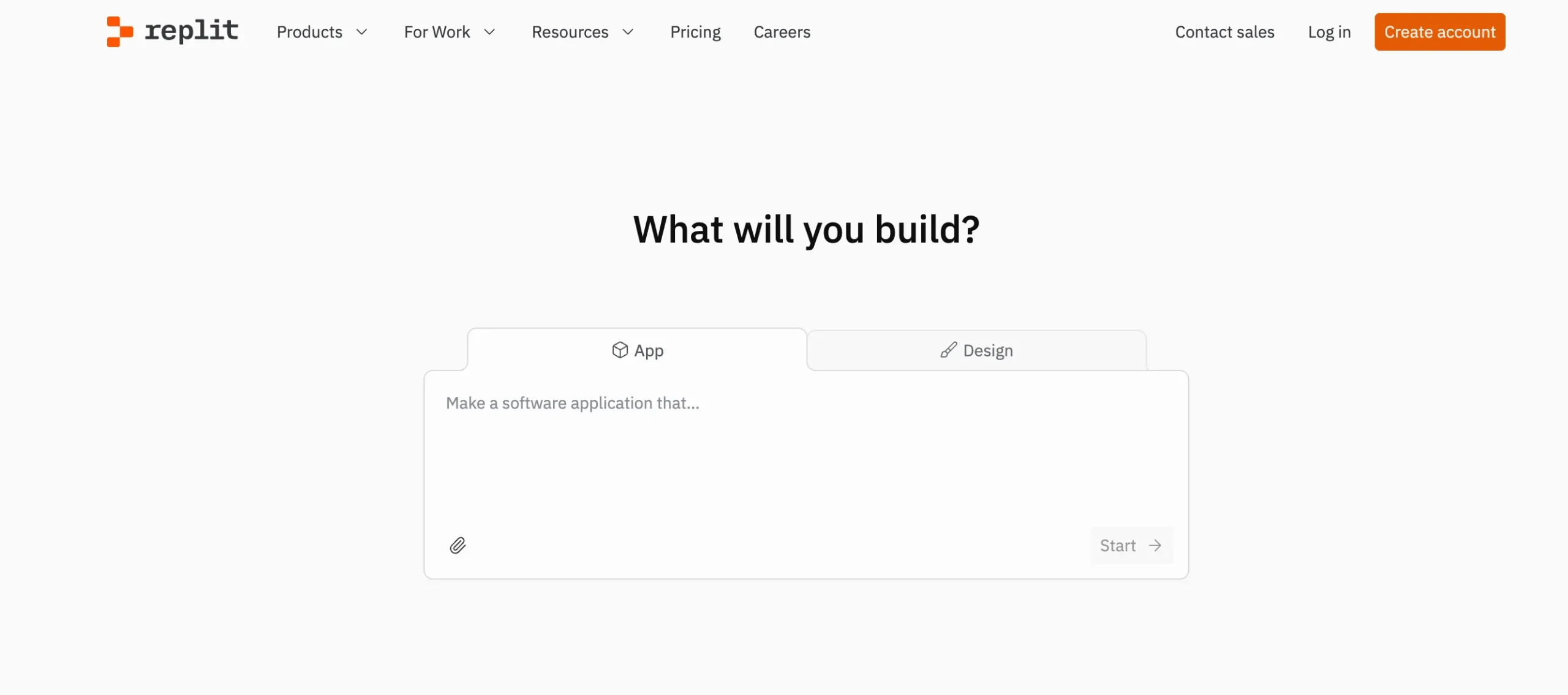
Replit AI is a browser-based development environment that combines code generation, debugging, and contextual explanations within a hosted IDE. Users can write, test, and deploy code without setting up local environments, lowering the barrier to entry for experimentation and internal tool development.
Example: A growth team can collaboratively test tracking scripts or webhook logic in one shared workspace, rather than passing files back and forth or relying on screenshots and documentation.
The collaborative IDE reduces friction when multiple stakeholders need visibility into how a tool works.
Pros and Cons
| Pros | Cons |
| Strong real-time coding assistance across multiple languages. | Less suitable for large or security-sensitive codebases. |
| Useful for rapid in-browser prototyping and debugging. | AI suggestions still require close human review. |
| Low barrier to entry for non-specialist developers. | Not optimised for non-technical business users. |
Pricing
- Plans typically start at SGD 25 to 30 per user per month
Features
- Code generation and completion
- Live development environment
- Beginner-friendly workflows
Best Use Case
- Prototyping landing page scripts or form logic without a full dev cycle
- Building lightweight internal tools, such as data converters or reporting helpers
- Testing ideas quickly before committing engineering resources
Bottom Line
Replit AI is a strong productivity and experimentation tool for businesses that need to move quickly without overloading engineering teams. It excels at prototyping, internal utilities, and collaborative testing. It should be viewed as a way to accelerate ideas and reduce bottlenecks, not as a replacement for full-scale development infrastructure.
10. AlphaCode
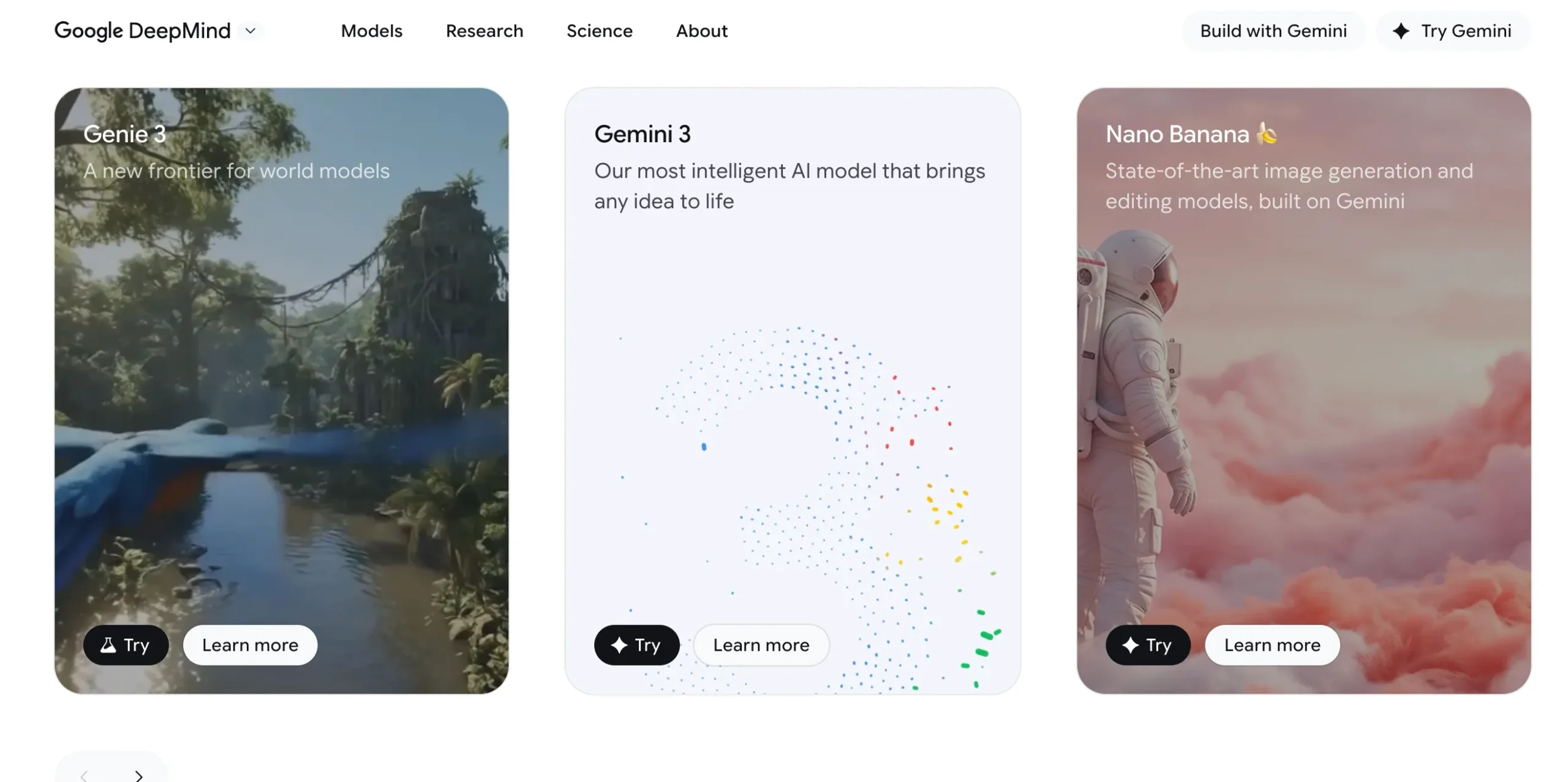
AlphaCode is an AI system developed by DeepMind to solve complex programming problems, particularly those found in competitive programming contests. It is built to reason through multi-step logic, explore multiple algorithmic paths, and select a solution that meets strict correctness constraints.
From a business perspective, AlphaCode is best viewed as a research milestone rather than a productivity application. It operates in controlled environments with clearly defined problem statements, scoring rules, and evaluation frameworks.
This is very different from real-world software development, where requirements change, systems are interconnected, and human collaboration is constant. Unlike tools such as GitHub Copilot or Replit AI, AlphaCode does not integrate into IDEs, version control systems, or deployment pipelines.
Pros and Cons
| Pros | Cons |
| Advanced reasoning for complex algorithmic problems. | Not a commercial productivity tool. |
| Demonstrates strong performance in competitive programming contexts. | No workflow or team integration. |
| Useful as a research benchmark for AI coding capability. | Limited relevance for everyday business development needs. |
Pricing
- No public pricing
Features
- Algorithmic problem solving
- High-level code synthesis
- Research-oriented usage
Best Use Case
- Algorithmic problem solving at the competition level
- Exploring solution strategies for hard technical problems
- Research and benchmarking in AI-assisted programming
- Supporting expert developers, not replacing them
- Studying the limits of current AI reasoning in code
Bottom Line
AlphaCode is a powerful signal of where AI-assisted coding may go, but it is not a tool businesses can use today. It is relevant to understanding future capabilities, not to solving current development, marketing, or automation needs.
For immediate value, commercially available coding assistants remain the practical choice, while AlphaCode serves as a reference point for long-term AI progress rather than adoption.
11. Sora by OpenAI

Sora is a generative video model developed by OpenAI that creates short-form video clips from text prompts and visual inputs. Unlike earlier text-to-video systems, Sora is designed to maintain coherence across frames, including consistent motion, lighting, perspective, and object behaviour.
From a workflow perspective, Sora shortens the distance between ideation and visual output. Instead of relying solely on written briefs or static mood boards, teams can test how ideas translate into moving visuals early in the process.
This is especially useful in organisations where decision-making depends on visual alignment. Product, brand, and leadership teams can review generated clips together and reach a consensus before external production begins. That alignment step alone can save weeks in complex campaigns.
Sora also handles relatively complex prompts well, including scene transitions and interactions between multiple objects. That said, outputs still require human review and refinement before any external or public-facing use.
Pros and Cons
| Pros | Cons |
| High-quality text-to-video generation with strong temporal coherence. | Not broadly available for business use. |
| Useful for concept exploration and visual storytelling. | Limited control over fine-grained edits. |
| Sets a new benchmark for generative video realism. | Unsuitable for production pipelines at present. |
Pricing
- Public pricing unavailable
Features
- Text-to-video generation
- Scene continuity
- Creative concept exploration
Best Use Case
- Exploring creative directions for campaigns before committing to production budgets.
- Prototyping video narratives or storyboards to align with internal stakeholders.
- Creating draft visuals to brief agencies, videographers, or animation teams more clearly.
Bottom Line
Sora is best understood as a visual thinking tool rather than a shortcut for production. It helps teams see ideas earlier, align faster, and make better-informed decisions before spending real money on video. Used in that role, it can meaningfully reduce friction and cost in creative workflows. Used beyond its intended scope, the results will likely exceed expectations.
Image Generation
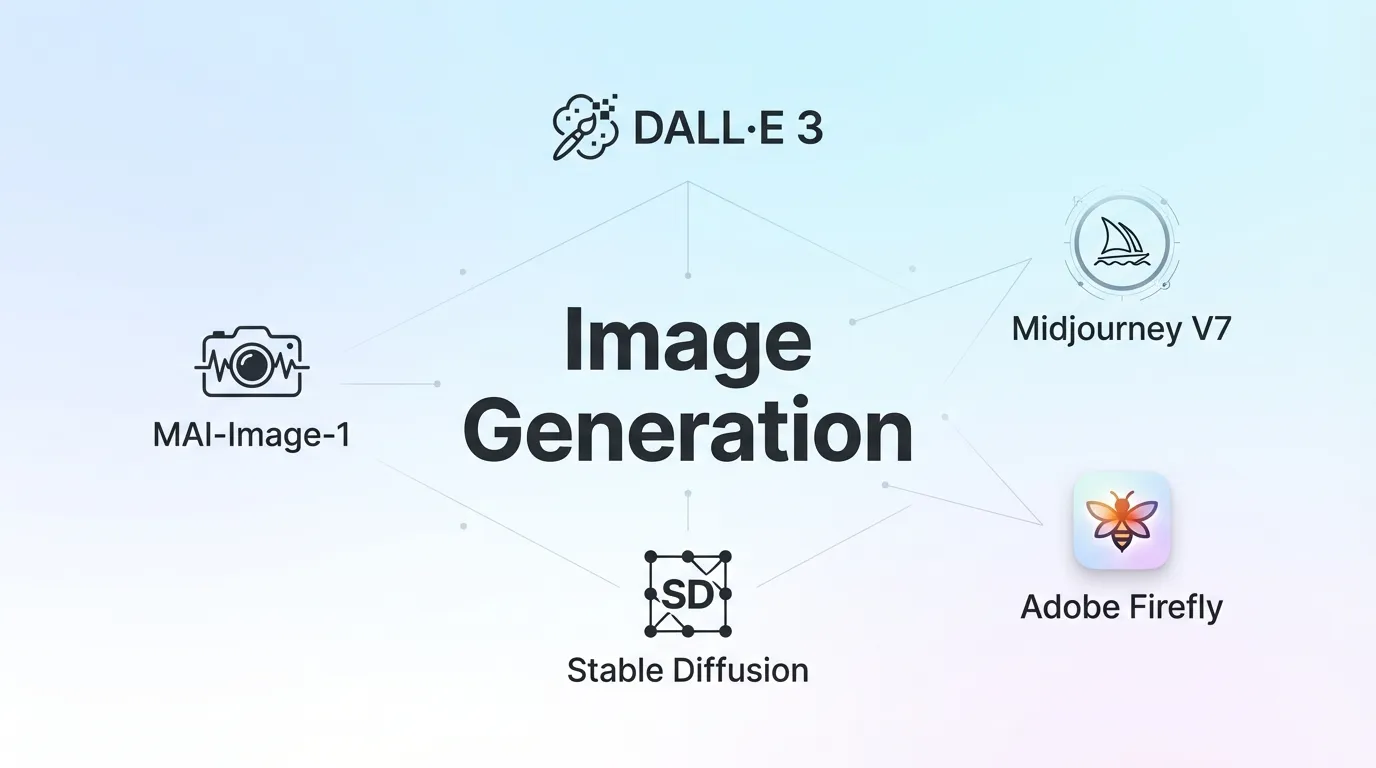
Image generation tools are no longer just for experimentation. They are increasingly used for marketing assets, concept exploration, and rapid visual iteration. The tools in this section are assessed based on output quality, creative control, commercial usability, and ease of integration with existing design and approval workflows.
12. DALL·E 3
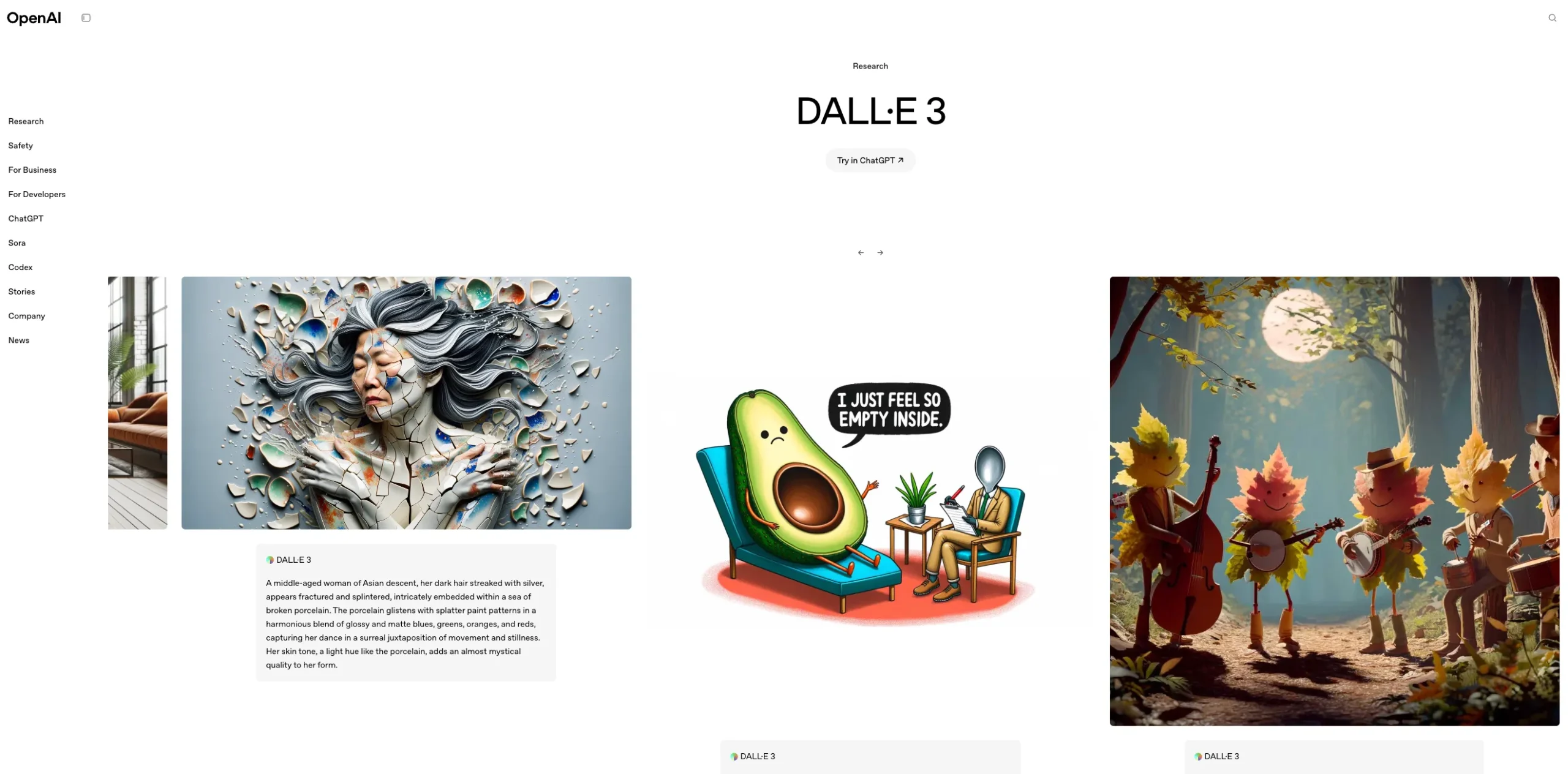
DALL·E 3 is a text-to-image generation model that creates original visuals from natural language prompts. Business users and marketers most often use it during early creative stages, when speed and clarity matter more than final polish. Typical outputs include concept visuals, illustrative assets, and draft imagery for campaigns, decks, landing pages, and internal proposals.
Its tight integration with ChatGPT lowers the learning curve. Instead of relying on precise prompt engineering, users can refine requests conversationally, adjusting tone, style, or composition step by step.
In practice, this makes it easier for non-designers to generate visuals that stay aligned with a brief, especially under time pressure.
Pros and Cons
| Pros | Cons |
| Accurate prompt interpretation with strong concept alignment. | Less stylistic flexibility than Midjourney. |
| Easy to use for non-designers. | Output quality varies with complex prompts. |
| Good balance between creativity and control. | Limited advanced editing options. |
Pricing
- Included in ChatGPT plans or usage-based
Features
- Prompt-accurate image generation
- Editing and variation tools
- Commercial usability
Best Use Case
- Creating multiple visual directions to align stakeholders before design work begins.
- Producing quick mock visuals for presentations or pitch decks without booking design time.
- Generating illustrative placeholders for landing pages, ads, or content drafts.
Bottom Line
DALL·E 3 is best viewed as a speed and ideation tool. It helps teams move faster at the start of creative work, align stakeholders visually, and reduce friction early on. It does not replace design expertise, but when used intentionally, it can make creative processes more efficient and better informed.
13. Midjourney

Midjourney is a text-to-image generation tool that produces high-quality, stylised visuals. It is commonly used by marketers, designers, and creative teams to generate concept imagery, campaign visuals, and exploratory design directions before committing to full production.
Midjourney consistently performs well in areas such as composition, lighting, colour harmony, and artistic coherence. Outputs often require minimal post-processing compared with many other image generators, saving time for small teams.
The Discord-based interface allows users to quickly adjust prompts and generate variations. For creative users familiar with Discord, this enables rapid exploration of styles and directions with minimal setup.
Pros and Cons
| Pros | Cons |
| High-quality, visually striking image outputs. | Steep learning curve |
| Strong creative style control for branding and campaigns. | Limited brand and layout control |
| Popular among designers for concept generation. | Workflow and collaboration constraints |
Pricing
- Approx. SGD 15 to 60 per month
Features
- High-quality artistic output
- Style-driven generation
- Community-based workflow
Best Use Case
- Brand mood boards and visual direction decks
- Social media and campaign concept visuals
- Illustrative assets for content marketing
- Creative experimentation when realism is not the primary goal
Bottom Line
Midjourney is a strong choice for businesses that prioritise visual quality and creative exploration over precision and workflow integration. It excels as an ideation and concept-generation tool but should be paired with more structured design software for production-ready work.
14. Adobe Firefly

Adobe Firefly is Adobe’s generative AI system built directly into Creative Cloud tools, including Photoshop, Illustrator, and Adobe Express. It allows users to generate images, apply text and visual effects, and create design variations without leaving their existing workflows.
One of Firefly’s defining characteristics is its focus on commercial safety. Adobe has publicly stated that Firefly models are trained on licensed content, Adobe Stock, and public domain material. This positioning reduces legal uncertainty for organisations producing client-facing or revenue-generating assets.
For agencies and in-house teams working with regulated brands, this is a practical advantage. It lowers internal friction during approvals and reduces the need for additional legal review compared with tools trained on unknown or mixed data sources.
Pros and Cons
| Pros | Cons |
| Trained on licensed content, supporting commercial use. | Less expressive than open creative models. |
| Deep integration with Adobe Creative Cloud. | Best value only if already using Adobe tools. |
| Suitable for regulated or brand-sensitive teams. | Limited outside design-centric workflows. |
Pricing
- Creative Cloud plans from approx. SGD 55 per month
- Business and team plans start at SGD 110 to 130 per month
Features
- Commercial-safe training data
- Creative Cloud integration
- Image and text effects
Best Use Case
- Rapid concept generation for campaigns before final design work begins
- Creating multiple layouts or visual variations for ads and social posts
- Editing or extending existing brand assets rather than starting from scratch
Bottom Line
Adobe Firefly is a pragmatic choice for businesses that already rely on Adobe Creative Cloud and need faster creative iteration without introducing legal or workflow risk. It delivers the most value when used to support designers and marketers, not replace them. If brand control, commercial safety, and operational efficiency are priorities, Firefly fits naturally into that model.
15. Stable Diffusion
Stable Diffusion is an open-source generative image model that creates visuals from text prompts. Unlike closed platforms, it can be self-hosted or deployed through third-party providers, which gives businesses greater control over workflows, data handling, and output customisation.
This makes it particularly relevant for organisations that want ownership over their creative pipeline rather than relying on vendor-managed tools.
Stable Diffusion can be integrated into automated systems to enable the programmatic generation of large volumes of images. This is useful for businesses producing thousands of variations, such as marketplace sellers creating multiple product angles or localisation teams adapting visuals for different regions.
Pros and Cons
| Pros | Cons |
| Open-source flexibility with full model control. | Technical setup and ongoing maintenance |
| Can be deployed locally for data-sensitive use cases. | Clear governance around prompts, datasets, and output review |
| Strong customisation through fine-tuning. | Quality control to manage inconsistent results |
Pricing
- Free self-hosted
- Paid APIs vary
Features
- Open-source flexibility
- Extensive model variants
- Local deployment option
Best Use Case
- Campaign asset generation aligned to a specific brand style
- Product mock-ups for eCommerce catalogues before physical samples exist
- Rapid concept testing for ads, landing pages, or packaging designs
Bottom Line
Stable Diffusion is best suited for businesses that value control, customisation, and scalability over convenience. It can deliver significant creative leverage when properly configured, but it demands technical capability and governance discipline. For teams with the resources to manage it, Stable Diffusion offers flexibility that closed image platforms cannot match.
16. MAI-Image-1 (Microsoft)

MAI-Image-1 is an experimental image-generation model that produces visuals from text prompts. It prioritises flexibility and model experimentation over polished workflows or production-ready features. In practical terms, it behaves more like a research or sandbox tool than a finished creative platform.
Unlike tools such as Adobe Firefly or Midjourney, which offer refined interfaces and repeatable outputs, MAI-Image-1 is closer to a test environment where teams explore how prompts translate into images rather than reliably generate campaign-ready assets.
Pros and Cons
| Pros | Cons |
| Enterprise-ready | Limited interface refinement and workflow support |
| Consistent visual quality | No clear asset management or collaboration features |
| Strong platform integration | Minimal integration with common design or marketing tools |
Pricing
- Included within certain Microsoft Copilot or Azure AI plans
- Estimated from approx. SGD 30+ per user per month, depending on usage
Features
- Experimental image generation
- Lightweight usage
- Limited ecosystem
Best Use Case
- Testing how different prompt structures affect visual output
- Exploring new or unconventional visual styles in early ideation phases
- Internal R&D or academic-style research where outputs are not client-facing
Bottom Line
MAI-Image-1 is best viewed as an experimental image-generation model for testing ideas, not as a reliable creative tool for production work. It may offer value in early-stage exploration or research settings, but its lack of maturity, transparency, and workflow support makes it a high-risk choice for most business or marketing teams today.
Video & Animation
Video and animation tools focus on transforming ideas, scripts, and concepts into visual motion content with minimal production overhead. These platforms are particularly relevant for marketing, training, and social content teams that need speed without sacrificing clarity.
The tools listed here are evaluated on ease of use, output consistency, and suitability for business-grade content.
17. Runway ML

Runway ML is a cloud-based generative AI platform built for video creation and editing. It allows teams to generate and modify video using text prompts, image inputs, and AI-assisted editing tools, all within a browser-based environment. Business users and marketers typically evaluate Runway ML to shorten video production cycles, especially for short-form content and early-stage creative testing.
Example: A marketing team producing paid social ads can test multiple video concepts in a single afternoon by generating rough cuts from prompts, instead of waiting days for agency drafts or internal edits.
Pros and Cons
| Pros | Cons |
| Generating short video clips from text prompts for concept testing or social content | Inconsistent results for complex or long-form video |
| Removing or replacing backgrounds without manual masking | Limited control compared to traditional editing software |
| Applying motion effects and visual transformations directly in the browser | Additional refinement often required for brand consistency |
Pricing
- Limited free tier
- Plans start at SGD 25 to 30 per user per month
Features
- AI video editing tools
- Generative video features
- Creative workflow focus
Best Use Case
- Social media and short-form video, where speed matters more than cinematic polish
- Rapid creative experimentation before committing to full production
- Internal presentations, mock-ups, and early campaign visuals
Bottom Line
Runway ML is a practical tool for speeding up video ideation and lightweight production, especially for marketing teams focused on short-form content. It delivers value by accelerating experimentation and reducing friction in early-stage production. It should be viewed as a complement to, not a replacement for, professional video workflows.
18. Synthesia

Synthesia is a generative AI video tool that creates videos using AI avatars and text-to-speech technology. Users can produce presenter-style videos without cameras or studios. Synthesia is commonly used for corporate training, internal communications, and explainer videos.
From a workflow perspective, teams can turn written scripts into finished videos using pre-built templates and avatars. This lowers the barrier for non-technical users and reduces reliance on specialised video production resources.
When messaging changes, updates can be made quickly without reshoots, which is particularly useful for regulated industries or fast-moving product teams.
For regional or global businesses, Synthesia’s multi-language support allows the same core message to be delivered across markets with minimal rework. This is often more efficient than producing separate videos for each region, especially for internal communications or training.
Pros and Cons
| Pros | Cons |
| Teams can produce dozens of consistent videos without increasing production time or cost proportionally | Videos clearly look synthetic, which can reduce perceived authenticity |
| No video expertise is required beyond basic scripting and review | Emotional nuance and personality-driven delivery are limited compared to human presenters |
| Content teams can move from script to published video in hours instead of weeks | Creative flexibility is constrained by templates and avatar styles |
Pricing
- Approx. SGD 40 to 120 per month
Features
- AI avatar videos
- Multilingual output
- Corporate training use cases
Best Use Case
- Employee onboarding and internal training videos
- Product walkthroughs and feature explainers
- Compliance and policy communications
- Simple external explainers where clarity matters more than visual flair
Bottom Line
Synthesia is a practical tool for businesses that need clear, consistent video communication at scale. It excels in training, onboarding, and informational content where speed and uniformity matter more than creativity. It is not a replacement for traditional video production, but it can significantly reduce time and cost for structured, repeatable video use cases.
19. HeyGen

HeyGen is a generative AI video platform that lets businesses create presenter-led videos without filming. Users upload a script, select an AI avatar, and generate videos with synchronised lip movement in multiple languages.
This setup is commonly used for product explainers, onboarding content, sales outreach, and internal training, where speed and consistency are more important than cinematic production.
Example: A regional SaaS company can create a single onboarding script and localise it for Singapore, Australia, and Japan using the same avatar. This avoids re-recording sessions with different presenters and keeps messaging consistent across markets.
Pros and Cons
| Pros | Cons |
| Fast creation of avatar-led explainer and training videos. | Limited emotional range in avatars. |
| Useful for localisation and internal communications. | Not suitable for high-end brand storytelling. |
| Minimal production overhead compared to live video. | Repetitive visuals at scale without variation. |
Pricing
- Approx. SGD 40 to 100 per month
Features
- Talking-head video generation
- Language and accent support
- Fast video turnaround
Best Use Case
- Product explainers and feature walkthroughs
- Onboarding and internal training
- Sales outreach and customer education
- Multilingual and regional communication
- Compliance-driven or informational updates
Bottom Line
HeyGen is a practical choice for businesses that need to produce clear, repeatable, presenter-led videos at scale without investing in filming infrastructure. It excels in speed, consistency, and localisation, but it should be viewed as an operational video tool rather than a replacement for brand storytelling or high-trust human communication.
20. Pika

Pika is a generative AI video tool that converts text prompts and images into short-form video clips. It is most commonly used for concept visualisation, social media experimentation, and early-stage creative exploration.
The tool is not designed for polished, long-form production, making it better suited to speed-first use cases rather than final brand assets.
For business users and marketers, Pika is well-suited to scenarios where visual ideas need to be tested quickly. Examples include mocking up campaign concepts, experimenting with motion styles for social ads, or creating lightweight video assets for platforms such as Instagram Reels, TikTok, or paid social placements.
Pros and Cons
| Pros | Cons |
| Simple tool for short-form generative video. | Limited control for professional editing. |
| Good for social and experimental content. | Output quality varies widely by prompt. |
| Lower barrier to entry than advanced video tools. | Not designed for enterprise workflows. |
Pricing
- Free tier
- Paid plans approx. SGD 20+
Features
- Short-form video generation
- Style-driven visuals
- Rapid iteration
Best Use Case
- Rapid testing of creative directions before committing production budgets
- Early visualisation of campaign concepts for stakeholder review
- Generating short-form video assets for organic and paid social channels
Bottom Line
Pika is best viewed as a fast visual ideation and experimentation tool rather than a production-grade video platform. For marketers and business teams that need speed, creative exploration, and low barriers to entry, it can add meaningful value. For high-stakes, brand-critical, or tightly controlled video work, it should be treated as a supporting tool, not the final step.
Audio & Voice
Audio and voice tools specialise in generating speech, music, and sound elements for marketing, product, and internal use. This category includes text-to-speech, voice cloning, and music generation platforms. Selection criteria prioritise naturalness, control, ethical safeguards, and practical deployment in real business contexts.
21. ElevenLabs
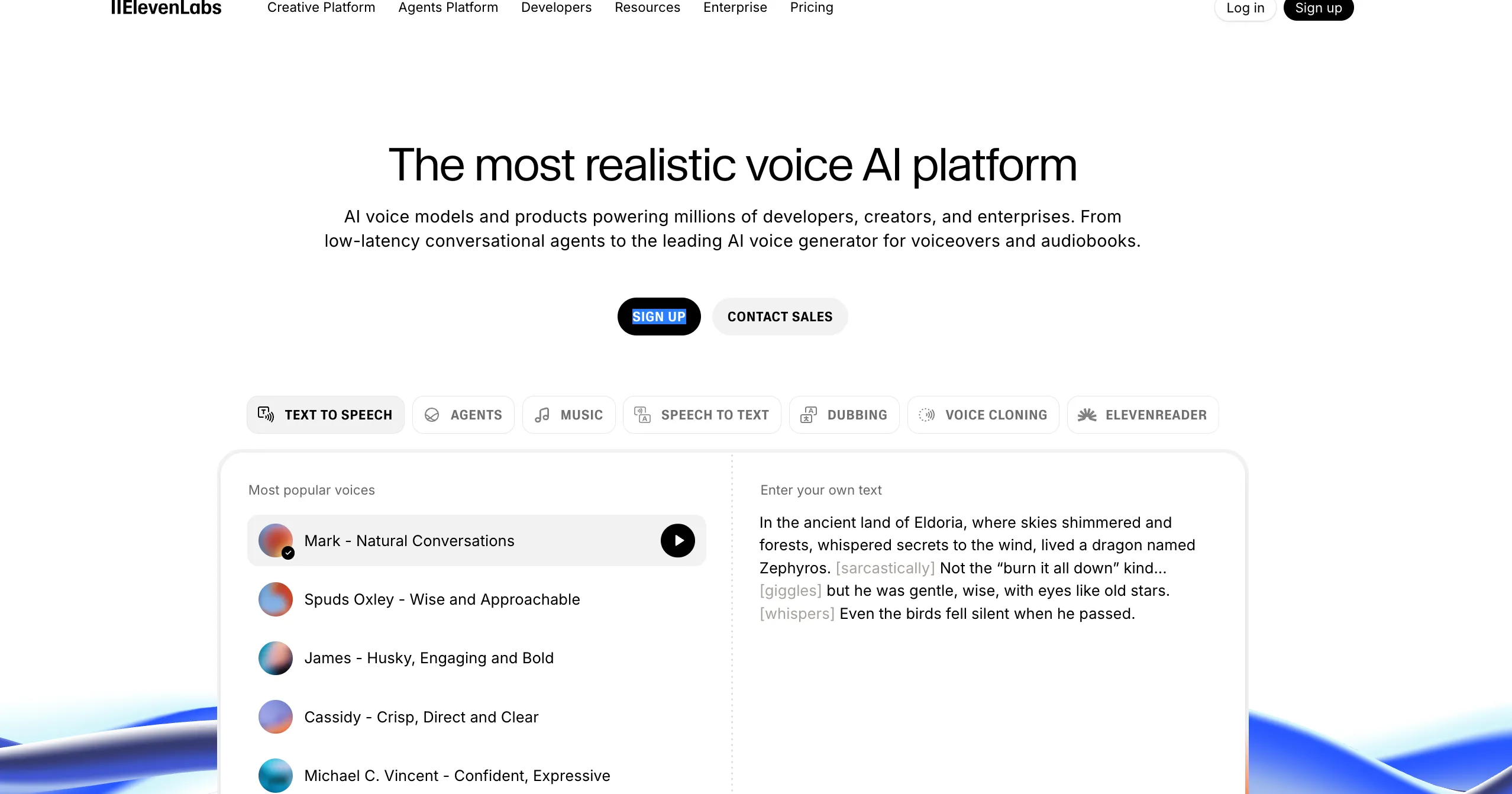
ElevenLabs is an AI voice generation platform built around high-quality text-to-speech and voice synthesis. It is most often evaluated by businesses that need natural-sounding audio at scale, without the time and cost overhead of repeated voice recording sessions.
The platform supports multiple languages and accents, with a focus on natural prosody and emotional range. Compared to older text-to-speech systems, the output tends to sound less robotic and more conversational, making it suitable for external-facing content rather than internal drafts only.
Pros and Cons
| Pros | Cons |
| Faster turnaround for audio content updates | Voice cloning and custom voices introduce consent and governance risks that must be managed carefully |
| Lower marginal cost per iteration for campaigns | Editing and post-production features are limited compared to full audio production suites |
| Easier A/B testing of messaging in video and audio formats | Additional tools may be required for mixing, sound design, and final polish |
| API access that allows integration into existing content pipelines | Usage caps |
Pricing
- Approx. SGD 10 to 90 per month
Features
- High-quality text-to-speech
- Voice cloning
- Audio localisation
Best Use Case
- Marketing voiceovers for explainer videos and social ads
- Internal training and onboarding materials
- Product demos and walkthroughs
- Audiobooks and long-form narration
- Multilingual localisation using consistent voice styles
Bottom Line
ElevenLabs is best viewed as a scalable voice production accelerator rather than a complete audio solution. For marketing teams, product teams, and educators who need fast, repeatable, and reasonably natural voice output, it offers clear efficiency gains. It delivers the most value when paired with strong content standards, clear governance rules, and complementary audio editing tools.
22. Suno

Suno is a generative AI platform focused on music and audio creation from text prompts. It can produce full-length songs that include vocals, lyrics, and instrumental arrangements. For business users and marketers, its strength lies in speed rather than precision.
Teams can generate multiple audio variations in minutes without music-composition skills, recording equipment, or specialised software.
Suno is designed for accessibility, not deep customisation. Prompts can define genre, mood, tempo, and lyrical themes, which allows marketing teams to explore creative directions quickly.
For example, a team testing TikTok concepts can generate upbeat pop tracks, lo-fi background music, and spoken-word audio in a single session, then shortlist the content that resonates internally.
However, outputs are best treated as drafts. Businesses that require strict brand alignment, precise pacing, or broadcast-quality audio will still need human review and, in many cases, post-production using traditional audio tools.
Pros and Cons
| Pros | Cons |
| Rapid generation of music and audio concepts. | Limited control over composition details. |
| Useful for demos, background tracks, and ideation. | Licensing clarity can be unclear for commercial use. |
| Low effort required to produce usable outputs. | Not suitable for polished, brand-defining audio. |
Pricing
- Free tier
- Paid approx. SGD 15+
Features
- AI music generation
- Lyrics and composition support
- Creative experimentation
Best Use Case
- Background music for social videos or short-form content where originality matters more than studio-level polish
- Audio mockups for internal demos, pitch decks, or concept testing
- Early-stage campaign ideation, where testing mood and tone quickly is more valuable than final output quality
Bottom Line
Suno is best viewed as a fast audio ideation and prototyping tool, not a replacement for professional music production. It delivers clear value when speed, variety, and low friction matter more than granular control. For marketers and business teams, it works well upstream in the creative process, provided outputs are reviewed and refined before commercial deployment.
All-in-One AI Platforms
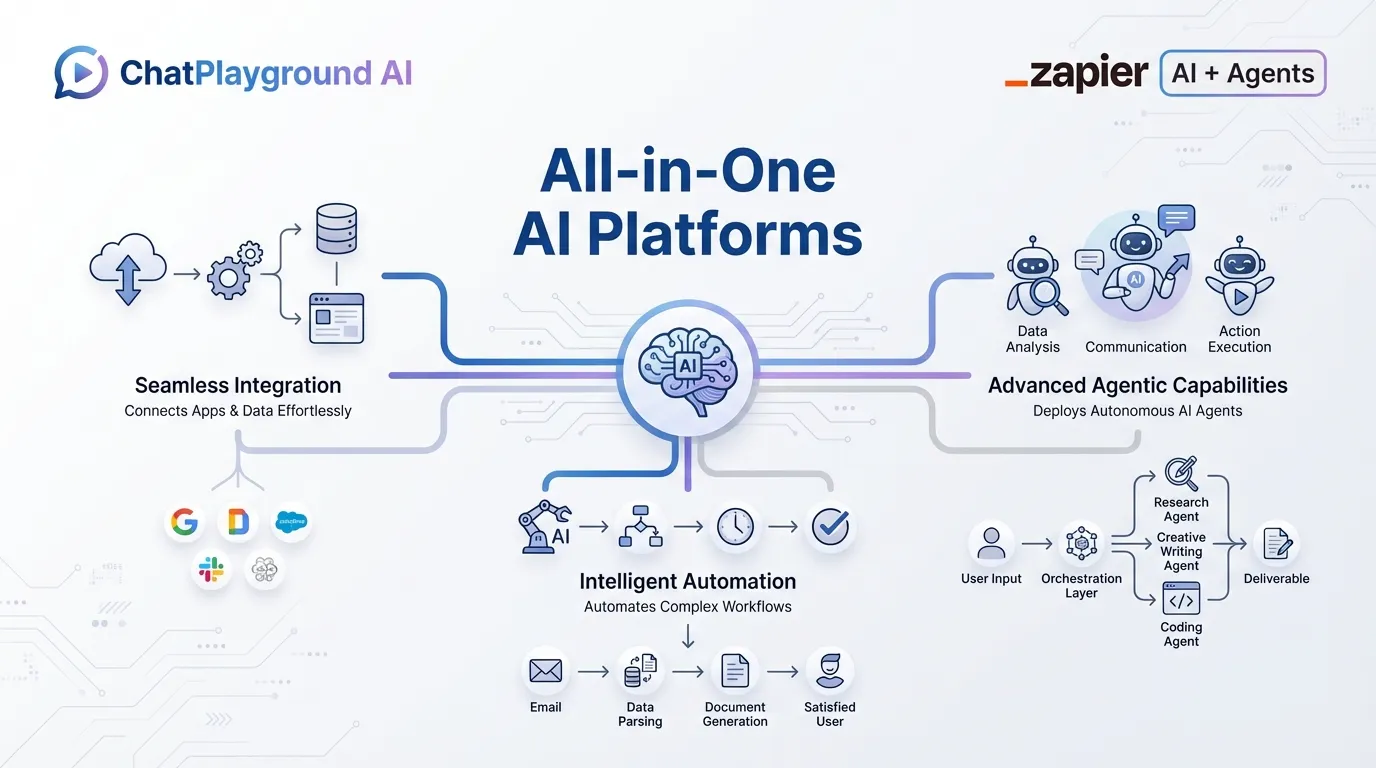
All-in-one AI platforms aim to reduce tool sprawl by combining multiple capabilities under a single interface. These tools typically cover text, images, automation, and, in some cases, data workflows. The platforms included here are evaluated on breadth, integration depth, and whether consolidation actually improves productivity rather than adding complexity.
23. ChatPlayground AI
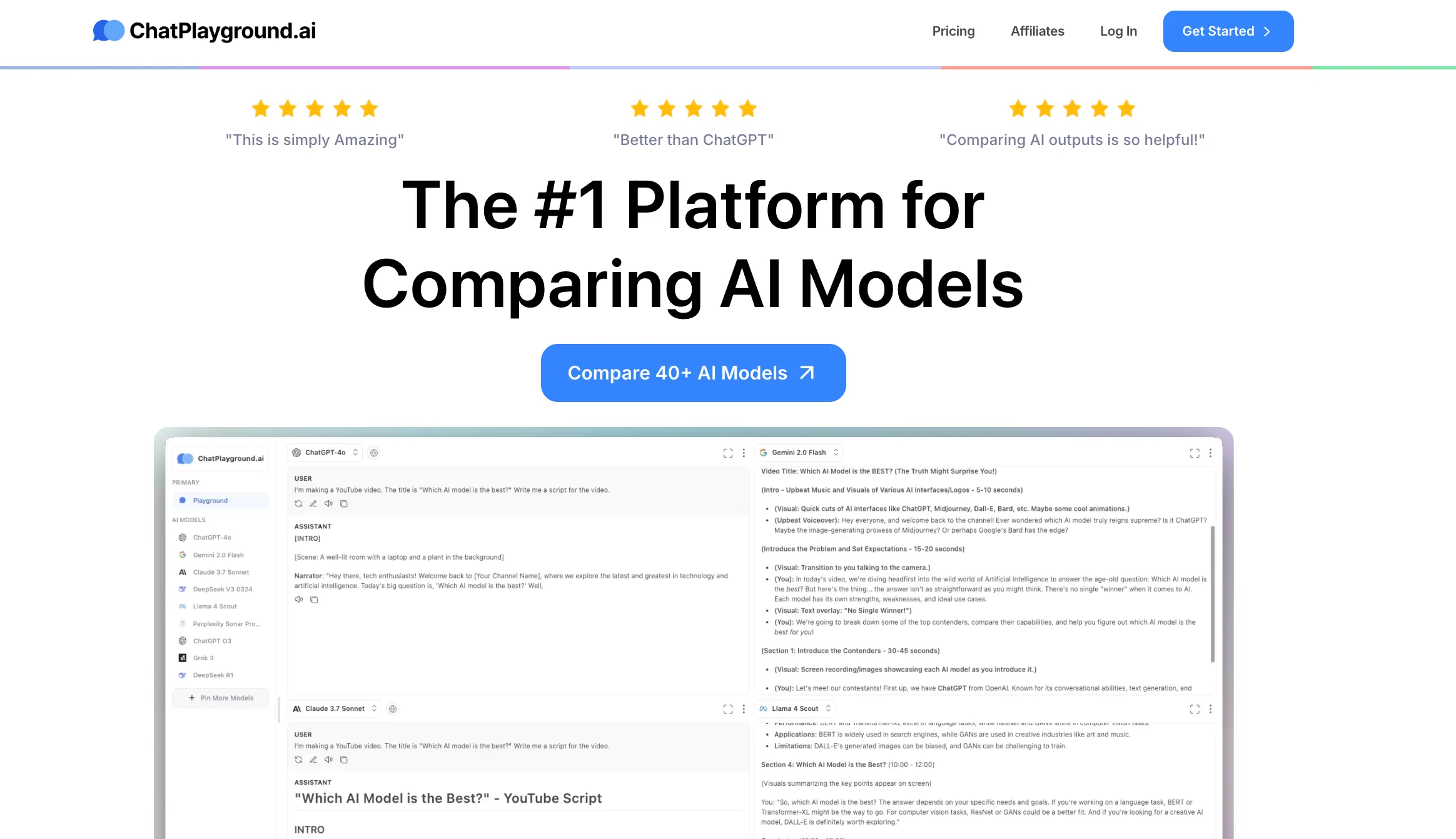
ChatPlayground AI is a web-based testing environment built for side-by-side comparison of large language models. Teams use it to send the same prompt to multiple models and review differences in tone, reasoning depth, accuracy, and consistency. The platform is designed for evaluation and benchmarking rather than content production.
Example: A marketing team testing brand-safe messaging can run one prompt across several models to compare how each handles compliance language, disclaimers, and tone alignment before choosing a provider.
Pros and Cons
| Pros | Cons |
| Clear side-by-side model comparison | Not suitable for scaled content production |
| Faster prompt iteration and refinement | No built-in automation or publishing features |
| Better visibility into output variance and edge cases | Value decreases after vendor and model decisions are finalised |
Pricing
- Free and paid tiers vary
Features
- Side-by-side model comparison
- Prompt refinement
- Governance support
Best Use Case
- Comparing outputs before selecting an AI vendor
- Stress-testing prompts for reliability and variance
- Reviewing how different models handle sensitive or regulated topics
- Training internal teams on prompt structure and model behaviour
Bottom Line
ChatPlayground AI is best viewed as a decision-support and experimentation layer. It helps teams choose the right model and reduce risk before AI is deployed broadly. It is not a productivity engine, but it can prevent costly mistakes by making AI behaviour visible before it is scaled.
24. Zapier AI
Zapier AI builds on Zapier’s automation platform, enabling users to create and manage workflows using natural language. Instead of manually configuring every trigger and action, users can describe what they want to happen and let the system propose or execute the automation.
Example: A marketer can instruct Zapier AI to capture new website leads, add them to a CRM, notify Slack, and enrol them in an email sequence. This eliminates repetitive setup work across tools such as HubSpot, Mailchimp, and Slack.
Pros and Cons
| Pros | Cons |
| Natural language workflow creation, which lowers setup friction | Limited creative or strategic output compared to writing-focused AI tools |
| Broad app integration coverage, reducing the need for custom development | Complex automations can become hard to audit at scale |
| Reliable handling of routine, rules-based processes | Errors in logic can propagate across multiple systems if not monitored |
Pricing
- Paid plans start at SGD 27 per user per month
Features
- Natural language automation setup
- AI agents across apps
- Operational efficiency focus
Best Use Case
- Syncing leads between forms, CRMs, and email platforms
- Automating campaign reporting across analytics and dashboards
- Routing tasks and approvals across internal tools
- Triggering follow-up actions based on customer behaviour
Bottom Line
Zapier AI is best evaluated as infrastructure rather than intelligence. For businesses with multiple AI tools and repeatable processes, it can significantly reduce operational friction. For teams seeking deep reasoning, content generation, or strategic insight, it should be paired with more specialised generative AI tools rather than used on its own.
How to Choose the Right Generative AI Tools
Choosing the wrong generative AI tool is worse than choosing none. It creates risk, sunk cost, and internal resistance. Before you look at brand names, anchor your decision in these criteria:
Align Your Use Case
Start with what you need the tool to do, not what it can do.
- Text and strategy: Long-form content, ads, emails, SEO briefs.
- Image and creative: Campaign visuals, social assets, concept boards.
- Video: Short-form marketing, explainers, repurposing content.
- Code and automation: Internal tools, scripts, workflow optimisation.
- Research and synthesis: Market analysis, document review, reporting.
A content-heavy marketing team will prioritise different generative AI tools from a product or engineering team. Avoid “one tool to rule them all” thinking.
Consider Data Privacy and Compliance in Singapore
Singapore’s PDPA is not optional. If you handle customer data, you need to know where it is stored, how it is used, and whether it is retained for training purposes.
Key questions to ask vendors:
- Is data used to train models by default?
- Can you opt out of data retention?
- Where are servers located?
Consider Cost Vs. Value
Free tiers are useful for testing. They are rarely viable for scale. Focus on cost relative to output. An SGD 30-60 per month tool that saves five hours per week is not an expense. It is margin protection.
How to Start Integrating These Generative AI Tools Into Your Workflow
Integrating AI into your business works best when it is treated as a system change, not a tool experiment. The goal is to improve how work flows through your organisation, not to add another tab your team forgets to open.
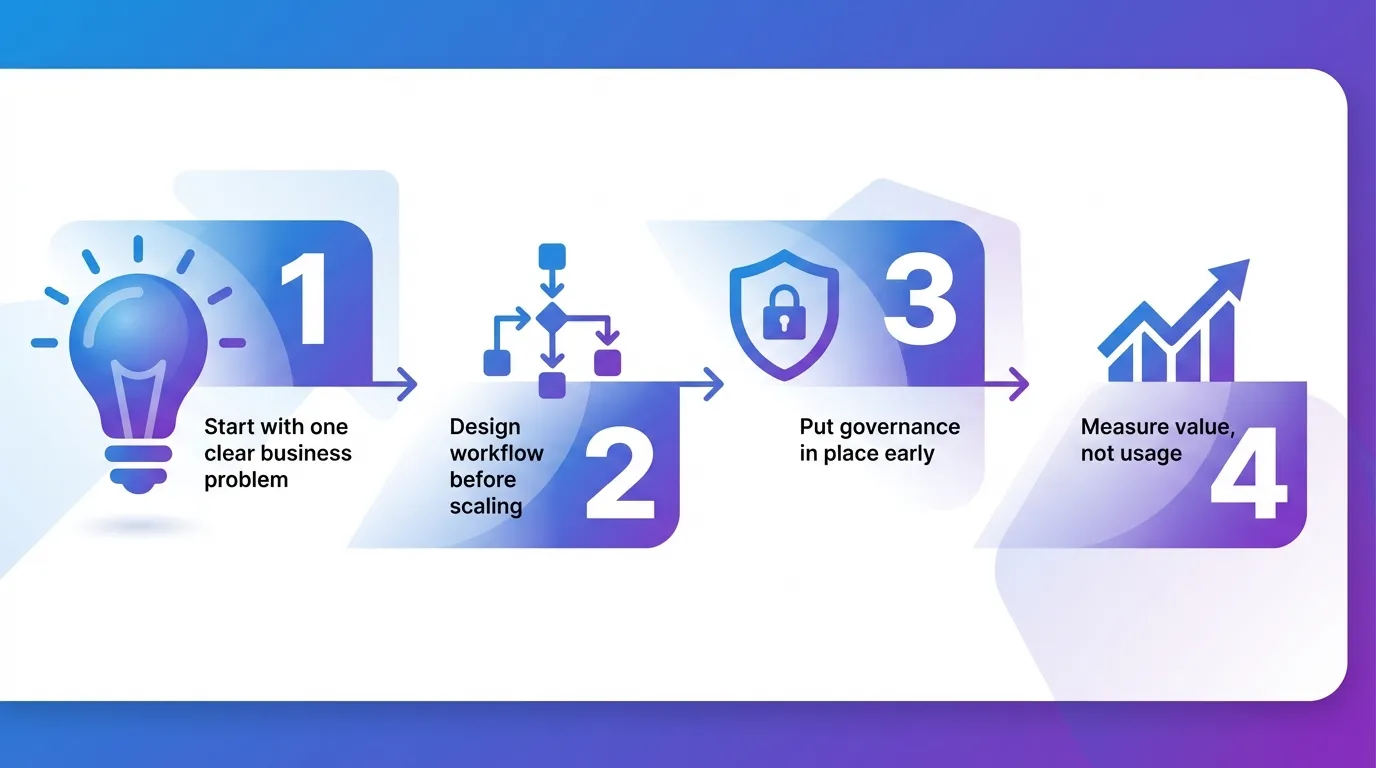
Step 1: Start with one clear business problem
Begin where friction already exists. Look for areas where work slows, quality declines, or costs quietly compound.
Common starting points include:
- Content creation and campaign planning
- Reporting, research, and internal documentation
- Repetitive operational or marketing workflows
Choose one problem, one team, and one tool. Define what success looks like before rollout. This creates focus and prevents AI from becoming a side project with no owner.
Step 2: Design the workflow before scaling AI tools
AI delivers value when it fits naturally into how people already work. Instead of layering AI tools on top of each other, define clear roles for each platform.
A simple structure often works best:
- One core AI assistant for strategy, drafting, and analysis
- One specialised tool for creative, video, or automation needs
- Clear handoff points where human review and judgment apply
This approach reduces overlap and makes adoption easier across teams.
Step 3: Put governance in place early
Speed without structure creates risk. Establish basic rules from the start around data usage, review processes, and accountability.
This is especially important in Singapore, where compliance, trust, and brand credibility matter. Teams that clarify governance early tend to move faster later because decision-making friction is removed.
Step 4: Measure value, not usage
Avoid tracking how often AI tools are used. Measure what improves.
Look for signals such as:
- Reduced turnaround time
- Fewer revision cycles
- Higher output consistency
- Better decision confidence
If the tool does not improve at least one of these, reassess its role.
Get Expert Guidance to Scale Beyond Generative AI Tools
Moving from experimentation to real leverage often requires an outside perspective. A professional GEO agency in Singapore, like MediaOne, can help you align AI adoption with search performance, content strategy, and measurable growth outcomes.
When integrated thoughtfully, generative AI tools should fade into the background and strengthen how your team plans, creates, and executes. Businesses that invest in their infrastructure now will be best positioned to realise long-term value from generative AI tools as competition and expectations continue to rise.
Call us today for expert advice.
Frequently Asked Questions
How much should a business budget for AI tools?
Most small to mid-sized businesses spend between SGD 50 and SGD 200 per user per month on AI tools when adoption is intentional. The budget should be tied to time saved, output quality, and decision speed, rather than tool count. A small, well-defined stack usually delivers more value than multiple overlapping subscriptions.
How many generative AI tools does a business need?
Most businesses only need two to four generative AI tools when workflows are clearly defined. One general-purpose assistant, one or two specialised tools, and one automation layer are often sufficient. Adding more tools without role clarity usually increases complexity rather than productivity.
Are generative AI tools safe to use in Singapore?
They can be, but only when data handling and governance are clearly understood. Singapore businesses must consider PDPA requirements, including where data is stored, whether it is retained for training, and how access is controlled. Tools with transparent policies and enterprise controls reduce compliance risk.
Do generative AI tools replace employees?
Generative AI tools do not replace business judgment, accountability, or domain expertise. They are best used to support drafting, analysis, and execution, allowing teams to focus on strategy and decision-making. Productivity gains come from augmentation, not substitution.
Should small businesses use generative AI tools?
Small businesses can benefit significantly from generative AI tools when resources are limited. AI can reduce time spent on content creation, research, reporting, and basic automation, allowing owners and teams to focus on revenue-driving work. The key is to start with one or two tools tied to clear business outcomes. Over-adoption without workflow design often creates confusion rather than efficiency.