

| AI Summary
Website speed optimisation helps pages display content sooner and respond faster. Singapore businesses can manage the work by measuring important pages, identifying delays and ranking fixes by business impact. Core Web Vitals show visitor experience, while server and code measurements help explain problems. Image compression, caching and lighter scripts are common improvements. Regular checks help protect those gains. |
Website speed optimisation means reducing delays when people open and use a website. The process includes measuring performance, improving server responses, reducing file sizes and removing unnecessary code. A faster website helps visitors view products, complete forms and make purchases with fewer delays.
Key Takeaways
- Shared problems deserve attention first. One slow template can affect hundreds of product or service pages.
- A score needs context. Test conditions and real visitor data explain more than a single performance grade.
- Location is one factor. Nearby hosting cannot solve heavy scripts or inefficient page generation.
- Every fix needs an owner. Content, marketing, development and hosting teams control different causes.
- Speed checks include function checks. Forms, payments, consent controls and tracking must still work after changes.
A customer opens your website while travelling home. The page appears, but the menu ignores their first tap. A product image arrives late, pushing the purchase button down.
Website speed optimisation addresses these everyday frustrations. This guide helps business owners and marketers understand the numbers, choose work worth funding and check whether changes improve the experience.
Why Website Speed Deserves Business Attention
A slow website puts extra effort between visitors and their next action. A shopper waits for product details. A potential customer taps an enquiry button twice. Someone booking an appointment leaves before the calendar appears.
These delays can interrupt sales and enquiries. However, no universal formula tells every business how much revenue it loses per second. Audience, price, traffic source and page purpose all affect the result.
A practical review connects speed with business outcomes:
| Page Type | Visitor’s Task | Delay Worth Investigating |
| Service page | Submit an enquiry | Form appears late or responds slowly |
| Product page | Compare and buy | Images delay product details |
| Booking page | Select an appointment | Calendar freezes after a tap |
| Article | Find an answer | Banners move text during reading |
A bounce rate investigation can help separate loading problems from unrelated causes, such as an advert attracting the wrong audience.
Speed and search visibility
Google’s page experience documentation confirms that its ranking systems use Core Web Vitals. Strong results do not guarantee high rankings. Relevant content and other signals still influence search results.
Website speed therefore belongs within a wider SEO plan. Faster delivery helps people reach your content, but the content must still answer their questions.
Which Website Speed Metrics Should You Track?
Website performance covers three experiences: how soon content appears, how quickly controls respond and whether the layout moves unexpectedly.
Google’s Core Web Vitals measure these experiences. The targets below apply at the 75th percentile, assessed separately for mobile and desktop. In simple terms, at least three-quarters of recorded visits should meet each target.
| Metric | What It Measures | Good Target |
| Largest Contentful Paint (LCP) | When the largest visible image or text block appears | 2.5 seconds or less |
| Interaction to Next Paint (INP) | How quickly the page responds visually to interactions | 200 milliseconds or less |
| Cumulative Layout Shift (CLS) | Unexpected movement of page content | 0.1 or less |
A restaurant page might display its main photo promptly but pause when someone opens the menu. Its loading result could be good while its responsiveness needs work.
TTFB: the wait for the first response
Time to First Byte, or TTFB, measures the wait until the first byte of a response arrives. That wait can include redirects, connection setup, network travel and server processing.
Google’s TTFB explanation gives 0.8 seconds or less as a rough target. TTFB is not a Core Web Vital, and a slow result does not prove that hosting alone caused the delay.
TBT: a clue about loading delays
Total Blocking Time, or TBT, measures blocking portions of long browser tasks during a laboratory loading test. Lighthouse classifies mobile results of 200 milliseconds or less as fast.
TBT helps identify work that may make a page unresponsive. It does not replace INP, which reflects interactions throughout a visit. Low TBT cannot guarantee good INP.

How to Measure Your Website Before Making Changes
A baseline records what happens before optimisation. Without it, teams may pay for changes without knowing whether visitors experience an improvement.
An SEO website audit can connect speed findings with the pages that attract visitors and generate enquiries.
Choose representative pages
Five pages often provide a manageable starting sample:
- Homepage.
- Main service page.
- Popular product or category page.
- Enquiry or booking page.
- Frequently visited article.
The sample should cover different layouts. Testing five articles built from the same template may miss a slow booking tool.
Traffic share also needs context. A checkout page may receive fewer visits than a blog post while carrying greater business importance.
Separate field data from lab data
Google’s PageSpeed Insights documentation distinguishes two evidence types:
- Field data: recorded experiences from eligible real Chrome visitors.
- Lab data: a controlled Lighthouse test that helps investigate causes.
PageSpeed Insights field results cover a rolling 28-day period. When page-level samples are insufficient, the report may show results for the whole website origin instead. Some websites have no available field data.
A report covering the whole domain should not be presented as evidence for one specific page.
Keep test conditions consistent
A before-and-after comparison needs matching conditions. The same URL, device profile, test location and cache state make results easier to interpret.
A baseline record should include:
| Record | Purpose |
| URL and test date | Identifies the page and version |
| Mobile or desktop profile | Prevents mismatched comparisons |
| Field-data scope | Distinguishes page data from origin data |
| LCP, INP and CLS | Records visitor experience where available |
| TTFB and TBT | Supports diagnosis |
| Repeated lab runs | Reveals variation between tests |
Three comparable lab runs provide a practical starting point. The middle result reduces reliance on one unusually fast or slow run.
A real phone on a Singapore mobile connection adds another check. PageSpeed Insights does not let users choose a Singapore testing location.
Where Website Delays Usually Begin
A performance report shows symptoms. The next task is identifying the part of the website responsible.
A technical SEO audit can place these findings alongside crawling, indexing and other technical checks.
Server and network delays
The server prepares and sends the page. Delays may come from slow database queries, overloaded resources, repeated redirects or uncached page generation.
Server location also affects network travel. A nearby data centre may reduce that portion of the wait, but an inefficient application can remain slow on a local server.
A Singapore business should compare:
- Response times during quiet and busy periods.
- Cached and uncached pages.
- Logged-out and logged-in experiences.
- Requests from customer locations.
These checks help distinguish a capacity problem from a delivery problem.
Large files and late content
A page may receive its first response quickly but take much longer to show its main content.
An oversized image, delayed font or stylesheet can cause this gap. Google’s LCP optimisation explanation breaks loading into stages, helping developers identify where time accumulates.
The largest visible element may be a heading. Image compression will achieve little if the actual delay comes from displaying text.
Scripts and third-party tools
Chat widgets, review displays, advertising tags and booking tools can add downloads and browser processing.
A tag manager is a container; its impact depends on the tags it loads. Several tools running through one container can still create substantial work.
A script review needs both technical and business context. The marketing team should identify each tool’s purpose before anyone removes it.
Website Speed Fixes in a Practical Order
The order depends on the measured problem. The following work covers common causes, with checks that help prevent accidental damage.
Resize and compress images
Images should match their display needs. A small product thumbnail rarely needs the same dimensions as a full-screen banner.
A practical image review covers:
- Display dimensions on mobile and desktop.
- Compression quality.
- WebP or AVIF suitability.
- Responsive versions for different screens.
- Image width and height settings.
Responsive images let browsers choose an appropriate version. High-density screens may need more pixels than the displayed CSS width, so one small file will not suit every device.
A product photograph should remain detailed enough for shoppers to inspect it. Smaller files have little value if customers cannot judge what they are buying.
Keep the main image available early
Lazy loading postpones downloads until images approach the visible area. It can reduce initial work for long pages.
Google’s explanation of browser-level image lazy loading supports its use for off-screen images. The main visible image, especially an LCP image, should not receive lazy loading.
A furniture page could load its first sofa photograph immediately and postpone images near the bottom. Videos and embedded players also deserve review because they can bring extra files and scripts.
Improve server and browser caching
Caching stores reusable content so the website does not repeat every task on every visit.
Different caches handle different work:
| Cache Type | What It Can Reuse | Main Check |
| Page cache | Prepared page output | Personalised pages need exclusions |
| Object cache | Repeated application or database results | Platform support and correct invalidation |
| Browser cache | Files saved on a visitor’s device | Updates must reach returning visitors |
MDN’s HTTP caching explanation describes how cache rules control reuse. Long cache lifetimes suit versioned static files whose names change when their contents change.
Shopping baskets, account pages and private information need appropriate handling. A rule applied across every page could display stale or incorrect content.
Compress text files
Brotli and GZIP reduce the transferred size of HTML, CSS and JavaScript when the server and browser support them.
MDN’s HTTP compression overview explains this exchange. A developer can inspect response headers to confirm whether compression is active.
Text compression does not replace image optimisation. Already compressed photographs usually offer little additional saving through this method.
Remove unnecessary code before combining files
Unused plugins, duplicate libraries and abandoned tracking tools deserve attention before smaller code changes.
A blanket instruction to combine all CSS and JavaScript is outdated. Modern delivery protocols can handle multiple requests efficiently, while a large combined file may force visitors to download code they do not need.
The developer’s review should identify:
- Code loaded on pages that never use it.
- Repeated libraries.
- Styles that delay visible content.
- Scripts whose execution can wait.
- Long tasks that interrupt interactions.
Google’s INP optimisation process examines delays before, during and after interaction processing. Moving a script to another location does not automatically resolve those delays.
Control fonts and unexpected movement
Too many font files add downloads. Font changes can also move text after it appears.
A smaller set of weights and styles reduces work. Font-loading settings should keep text readable while limiting disruptive changes.
Google’s layout stability explanation identifies missing image dimensions, late content and fonts among common causes of unexpected movement. Reserved space for banners, images and embedded tools helps protect the layout.
A shopper should not lose the purchase button because a promotional strip suddenly appears above it.

How to Prioritise Fixes With a Speed Triage Matrix
A speed triage matrix turns findings into an ordered work list. Its purpose is deciding what deserves attention first.
Business impact depends on more than traffic. A problem affecting every product page may deserve priority over a larger delay on one rarely visited article.
Score impact and effort separately
A simple three-point scale keeps discussion manageable:
| Score | Business Impact | Implementation Effort |
| 1 | Limited reach or minor inconvenience | Small content or setting change |
| 2 | Regularly visited pages or noticeable friction | Template or code work with testing |
| 3 | Sales, enquiries or many affected pages | Several systems, complex testing or migration |
These scores are planning aids. They are not Google benchmarks or measured predictions.
Effort depends on the website. A hosting change can be simple for one business and complex for another. The person completing the work should estimate it.
Apply the matrix to a business example
The following examples are illustrative:
| Page or Template | Finding | Impact | Effort | Priority |
| Product template | Oversized main images | 3 | 1 | First batch |
| Enquiry page | Old chat script blocks taps | 3 | 2 | Investigate promptly |
| Service template | Repeated slow page generation | 3 | 3 | Planned technical work |
| Older article | Large image near page bottom | 1 | 1 | Routine maintenance |
| Low-traffic campaign page | Complex visual effects | 1 | 3 | Reassess business need |
A confirmed fault that prevents payment or form submission needs immediate attention, regardless of its matrix score.
Write tasks people can complete
“Improve speed” leaves too much undefined. A stronger task names the page, evidence, expected change and acceptance check.
For example: “The product template loads an oversized banner. The content team will provide smaller responsive versions. Development will check LCP and image quality on mobile.”
Each task needs:
- An accountable owner.
- Links to affected pages.
- Saved test evidence.
- An estimated effort.
- A completion check and reversal option.
When Singapore Hosting and a CDN Can Help
Hosting controls where and how the website runs. A content delivery network, or CDN, can serve cached content through distributed locations.
MediaOne’s content delivery network evaluation covers the delivery choices involved. Neither nearby hosting nor a CDN guarantees a faster complete experience.
Hosting location is one part of the decision
A Singapore data centre can reduce travel distance for local visitors. Capacity, application performance and cache behaviour still influence the outcome.
A hosting review should cover:
- Performance from customer locations.
- Slowdowns during traffic peaks.
- Database and application processing.
- Cache availability.
- Support, recovery and operating costs.
A business serving Singapore and neighbouring countries should test those audiences separately. An average across all countries can hide regional delays.
A CDN needs a measured purpose
CDNs often help distribute static files. Some configurations can also cache page HTML, subject to suitable rules.
A local business may still benefit from a CDN, while a regional website may need careful configuration before gains appear.
The decision should follow a comparison of the same pages before and after activation. Cache hits, cache misses, personalised content and mobile performance all need checking.
A migration requires wider checks
A move can affect more than speed. Domain settings, redirects, page access and tracking may also change.
A website relaunch SEO review can help account for those dependencies. A migration needs a tested recovery option and checks that important URLs remain accessible.
How to Check Results and Keep Improvements
Website changes can reintroduce delays. A new campaign widget or booking integration may affect pages that previously performed well. A repeatable review process makes those changes easier to detect.
Check function before accepting the work
A higher score does not compensate for a broken enquiry form. Acceptance testing should cover actual customer tasks.
| Area | Acceptance Check |
| Menus | Opens and closes on mobile |
| Forms | Submission and confirmation work |
| Checkout | Basket, payment and order completion work |
| Consent | Controls display and respond correctly |
| Tracking | Expected events remain accurate |
| Media | Images remain readable and stable |
The same checks should run after changes to script timing, caching or plugin settings.
Compare lab results, then watch field results
Repeated lab tests can reveal immediate improvements under matching conditions. Field data shows whether real visitor experiences improve over time.
Google’s Lighthouse scoring explanation describes why scores fluctuate. A small change between two isolated runs may reflect conditions outside the website.
Lighthouse marks 90 to 100 as good, but that grade is not a ranking threshold. The underlying measurements and working customer tasks deserve greater attention than chasing a perfect number.
A rolling reporting period means older visits remain in field results after a fix. The change log should record deployment dates so teams interpret progress correctly.
Set a budget for future additions
A performance budget sets limits for page weight, script work or agreed test results. The limits should reflect the website’s starting point and customer needs. One universal page-size target will not suit every business.
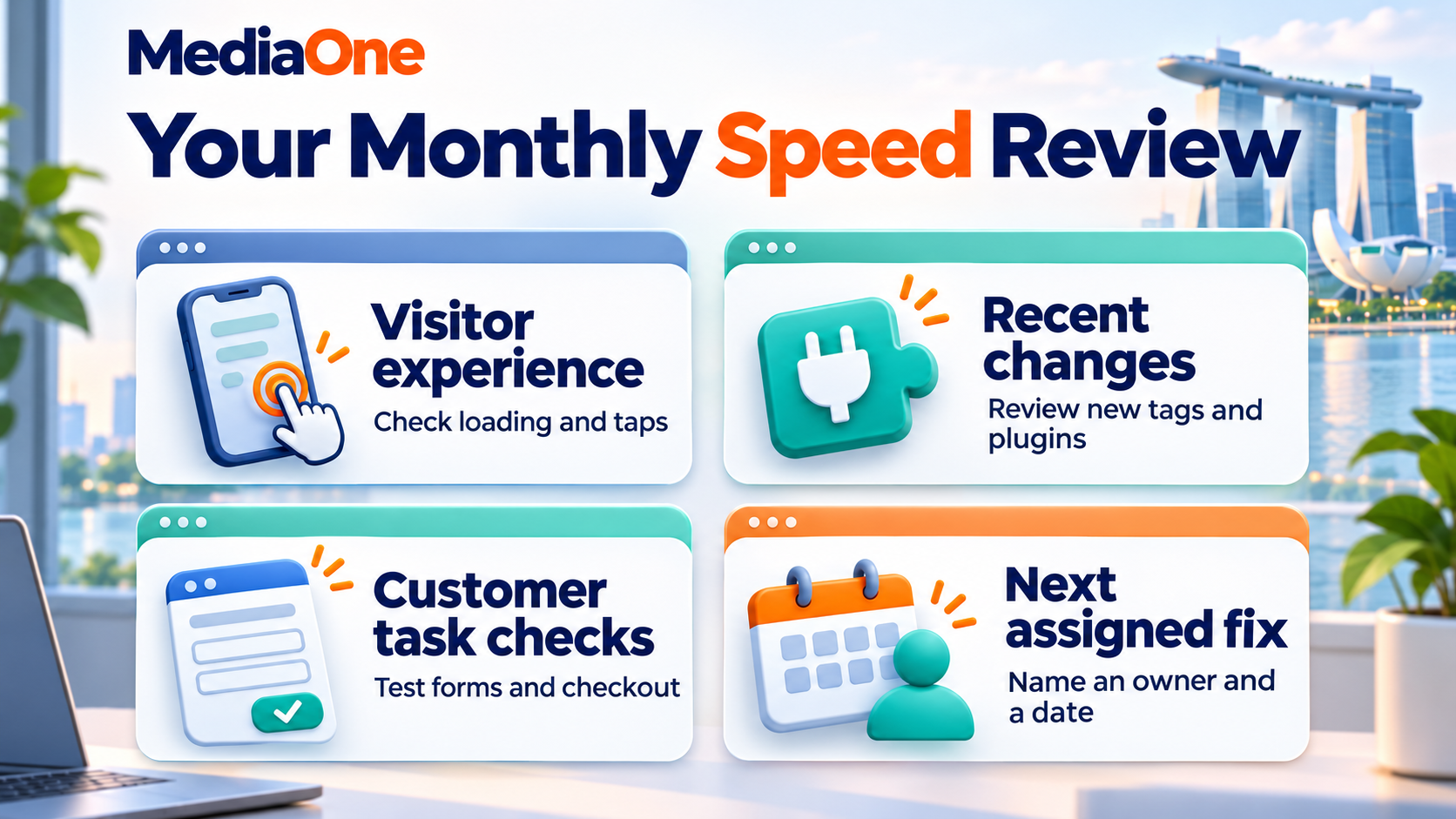
A monthly review can check:
- Important page templates.
- Recently added tags and plugins.
- New image uploads.
- Failed or slow customer interactions.
- Performance changes following releases.
A deeper Core Web Vitals review can support investigation when one measurement remains poor.
Make Website Speed Optimisation Part of Routine Maintenance
Website speed optimisation works best as a series of measured improvements. The next job should address a verified delay on an important page, with an owner and a check that customers can still complete their tasks.
MediaOne’s website page speed testing guide provides further measurement context. Businesses preparing a wider project can use an SEO website audit to connect performance work with other technical priorities.
Frequently Asked Questions
How much does website speed optimisation cost?
Cost depends on the cause, platform and number of affected templates. Image editing may need limited content work, while application changes require development and testing. A quotation should identify the findings, proposed work, acceptance checks and ongoing costs. A price attached only to a promised score gives little basis for comparison.
Can website speed optimisation happen without a redesign?
Many improvements leave the visible design intact. Image changes, caching rules and unnecessary code removal can happen within an existing website. Design changes become relevant when the layout depends on costly effects or components that consistently delay customer tasks. The decision should follow evidence from that website.
Who should own website speed work inside a business?
One person should coordinate the work and maintain the issue list. Marketing usually contributes page priorities and tool requirements. Content teams manage media, developers handle code, and hosting teams investigate infrastructure. Shared responsibility works better when every task still has one named owner and an agreed completion check.
Does a high plugin count always mean a slow WordPress website?
Plugin count alone cannot measure performance. One demanding plugin may create more work than several lightweight ones. The review should examine what each plugin loads, which pages need it and how it affects measured performance. Necessary functions also need an alternative before their supporting plugin disappears.
Can a faster website reduce accessibility?
Poorly implemented changes can create accessibility problems. Script changes may interrupt keyboard controls, while aggressive font or content loading settings can affect reading. Accessibility checks should accompany performance testing. A faster page still needs readable content, usable controls and support for people who use assistive technology.
Can speed improvements increase sales without increasing traffic?
Sales can increase when existing visitors encounter fewer delays, but an increase is not guaranteed. Product demand, price, availability and purchasing steps also influence results. A business should compare conversion performance across comparable periods and record other changes, such as promotions, before attributing the outcome to speed alone.