
When most businesses in Singapore think about SEO, they think about keywords, blog posts, and backlinks. I get it. Those still matter. But if your images are slow, generic, badly labelled, or disconnected from the page, you are leaving rankings and conversions on the table.

I have seen this problem across service sites, eCommerce stores, medical practices, education brands, and corporate websites. The pattern is almost always the same. The page content is decent. The images are not. They are too large, too vague, too stock-heavy, or too poorly integrated to support the page properly.
That is why I treat image SEO optimisation as part technical discipline, part content strategy, and part conversion work. Done well, it helps your pages load faster, gives Google clearer signals, improves accessibility, and increases your chances of appearing in Google Images, visual search, and regular organic results.
Google’s own guidance is very clear on this: image discoverability, landing-page quality, descriptive text, and fast delivery all matter. But here is the point too many guides miss: image SEO is not a silo. It works best when the page itself is already relevant, well-structured, and aligned with commercial goals.
If the underlying page is weak, image optimisation will not rescue it. What it can do is strengthen an already-promising page by improving clarity, speed, context, trust, and proof.
If you run a business site, this is the framework I use in my SEO agency in Singapore.
Key Takeaways
- Image SEO optimisation improves page speed, search visibility, accessibility, and user experience by helping search engines better understand and index images.
- Strong image SEO combines technical optimisation with content alignment, including file formats, compression, responsive delivery, and contextual placement.
- Descriptive filenames, accurate alt text, and relevant surrounding copy help search engines interpret images and strengthen overall page relevance.
- Poor practices such as oversized files, generic stock images, and disconnected visuals can weaken both SEO performance and conversion potential.
- Measuring impact through tools like Search Console and GA4 is essential to ensure image improvements translate into better engagement and business outcomes.
What Image SEO Optimisation Really Means, And Why It Matters
Image SEO is not just about filling in alt text and calling it a day. It is about helping search engines discover, understand, and trust your images while making the page more useful for real people.
That means choosing the right format, keeping file sizes under control, using descriptive filenames, placing images near relevant copy, and making sure the page itself deserves to rank.

Google recommends standard HTML image elements, responsive images, descriptive filenames and alt text, image sitemaps where relevant, high-quality visuals, and strong page context.
For Singapore brands, this matters even more than many people realise. If you are a renovation firm showing project work, a tuition centre explaining programmes, a clinic building trust, or an eCommerce brand pushing product pages, your images are not decoration. They are evidence. They support credibility, user experience, and commercial intent.
And different business types need different image logic:
- A renovation or interior design brand usually needs project visuals that demonstrate quality, style, and real-world execution.
- A clinic needs a treatment room, a doctor, a process, and environmental images that reduce anxiety and support trust.
- A tuition centre needs visuals that show real class environments, teaching support, and programme relevance, not just generic “students studying” stock shots.
- A B2B service firm needs images that make abstract services feel more credible and concrete.
- An eCommerce brand needs product imagery that reduces hesitation and supports buyer intent across search, category, and product pages.
- A hospitality or property brand needs visuals that do more than look attractive — they need to support commercial intent, location cues, and decision confidence.
My 10-step Image SEO Optimisation Checklist
If I had to audit a page quickly, this is the checklist I would start with:
| Step | What I check | What I want to see |
| 1 | Image purpose | Every image supports the page, not just fills space |
| 2 | File format | WebP or AVIF, where practical, with sensible fallbacks |
| 3 | File size | Compressed aggressively without visible quality loss |
| 4 | Dimensions | Images served at the size needed, not far larger |
| 5 | Responsive delivery | srcset or equivalent in place |
| 6 | Loading behaviour | Lazy loading on off-screen images, not on the hero if it hurts LCP |
| 7 | HTML attributes | Width and height set to reduce layout shift |
| 8 | On-page signals | Descriptive filename, helpful alt text, relevant caption if useful |
| 9 | Context | Image placed beside the copy that explains it clearly |
| 10 | Measurement | Search Console, PageSpeed, and analytics were reviewed after updates |
This checklist is simple on purpose. Good image SEO is rarely about one clever trick. It is usually about getting the basics right, consistently, across your site.
But to earn the phrase “steal my guide”, here is the part that is more specifically my workflow. I do not treat every image equally.
First, I decide whether the image is decorative, supportive, or conversion-critical.
A decorative image adds atmosphere but carries little SEO or persuasion value. A supportive image helps explain a section, service, feature, or point. A conversion-critical image is one that directly influences trust or action, such as a hero image, product image, before-and-after visual, clinic environment photo, or project showcase. That classification affects how much effort I spend on optimisation.
I also prioritise fixes by page value.
On a high-value service page, product page, or core landing page, I will audit the hero image first, then the supporting visuals, then the HTML output, then real mobile loading behaviour. On lower-value pages, I may accept “good enough” if the image is lightweight, relevant, and not harming performance or clarity. That matters because not every page deserves the same level of perfection.
My “good enough” threshold is practical, not obsessive.
If an image looks clean to users, loads quickly, supports the copy, and doesn’t bloat the page, I usually move on. I do not chase microscopic quality improvements on low-impact images. I focus effort where the image influences rankings, trust, speed, or conversion.
I also audit different page types differently:
- Service pages: I check whether the image makes the service feel credible and specific.
- Product pages: I check whether the image reduces buying hesitation and supports product intent.
- Category pages: I check whether collection visuals support browsing rather than distract from it.
- Blog content: I check whether images genuinely clarify the topic or are just filler.
That page-type logic is what turns a generic image SEO checklist into a commercial workflow.
A Real Before-and-After Example from a MediaOne Audit
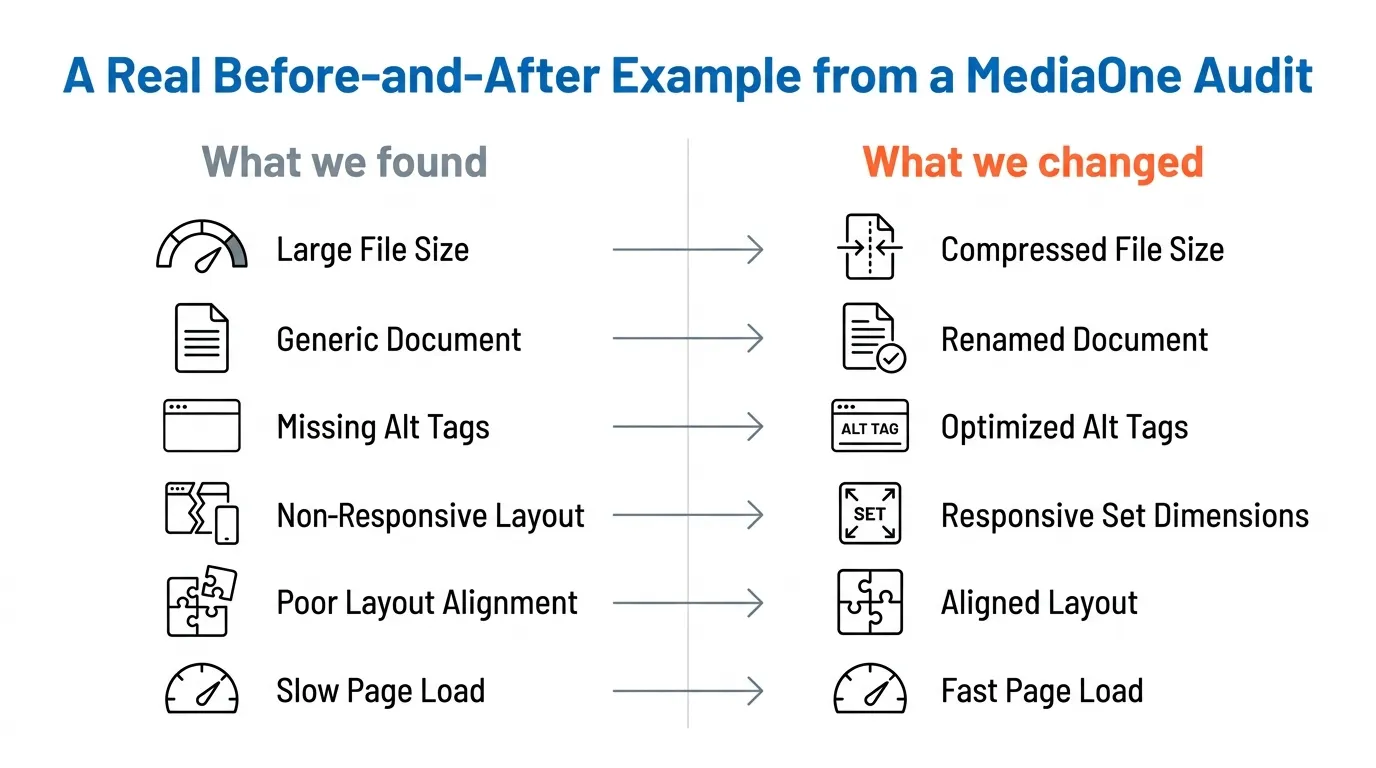
When I review an underperforming page, I normally look at four things first: the hero image, the supporting visuals, the image HTML, and the page’s real loading behaviour on mobile.
What we found
- Hero image far larger than needed
- Generic filename
- Weak or missing alt text
- No clear responsive delivery
- Image not closely supported by nearby copy
- Poor mobile loading performance
What we changed
- Re-exported the hero image in a modern format
- Reduced file size materially
- Updated filename and alt text
- Set width and height attributes
- Improved the surrounding copy so the image matched the section’s intent
- Confirmed the page’s key image was not being mishandled by lazy loading
More importantly, we treated it like an audit, not a cosmetic tidy-up. The original hero asset was substantially heavier than necessary, so we reduced the file weight by a meaningful margin rather than making a token-level compression change.
We also improved how the browser served the image on smaller screens, reducing unnecessary mobile payload. In practical terms, the page moved in the right direction on mobile speed and visual stability, and the hero image no longer worked against the page experience.
We also rewrote the image metadata more deliberately. Instead of a vague filename, we used one that more clearly matched the page topic. Instead of generic alt text, we wrote alt text that described the image in a way that supported the page’s commercial context.
That is a small change in isolation, but across important pages it compounds.
On this kind of page, I am not looking for image SEO to “win” in isolation. I am looking for a cluster of improvements: better speed signals, clearer page context, stronger visual relevance, and better engagement after the click. That is the real commercial point. Image fixes should improve how the page performs, not just how the image performs as an asset.
This kind of proof block matters. Google’s helpful content guidance asks creators to show who made the content, how it was created, and whether it reflects real expertise and first-hand experience. A verified before-and-after example does exactly that.
Technical Implementation: How I Optimise Images Properly for SEO
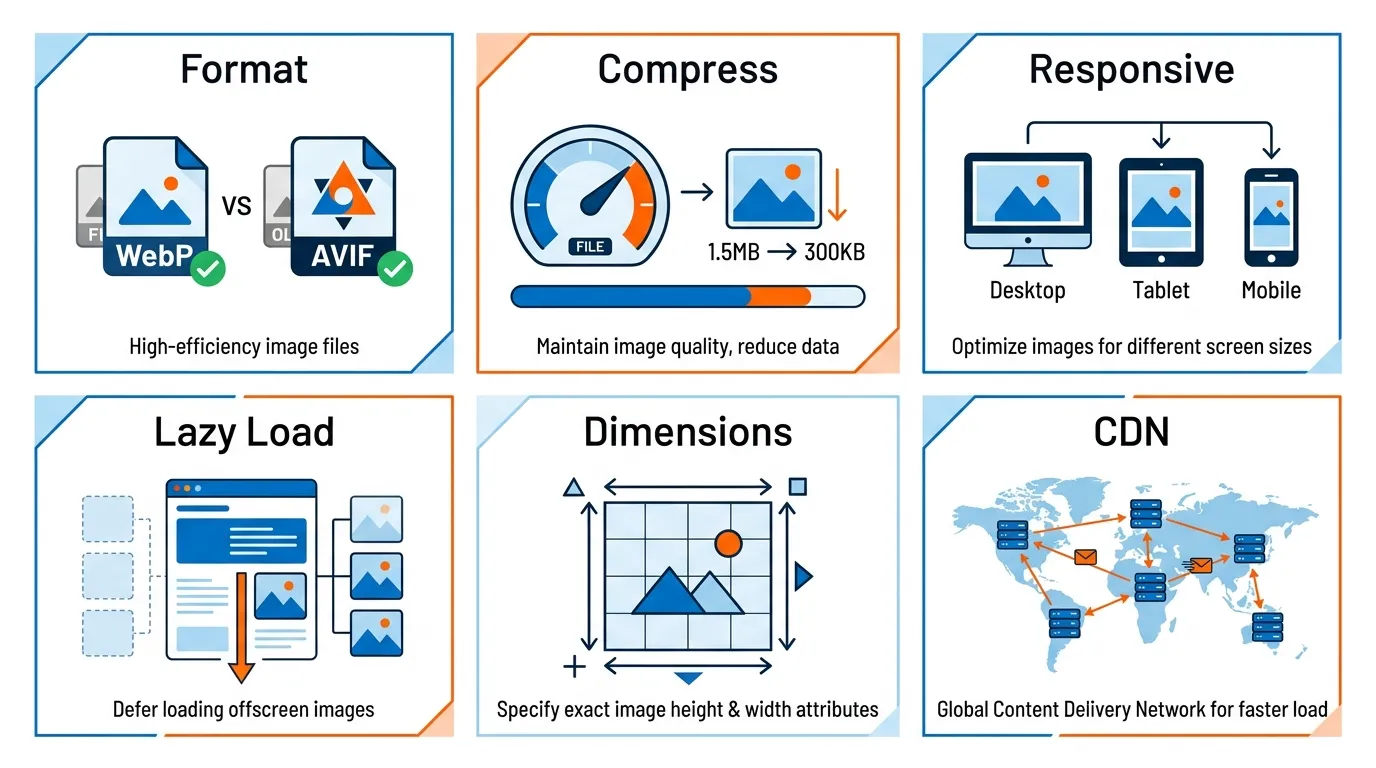
Technical implementation is where good image SEO turns into real ranking impact. In my experience, this is the part many businesses overlook.
They upload visuals, add a bit of alt text, and stop there. But if your images are too large, poorly served, or missing the right signals, they can slow your pages down and weaken your SEO.
This is the framework I use to make images faster, clearer, and easier for Google to understand.
Start With the Right Format
For most modern websites, I prefer WebP as a safe default. AVIF can be even more efficient in some cases. JPEG still has a role, especially when compatibility or workflow constraints matter. PNG should be used more selectively, usually for graphics, transparency, or specific brand assets.
I do not choose a format based on habit. I chose it based on purpose. Product photos, team portraits, infographics, logos, and screenshots do not all behave the same way. The right choice is the one that gives you the cleanest result at the smallest practical size.
Compress Harder Than You Think
One of the biggest mistakes I see is fear of compression. Teams keep uploading oversized images because they worry about quality loss. In reality, most users will not notice the difference between a well-compressed image and a bloated original. They will notice a slow page.
Images are often the biggest contributor to page weight, which is why Google ties image optimisation closely to speed and user experience.
Serve the Size the Device Actually Needs

Do not send a huge desktop image to a mobile user in Tampines on a patchy connection and expect the page to feel premium. That is not premium. That is a waste.
I want responsive image delivery in place. That usually means srcset, the <picture> element, or a platform-specific equivalent. Google explicitly recommends responsive image handling.
Use Lazy Loading Carefully
Lazy loading is useful, but it is not a magic button. I usually lazy-load images further down the page, but I pay close attention to the main image above the fold. If the hero image is part of the Largest Contentful Paint, poor lazy-loading implementation can backfire.
Set Width and Height Attributes
This is an easy win. Explicit dimensions help prevent layout shift and create a smoother page experience. It is a small technical detail, but small technical details compound quickly in SEO.
Use a CDN if your Image Library is Large
If you serve a lot of media, especially across multiple locations or markets, an image CDN can help with delivery speed and consistency. That is not only a performance issue. It is a user-trust issue. Fast sites feel better. Better sites convert better.
The Google-Specific Image SEO Optimisation Items Often Skipped by Guides
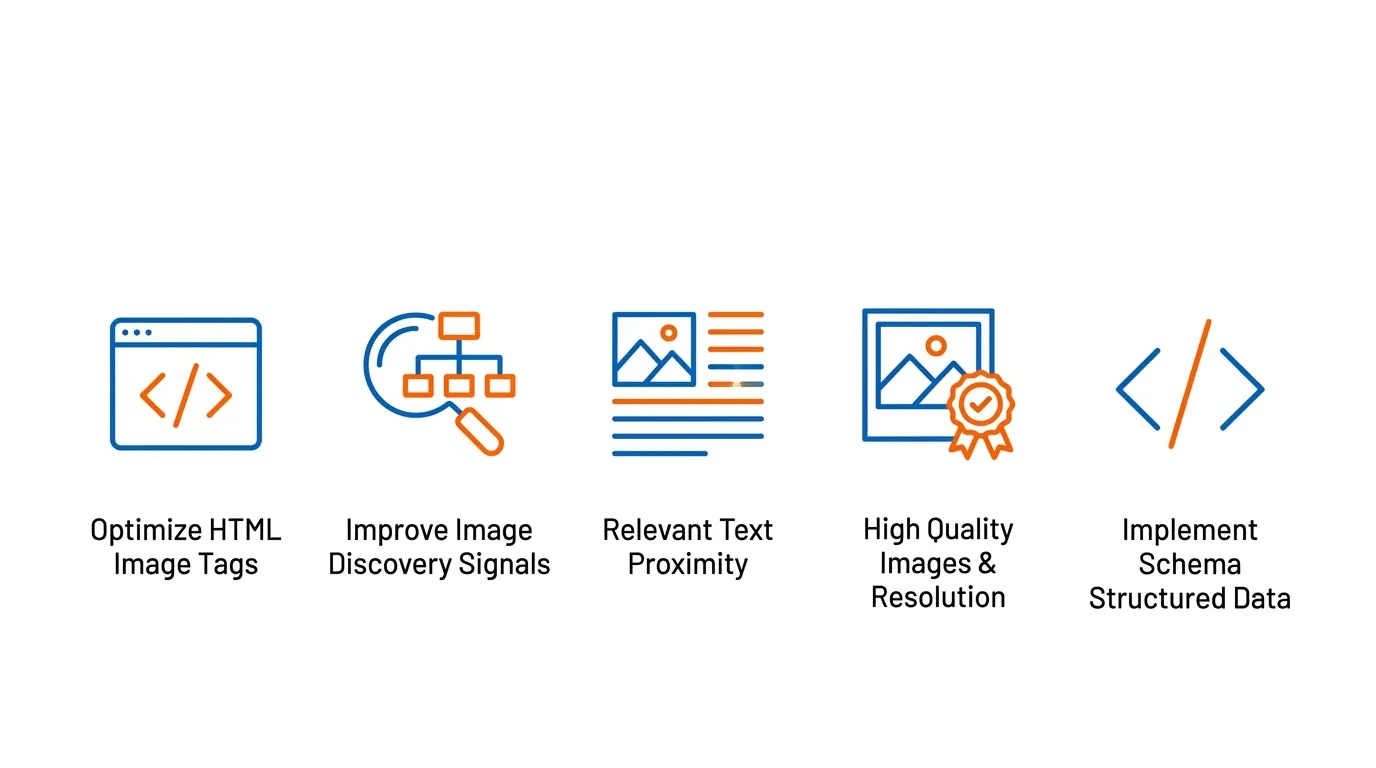
Many image SEO articles stay at a surface level. I prefer to be more precise:
- Use real HTML image elements: If an image matters for SEO, I want it embedded properly with HTML image elements. Google specifically recommends this and warns that important images should not rely on approaches that make discovery harder, such as CSS background images for primary content visuals.
- Give Google the right discovery signals: If your site uses galleries, JavaScript-heavy rendering, or complex templates, image discovery can get messy. An image sitemap can help Google find assets it may otherwise miss.
- Put images near the copy that explains them: This is one of the most overlooked points in image SEO. Google says the text near an image helps it understand the image in context. So if your page talks about commercial interior design in Singapore, the image should sit beside copy that explains the project, style, location, or service angle. Not beside unrelated fluff.
- Use sharp, useful, relevant images: Google also recommends high-quality, clear images. I agree completely. Small, blurry, or meaningless visuals do not help rankings or trust. If the image is there, it should earn its place.
- Support the image with structured data where it makes sense: If the page is a product page, recipe, article, or another entity type where schema is relevant, use it properly. Structured data can help Google better understand the page and its preferred visuals.
One more point: discoverability is not the same as usefulness. Google may be able to crawl an image, but that does not mean the image helps the page rank or convert.
I want both: I want the image to be technically discoverable and strategically worth discovering.
Filename, Alt text, Captions, and Surrounding Copy: Examples by Page Type
This is where I see a lot of wasted opportunity. Teams either stuff keywords, stay too vague, or write alt text that says nothing useful.
The rule I use is simple: write for clarity first, optimisation second.
| Page type | Weak filename | Better filename | Weak alt text | Better alt text |
| SEO service page | img123.jpg | seo-consultant-singapore-audit-dashboard.webp | SEO image | SEO consultant reviewing organic traffic and the technical audit dashboard |
| Interior design page | project1.png | singapore-office-fitout-reception-area.webp | office | Modern office reception area from a Singapore commercial fit-out project |
| eCommerce product page | shoe-final-new.jpg | mens-black-running-shoes-side-view.webp | shoe | Men’s black running shoes side view with breathable mesh upper |
| Medical clinic page | doctor-room.jpg | singapore-aesthetic-clinic-treatment-room.webp | clinic room | Treatment room at a Singapore aesthetic clinic with consultation bed and equipment |
| Tuition centre page | students-study.jpg | secondary-maths-tuition-class-singapore.webp | students studying | Secondary maths tuition class in Singapore with a tutor guiding students |
Captions can help too, especially when they add context that users genuinely care about. I do not add captions just to squeeze in a keyword. I add them when they clarify the image, reinforce the topic, or improve scannability.
The surrounding copy matters just as much. If the image is about a product, the accompanying text should support the product’s intent. If it is about a service, the nearby text should explain the work, result, or use case. That contextual relevance is straight out of Google’s guidance.
My test is simple: if the image disappeared, would the nearby copy still explain why that image was there? If the answer is no, the page probably lacks proper image context. That is often the real problem, particularly on service pages.
The text may target the right keyword, but the visual says almost nothing about the service, proof, or outcome.
Platform Notes for WordPress, Shopify, and Webflow
| Platform | What I typically see | What I would check | Main SEO risk |
| WordPress | WordPress is flexible, but that flexibility creates room for mistakes. I often see oversized media uploads, themes that output poor image markup, and plugins that overlap badly. | Image settings, theme behaviour, compression workflow, and whether pages are generating sensible responsive images | Technical SEO issues caused by poor configuration or plugin/theme conflicts |
| Shopify | Shopify handles a lot for you, but not everything. Merchants still need to think about original product photography, descriptive filenames, alt text, collection-page image intent, and page speed. | Product photography quality, filenames, alt text, collection-page image relevance, and page-speed performance | Strong visuals that are not properly integrated into the SEO and conversion journey |
| Webflow | Webflow sites often look excellent, but I still audit them for image weight, heading-image relationships, alt text consistency, and unnecessary decorative assets. | Image file weight, alignment between headings and visuals, alt text consistency, and whether decorative images are adding clutter | Design-heavy pages are losing easy SEO wins because the content layer has not been tightened |
Bottom line: The platform changes the workflow but not the principles.
What changes by platform is usually the failure pattern:
- On WordPress, what breaks most often is configuration: oversized uploads, clashing optimisation plugins, poor theme output, or lazy-loading behaviour that is technically “enabled” but strategically wrong. My first check is usually the actual front-end markup and what the CMS is generating, not what the plugin settings claim.
- On Shopify, the fastest win is often not technical at all. It is improving product image uniqueness, tightening alt text discipline, and making sure collection and product page visuals match search intent. A lot of stores have decent technical defaults but a weak visual strategy.
- On Webflow, the most common issue is beautiful overdesign. The visuals look polished, but the pages carry too much decorative weight and not enough content-image alignment. My first check there is whether the images are clarifying the message or just consuming bandwidth while making the page look “premium”.
How I Measure Image SEO with Google Search Console and GA4
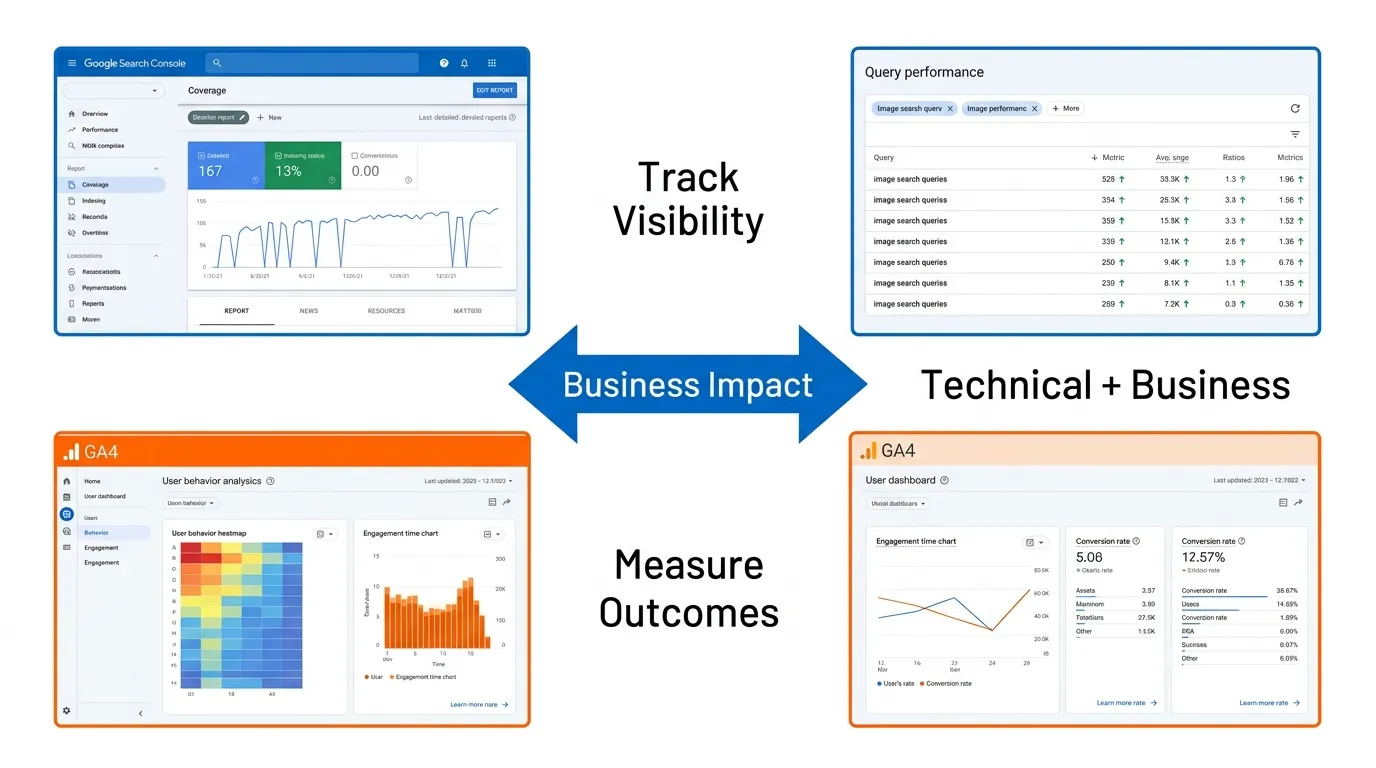
I do not treat image SEO as a one-off tidy-up task. I measure it.

In Google Search Console, I review page-level and query-level performance, coverage issues, and indexing behaviour. If image visibility improves, I want to see that reflected in impressions, clicks, and stronger overall page performance.
In GA4, I look at what happens after the click. Do users stay longer? Do they engage more deeply? Do service pages with improved visuals hold attention better? Do product pages convert better after image upgrades?
Measurement matters because image SEO is not just technical. It affects trust, comprehension, and conversion. If those business outcomes are not improving, I want to know why.
What I do not do is pretend image SEO has its own neat, isolated reporting channel. In reality, its impact is often indirect.
So I usually review: page-level organic performance, engagement shifts after visual improvements, mobile behaviour, conversion quality on key pages, and whether the page feels stronger overall after the image changes. That is more realistic than trying to force every result into a narrow “image SEO” box.
- On service pages, I care most about signs of stronger trust and attention: improved engagement, deeper scroll, better lead-path behaviour, and fewer signs of hesitation.
- On product pages, I care more about product interaction, add-to-cart behaviour, and reduced drop-off where visuals influence confidence.
- In Search Console, I also monitor whether the page itself is gaining traction more consistently after image improvements, because that is often the real signal that the visual layer is now properly supporting the page.
The Image SEO Optimisation Mistakes I See Most Often on Singapore Business Websites
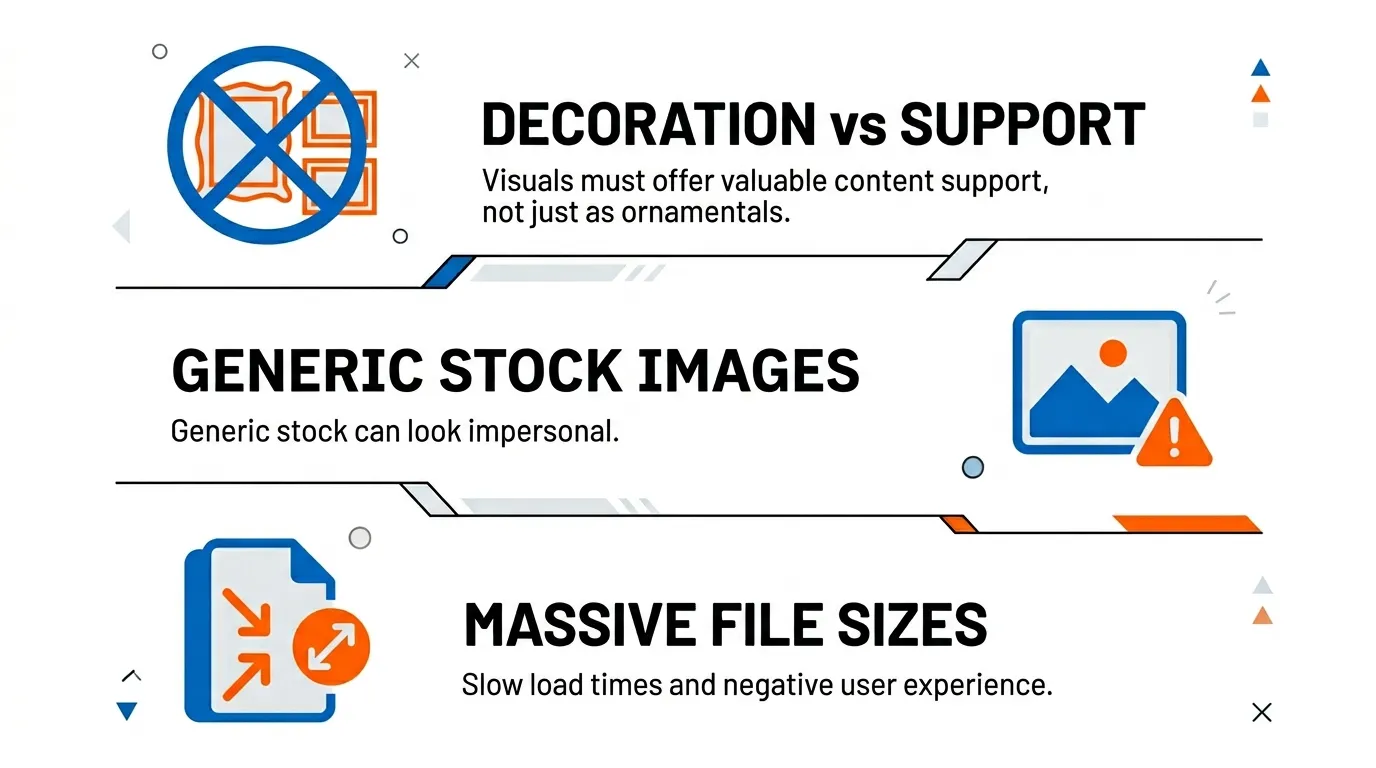
The first is using images as decoration instead of support. A page about B2B lead generation does not need a random skyline or handshake photo. It needs visuals that strengthen the message.
The second is relying too heavily on generic stock images. Stock is not automatically bad. But if the whole site looks interchangeable with every other agency, consultancy, clinic, or corporate brand, your pages lose distinctiveness.
The third is uploading massive files straight from a camera or design tool. The fourth is writing alt text like a robot. The fifth is letting technical teams and content teams work in silos, so the image, the copy, and the page intent never line up.
I also see pages with strong text but weak image context. The copy might target “SEO consultant Singapore”, but the image says almost nothing about the service. That mismatch is a missed opportunity.
Another common mistake is over-investing in image polish on low-value pages while ignoring the pages that actually drive revenue.
I would rather see a business properly fix the hero image, supporting proof visuals, and layout stability on its top ten commercial pages than spend weeks perfecting blog thumbnails nobody cares about. That is what I mean by an audit-based approach. Prioritisation matters as much as technique.
Start Doing Image SEO Optimisation Today
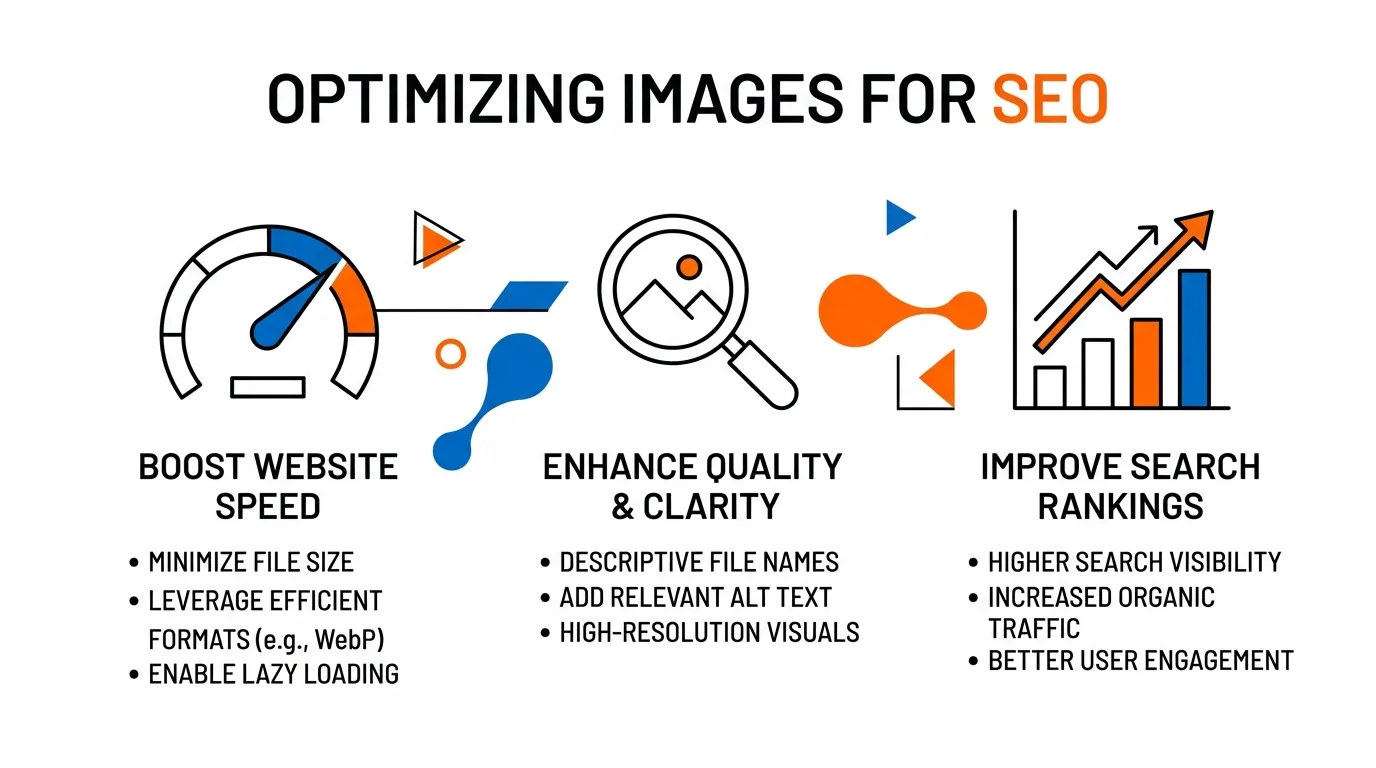
This is the part that too many marketers miss. The goal is not to make your page look technically busy. The goal is to make it faster, clearer, more trustworthy, and more helpful.
That is also how Google frames content quality. Useful content should be created for people first, show clear authorship and expertise, and leave the reader feeling they have learned enough to achieve their goal. That is the standard I would hold this topic to.
If your current image strategy is slowing your site down, weakening your message, or making your pages look generic, fix that now. Start with your highest-value pages. Audit the hero image. Audit the supporting visuals. Tighten the filenames, alt text, and context. Then measure the result.
If you want the fastest version of this process, do it in this order:
- Identify your highest-value pages
- Classify each key image as decorative, supportive, or conversion-critical
- Fix the hero image first
- Compress and resize supporting visuals
- Improve filenames, alt text, and surrounding copy
- Check responsive delivery and loading behaviour
- Review actual mobile performance
- Measure engagement and business impact after rollout. That is the sequence I would use before worrying about edge-case refinements.
If you want a proper audit, my team at MediaOne can help you identify exactly where your image SEO is holding back rankings, speed, and conversions. And if we find the problem, we will show you how to fix it properly.
Frequently Asked Questions
Does image SEO optimisation help with Google Images ranking?
Yes, image SEO optimisation can improve visibility in Google Images. Search engines rely on signals such as filenames, alt text, and surrounding content to understand images. Proper optimisation increases the likelihood that images appear in image search results. This can drive additional traffic beyond standard search listings.
How does image SEO optimisation affect page speed?
Image SEO optimisation directly affects page speed because images are often the largest files on a page. Compressing images and using modern formats significantly reduces load time. Faster pages improve user experience and can support better rankings. Speed is a confirmed factor in search performance.
Should I use stock images for SEO?
Stock images can be used, but they should be relevant and not overused. Generic visuals add little value and may weaken the page’s credibility. Original images often perform better because they provide unique context and support trust. The key is relevance and usefulness, not just appearance.
Do captions help with image SEO optimisation?
Captions can support image SEO optimisation when they add meaningful context. They help users understand what the image represents and how it relates to the page. Search engines can also use nearby text to interpret images. However, captions should be used naturally, not forced.
Is image SEO optimisation important for eCommerce websites?
Image SEO optimisation is especially important for eCommerce websites. Product images influence both search visibility and purchase decisions. Clear, optimised images can improve rankings and increase conversion rates. Strong visuals also build trust and reduce hesitation during the buying process.