Did you know that, as of 2025, over 4.8 million stores worldwide are powered by Shopify, making it one of the most trusted and widely used e-commerce platforms for businesses of all sizes? With online shopping booming and global e-commerce sales projected to hit US $6.88 trillion by 2026, there has never been a better time to build and scale your own online store.

Whether you’re launching a passion project, starting a new brand or transitioning your physical business online, Shopify provides one of the easiest and most powerful ways to get started. And with competition growing rapidly, many businesses also rely on an SEO agency to help them stand out in search results, attract qualified customers and grow sustainably.
If you’ve ever dreamed of turning a product idea into a profitable online store, this comprehensive guide will walk you through exactly how to start a Shopify store in 2026—from setup and branding to optimisation and launch. Let’s dive in!
Key Takeaways
- Choosing the right niche and knowing your target audience is the foundation of a successful Shopify store.
- A professional, visually appealing store with consistent branding encourages customers to explore further.
- Secure payment gateways, SSL certificates and fraud monitoring protect both your business and your customers.
- Both basic and advanced Shopify SEO strategies are essential for driving organic traffic and improving visibility.
What is a Shopify Store?
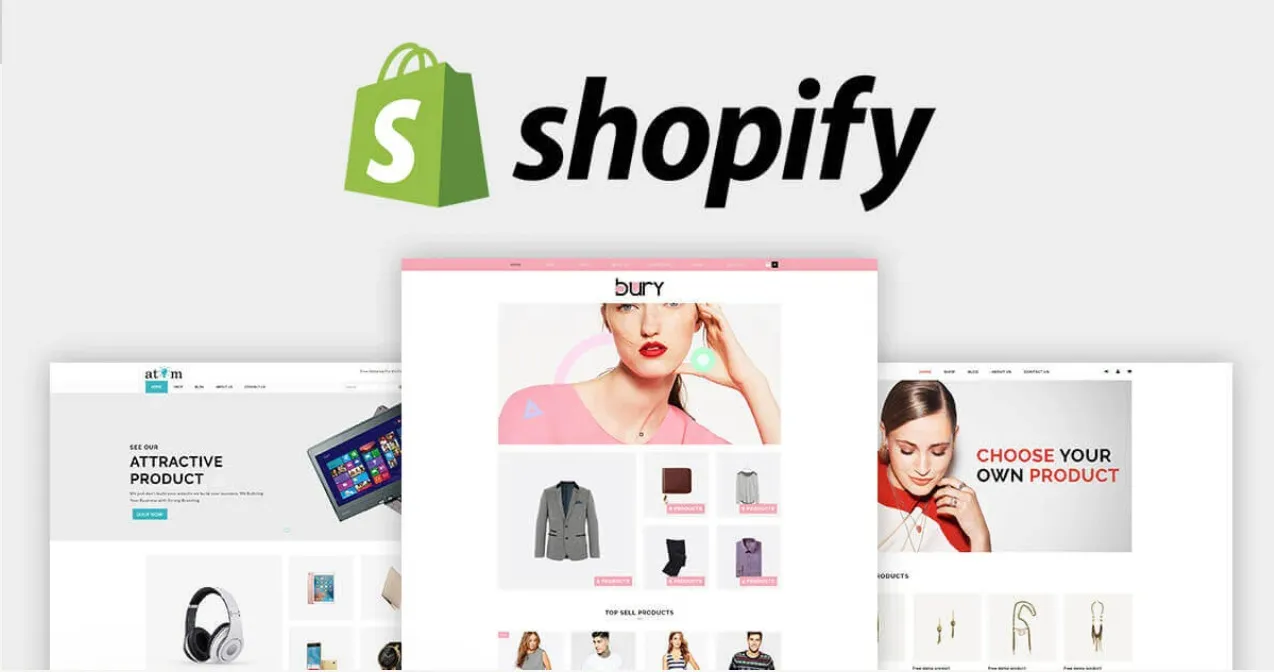
Image Credit: The Genie Lab

A Shopify store is an e-commerce website built on Shopify, a leading cloud-based platform that enables consumers and businesses to sell their products and services online. Shopify provides everything business owners need to create, manage and grow their online store, including:
- Website builder and themes: to design your store without coding skills.
- Product management: add, organise and track inventory.
- Payment processing: securely accept credit cards, PayPal and other payment methods.
- Marketing and SEO tools: optimise your store for search engines and attract customers.
- Apps and integrations: expand functionality for email marketing, analytics, shipping and more.
A Shopify store is a complete, ready-to-use platform for small businesses and large enterprises.
Why You Should Start a Shopify Store
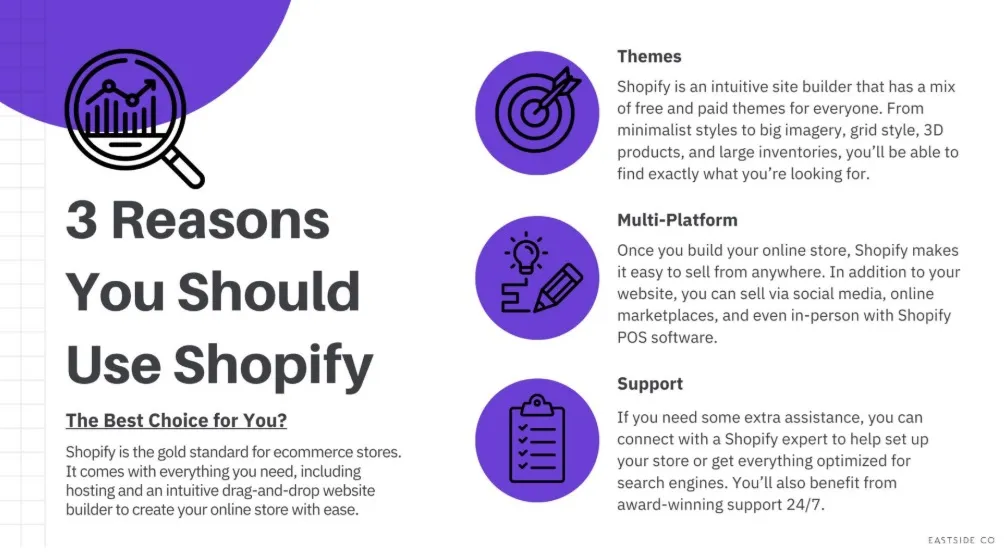
Image Credit: East Side Co.
Starting a Shopify store is one of the most accessible and effective ways to launch an online business today. Shopify powers over 5 million companies worldwide, making it one of the most trusted e-commerce platforms for entrepreneurs of all sizes. Here are some key reasons to consider:
- Easy to Use: Shopify offers an intuitive interface and pre-designed themes, allowing anyone to build a professional online store without coding or technical skills.
- Scalable for Growth: Whether you’re selling one product or thousands, Shopify can handle traffic spikes, inventory growth and multiple sales channels seamlessly.
- Secure Payment Processing: Shopify supports Shopify Payments, PayPal and credit cards, ensuring safe transactions for your customers.
- Built-In Marketing Tools: From SEO optimisation to email marketing, discount codes and social media integration, Shopify provides tools to attract and retain customers.
- Extensive App Ecosystem: With thousands of apps available, you can easily add features such as dropshipping, loyalty programs, analytics and more to enhance store functionality.
- 24/7 Support: Shopify offers round-the-clock customer support, giving new entrepreneurs navigating online sales for the first time peace of mind.
Starting a Shopify store allows you to turn your business idea into a fully functional online shop quickly, with minimal technical barriers and a wealth of tools to help you succeed.
How to Start A Shopify Store in 8 Steps
Launching a Shopify store is one of the most effective ways to start selling online. Breaking the process into clear steps can make it manageable, even for beginners. Here’s a comprehensive guide:
Step 1: Choose Your Niche and Products
Your niche determines your target audience and the products you’ll sell. Take time to research:
- Identify demand: Use tools like Google Trends, Amazon Best Sellers, or Shopify’s product research apps to find trending products.
- Assess competition: Check other Shopify stores or marketplaces in your niche to understand pricing and gaps.
- Consider profitability: Factor in product costs, shipping and potential profit margins.
- Align with your passion: Choosing a niche you care about will help you stay motivated.
Step 2: Sign Up for Shopify
Shopify makes it simple to get started:
- Create an account: Visit Shopify.com and sign up with your email.
- Choose a plan: Shopify offers Basic, Standard and Advanced plans. Start with what fits your budget and scale later.
- Free trial: Take advantage of Shopify’s 3-day or 14-day trial (depending on current offers) to explore the platform before committing.
Step 3: Pick a Theme and Design Your Store
Your store’s design affects user experience and conversions:
- Choose a theme: Shopify has free and premium themes tailored for different industries. Pick one that aligns with your brand identity.
- Customise your store: Adjust colours, fonts and layout to match your brand.
- Mobile-first design: Ensure your store is responsive, as over 70% of online shoppers browse on mobile devices.
Step 4: Add Products to Your Store
Product pages are the heart of your store:
- Product information: Write detailed titles, descriptions and highlight key features.
- High-quality visuals: Use clear images, multiple angles and lifestyle shots.
- SEO optimisation: Include keywords in product titles, meta descriptions and image alt text.
- Organise collections: Group products into categories for more straightforward navigation.
Step 5: Configure Payments and Shipping
A smooth checkout process boosts sales:
- Payment gateways: Set up Shopify Payments, PayPal and other methods to give customers multiple options.
- Shipping strategy: Define shipping zones, rates and methods based on your target audience.
- Taxes and compliance: Configure taxes per local regulations and consider international shipping, if applicable.
Step 6: Set Up Essential Pages and Policies
Trust and transparency are key to conversions:
- Important pages: Create About Us, Contact, Shipping & Returns and FAQ pages.
- Legal requirements: Add privacy policy, terms of service and disclaimers.
- User experience: Include clear CTAs, easy navigation and fast-loading pages.
Step 7: Test Your Store Before Launch
Testing ensures a seamless shopping experience:
- Preview your store: Check both desktop and mobile versions.
- Test functionality: Make sure buttons, navigation menus and checkout processes work correctly.
- Trial orders: Place test orders to verify payment gateways, shipping and notifications.
Step 8: Launch and Promote Your Store
After testing, it’s time to go live:
- Launch: Make your store publicly accessible.
- Marketing strategy: Promote via SEO, social media, email campaigns, influencer partnerships and paid advertising.
- Monitor performance: Use Shopify Analytics and Google Analytics to track traffic, conversions and customer behaviour.
- Continuous improvement: Collect feedback, test new products and refine your marketing strategies.
Starting a Shopify store is just the beginning. Continuous optimisation, marketing and customer engagement are key to long-term success.
Branding Your Shopify Store
Your brand is the soul of your Shopify store. It’s what makes your store memorable, builds customer trust and drives loyalty. Strong branding goes beyond a logo. It reflects your store’s personality, values and the promise you make to your audience. Here’s a step-by-step guide to branding your Shopify store effectively:

Define Your Brand Identity
Before designing anything, clarify the foundation of your brand:
- Mission and values: What does your store stand for? For example, sustainability, innovation, or affordability. This helps attract customers who share your values.
- Target audience: Identify your ideal customer, including age, interests, buying habits and pain points. Knowing your audience ensures your messaging resonates.
- Brand voice: Decide on a tone that reflects your store’s personality. Should your content be playful, professional, luxurious, or friendly? This voice should be consistent in product descriptions, emails and social media posts.
A Shopify store selling eco-friendly products might have a brand voice that is compassionate, informative and motivational.
Design a Memorable Visual Identity
Visuals are often the first impression your customers have:
- Logo: Your logo should be simple, versatile and reflective of your brand values. Use tools like Canva, Looka, or hire a designer for a professional touch.
- Colour palette: Choose 2-4 core colours that evoke the right emotions. For example, green can convey sustainability, while blue suggests trust and reliability.
- Typography: Select 1-2 fonts for headings and body text. Fonts should be readable, consistent and align with your brand personality.
- Imagery and graphics: Use consistent styles for product photos, banners and social media visuals. This could be lifestyle shots, flat lays, or illustrations.
Consistency in visuals across your website and marketing channels makes your brand instantly recognisable.
Maintain Brand Consistency Across Your Store
A cohesive store experience strengthens customer trust:
- Website design: Use your brand colours, fonts and visual style across all pages, including product pages, blog and checkout.
- Product presentation: Keep product photography, descriptions and labels consistent in style and tone.
- Marketing communications: Emails, social media posts and ads should reflect the same voice, style and values.
Inconsistent branding can confuse customers and reduce trust. A unified brand experience increases the likelihood of repeat purchases.
Tell Your Brand Story
People connect with stories, not just products:
- Share the inspiration behind your store or products.
- Explain how your products solve a problem or improve your customers’ lives.
- Personal and authentic stories foster emotional connections, encouraging loyalty and word-of-mouth referrals.
Include a compelling “About Us” page and incorporate storytelling in product descriptions and marketing campaigns.
Shopify Store Design Tips
A visually appealing and well-structured Shopify store is key to attracting customers and boosting conversions. Good design goes beyond aesthetics. It improves user experience, builds trust and guides visitors toward making a purchase.
- Choose a Responsive, Mobile-Friendly Theme: With over 70% of online shoppers browsing on mobile devices, having a mobile-optimised Shopify store is essential. Start by selecting a responsive theme that looks good on all screen sizes. Shopify offers a variety of free and premium themes tailored to different industries, each designed to be visually appealing and functional on desktops, tablets and smartphones. A mobile-friendly theme ensures faster loading times, more straightforward navigation and a smoother shopping experience, which directly impacts conversions.
- Prioritise Clean and Simple Layouts: A cluttered website can overwhelm visitors and reduce sales. Keep your store layout clean, with clear sections, sufficient whitespace and minimal distractions. Simplify navigation by organising products into logical categories and subcategories, and make search functionality easy to use. A straightforward, intuitive layout allows visitors to find what they need quickly, improving user experience and encouraging purchases.
- Use High-Quality Images and Visuals: Product images are the first thing shoppers notice. Invest in high-resolution photos that showcase products from multiple angles and include lifestyle or contextual images to help customers imagine the product in use. Optimise images for web performance to ensure fast loading times without sacrificing quality. High-quality visuals not only make your store look professional but also increase customer confidence in your products.
Payment & Security Best Practices To Start A Shopify Store
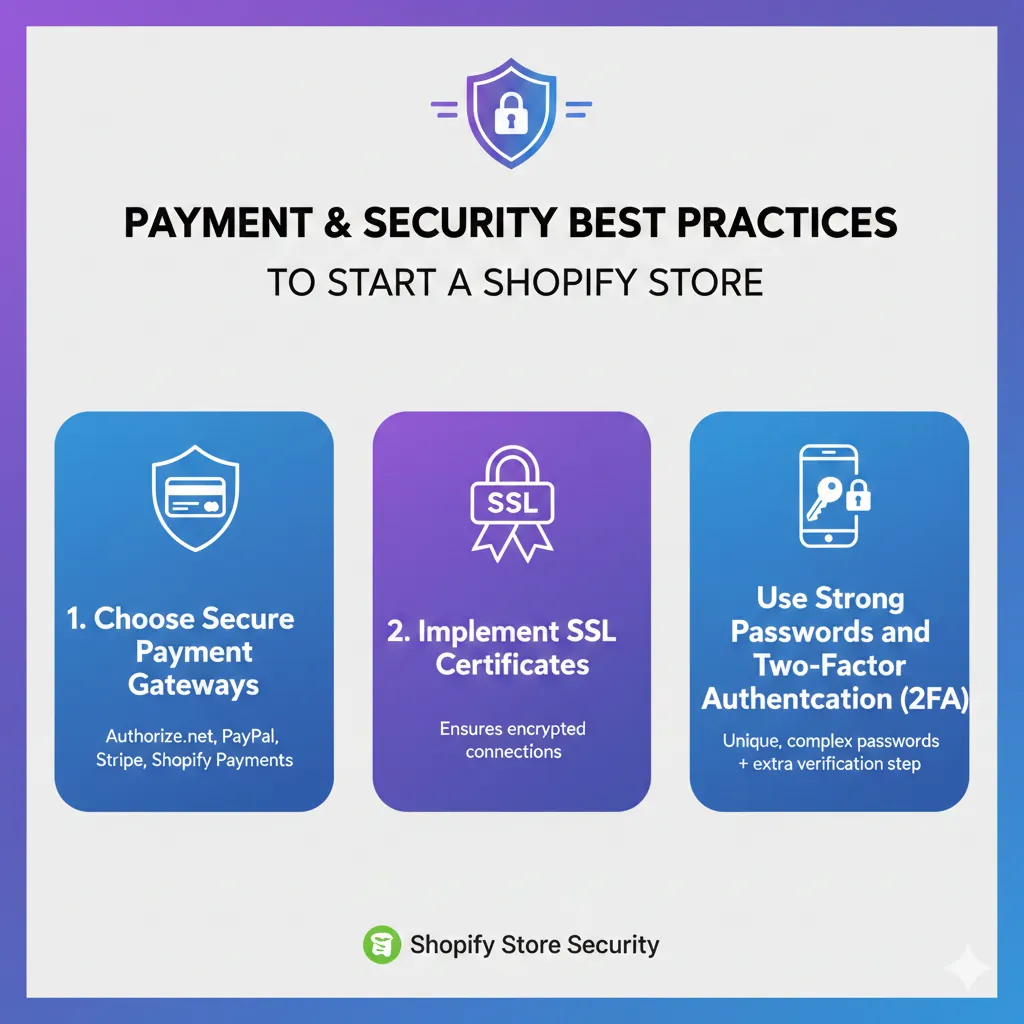
Image Credit: Generated by Gemini
A safe shopping experience protects both your business and your buyers, reducing the risk of fraud, chargebacks and data breaches. Implementing best practices for payments and security sets the foundation for a professional, trustworthy online store.
Choose Secure Payment Gateways
Selecting the right payment gateway is crucial for both customer trust and smooth transactions. Shopify supports a variety of options, including Shopify Payments, PayPal, Stripe and credit card processors.
Using secure, reputable gateways ensures customer payment information is encrypted and protected, reducing the risk of fraud or chargebacks. Offering multiple payment options also improves the likelihood of completed purchases, as customers can pay in the way they prefer.
Implement SSL Certificates
SSL (Secure Sockets Layer) certificates encrypt data transferred between your website and your customers, keeping sensitive information like credit card details safe. Shopify provides free SSL certificates for all stores, which also helps improve your SEO ranking and reassures visitors that your website is trustworthy.

A visible padlock icon in the browser or “https://” in your URL signals security to shoppers, making them more confident in making purchases.
Use Strong Passwords and Two-Factor Authentication (2FA)
Protect your store’s admin panel by using strong, unique passwords for your Shopify account and enabling two-factor authentication (2FA). 2FA adds an extra layer of security by requiring a verification code in addition to your password, reducing the risk of unauthorised access to your store.
Regularly updating passwords and restricting admin access to trusted team members is also essential for maintaining security.
Shopify SEO Advanced Tips
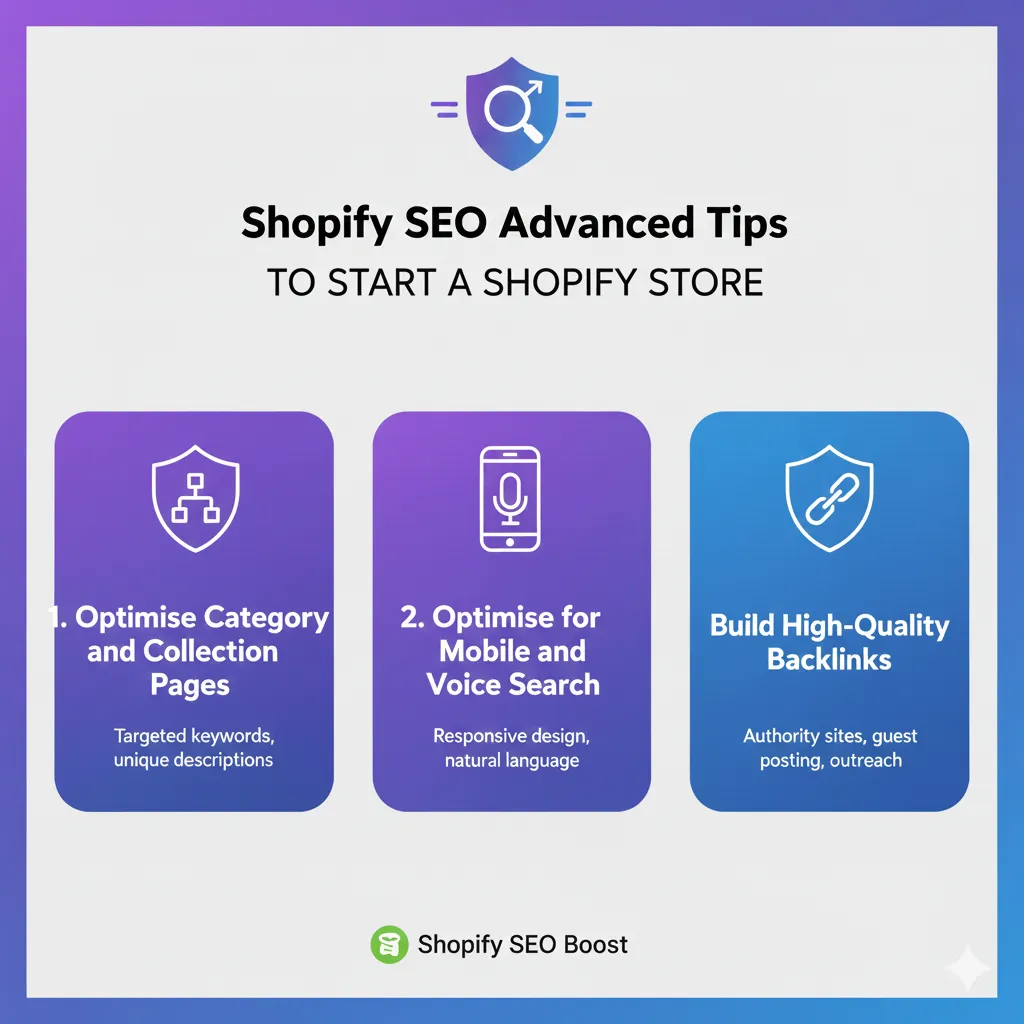
Image Credit: Generated by Gemini
From technical optimisations and content marketing to backlink building and mobile-first design, these advanced Shopify SEO tips will help your store rank higher, drive more organic traffic and convert visitors into loyal customers.
- Optimise Category and Collection Pages: Category pages often target broader search terms and are key for internal navigation. Optimise them with SEO-friendly titles, meta descriptions and content that provides value. This could include guides, buying tips, or curated product lists. Make sure collections are linked internally to relevant products, creating a strong site hierarchy that search engines can crawl easily.
- Optimise for Mobile and Voice Search: With mobile-first indexing and the rise of voice search, ensure your store is fully responsive and loads quickly on all devices. Use natural, conversational language in product descriptions and content to align with voice search queries. Mobile optimisation not only improves user experience but also boosts rankings in Google’s mobile-first algorithm.
- Build High-Quality Backlinks: Backlinks from authoritative websites signal trust to search engines. Consider collaborations, guest posts and influencer mentions in your niche to acquire links. High-quality backlinks can improve domain authority, increase organic traffic and enhance your store’s search engine visibility over time.
Keep an eye on how your store is performing and tweak your SEO strategies as trends and search algorithms change to stay ahead.
Start a Shopify Store Successfully in 2026
Starting a Shopify store is a powerful way to launch your online business and reach customers worldwide. From picking the right niche and products to designing an easy-to-use store, setting up secure payment options and using advanced SEO strategies, every step plays a key role in long-term success.
Continuous improvement, marketing and attention to customer needs will help your Shopify store grow and thrive. With consistent effort, you can confidently start a Shopify store that not only looks great but also drives traffic, generates sales and builds a loyal customer base.
If you want expert guidance to ensure your Shopify store is set up for maximum success, MediaOne can help. Start your Shopify journey with MediaOne and take the first step towards a profitable online store today. Contact us!
Frequently Asked Questions
How much does it cost to start a Shopify store?
The cost of starting a Shopify store depends on the plan you choose. Shopify offers Basic, Standard and Advanced plans, ranging from roughly S$55 to S$215 per month. Additional costs may include premium themes, apps, marketing and domain registration. Starting small and scaling as your business grows is a common strategy.
Can I start a Shopify store without inventory?
Yes! You can run a dropshipping business on Shopify, which lets you sell products without holding inventory. Apps like Oberlo or Spocket integrate directly with Shopify to automate order fulfilment, making it easier to start with minimal upfront investment.
Do I need coding skills to build a Shopify store?
No coding skills are required to start a Shopify store. Shopify provides pre-designed themes and an intuitive drag-and-drop editor. For advanced customisations, knowledge of HTML, CSS, or Liquid (Shopify’s template language) can help, but it’s not necessary for most stores.
How do I drive traffic to my Shopify store?
Traffic can be generated through multiple channels, including SEO, social media marketing, paid ads (Google Ads, Facebook Ads), email marketing, influencer collaborations and content marketing. Combining these strategies with Shopify’s built-in tools and analytics helps you attract and retain the right customers.
Can I sell internationally with Shopify?
Yes. Shopify supports multi-currency payments, international shipping options and translations for global customers. You can set up shipping zones, local taxes and language support to effectively expand your store into international markets.