If you want better rankings without chasing gimmicks, start with your headers.

I have audited enough websites in Singapore to tell you this: many pages do not struggle because the business lacks expertise. They struggle because the page structure is weak.
Google cannot easily understand the hierarchy. Readers cannot scan the content fast enough. And the page ends up underperforming for both search visibility and engagement.
Header tags are one of the simplest on-page SEO elements to get right. Yet they are still one of the most misused.
In this guide, I will show you how I approach header tag SEO at our SEO agency in Singapore, what actually matters, what does not, and how to structure your H1, H2, and H3 tags so your content is clearer for both Google and readers.
I will also walk you through the mistakes I keep seeing on Singapore business websites, plus the exact fixes I would prioritise first.
Key Takeaways
- Header tags in SEO improve how search engines understand page structure and help users scan content more easily, which supports better visibility and engagement.
- A clear hierarchy with one H1, structured H2s, and properly nested H3s creates stronger topical clarity and aligns content with search intent.
- Headings should be descriptive, concise, and written for users, not overloaded with keywords or used solely for styling.
- Common mistakes include multiple H1 tags, vague headings, poor hierarchy, and mismatched content, all of which weaken both usability and SEO performance.
- Well-structured headings can improve page clarity without rewriting content, making existing pages more effective and easier to interpret.

Header tags are HTML heading elements used to structure a page’s content. They range from H1 to H6, with H1 being the main heading and H2/H3 breaking the page into logical sections and sub-sections.
In SEO, header tags help Google understand the main topic of your page and the relationship between different sections. They also make your content easier for users to scan, especially on mobile.
Good header tags do not magically rank a weak page. But they make a strong page easier to understand, easier to navigate, and more likely to satisfy search intent. That is why they still matter.
What I Want Header Tags To Do On Every Page
When I optimise a page, I want the headings to do four jobs well:
- First, I want the H1 to tell Google and the reader exactly what the page is about.
- Second, I want the H2s to reflect the main questions or subtopics the reader expects.
- Third, I want the H3s to break down more detailed points without making the structure messy.
- Fourth, I want someone to be able to skim the page and understand the argument without reading every word.
That last point matters more than many businesses realise. Most people do not read webpages line by line. They scan.
If your headers are vague, bloated, repetitive or out of sequence, your page feels harder to use. That hurts the user experience and weakens the page’s SEO value.
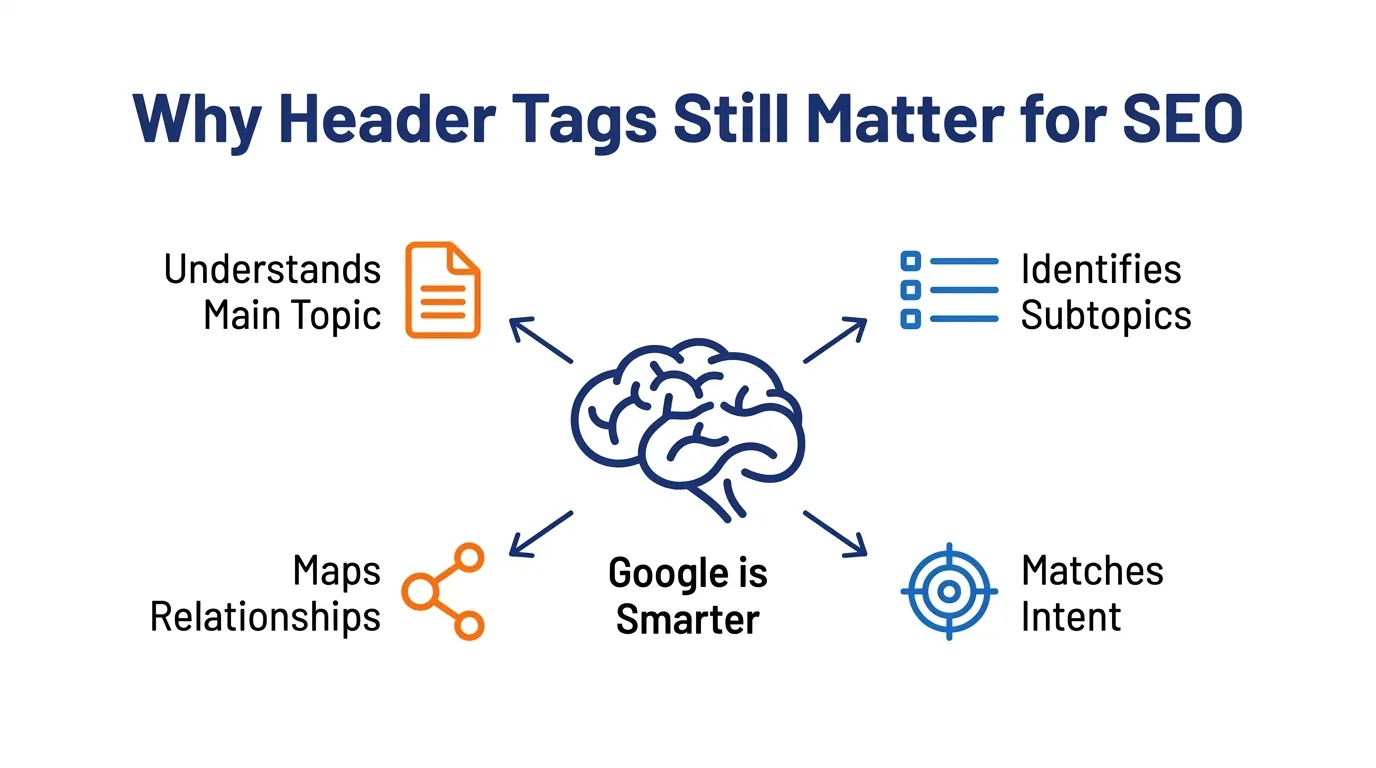
I still see people saying header tags no longer matter because Google is smarter now. That is the wrong takeaway.
Google is smarter. That is exactly why your structure still matters.
Well-written headings help search engines understand:
- The main topic of the page
- The supporting subtopics
- The relationship between sections
- Whether the content is likely to satisfy the searcher
Google’s own guidance says your content should have a main heading or page title that provides a descriptive, helpful summary. It also emphasises people-first content, clear authorship, and content that demonstrates real expertise. Good headings support all of that.
Google also uses visible page signals when generating title links. If a page has multiple large, prominent headings and no clear main title, Google may choose a different heading than the one you intended. That is another reason I prefer a clean, obvious heading hierarchy.
John Mueller has also said that header elements are a strong signal for understanding page content. That does not mean stuffing keywords into every heading. It means using headings properly so Google can accurately interpret the page.
My Approach to Header Tags SEO at MediaOne
When I review a page, I do not start by asking, “How many keywords can we squeeze into the H2s?”
I start with a more useful question: If I only read the headings, would I understand what the page covers, who it is for, and whether it answers the search intent?
If the answer is no, the structure needs work.
At MediaOne, I usually audit headings in this order:
- Is there one clear H1?
- Does the H1 match the page topic and intent?
- Do the H2s reflect the main questions or themes?
- Are the H3s nested properly under the right H2s?
- Are any headings there only for styling?
- Are the headings too vague, too long, or too repetitive?
- Does the structure still make sense on mobile?
That process sounds simple. In practice, it catches a surprising number of ranking issues.
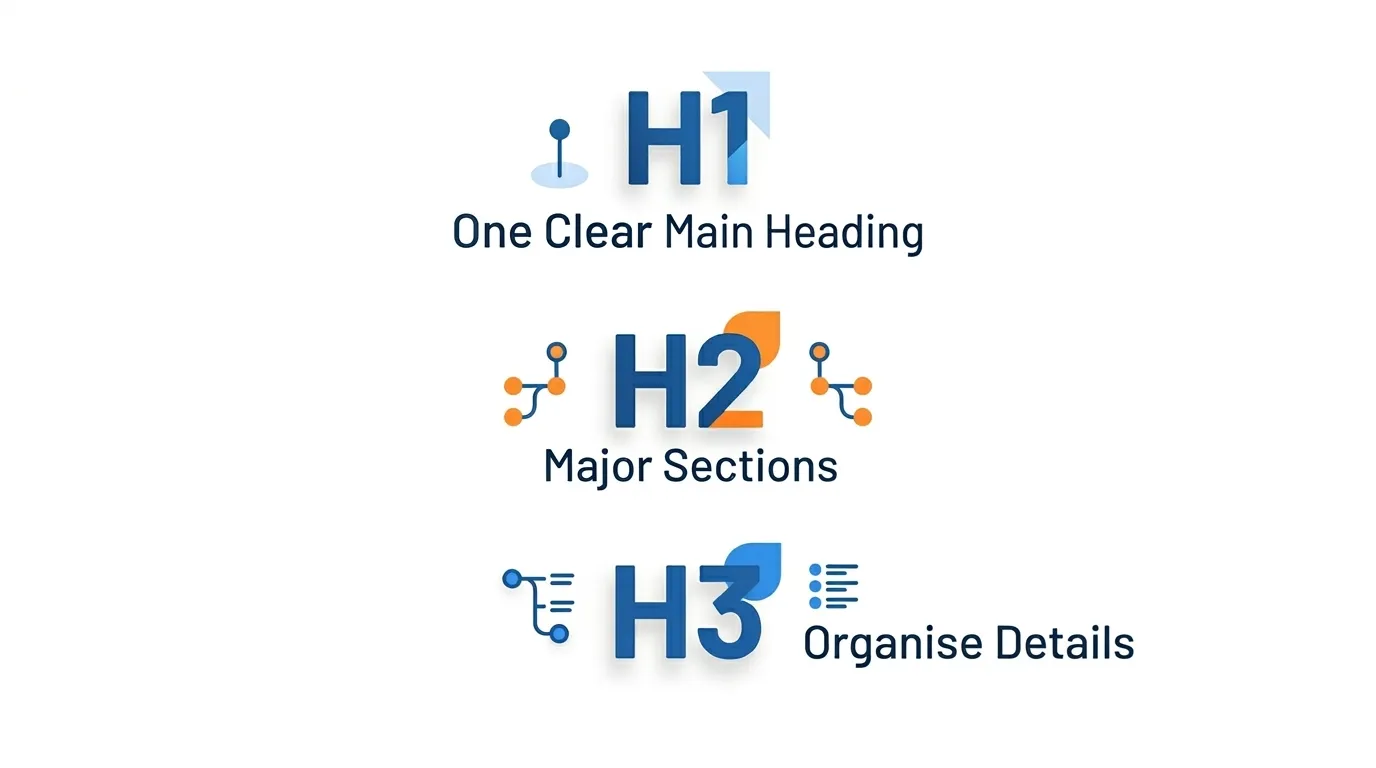
Getting header tags right is not about following arbitrary rules. It is about making your page easier for both Google and readers to understand.
When I structure H1, H2 and H3 tags properly, I create a clear content hierarchy, improve scannability, and make it easier for each section to support the page’s main topic.
H1: Use One Clear Main Heading
I still recommend one H1 per page.
Yes, there are technical debates around HTML5 and multiple H1s. But for most business websites, one clear H1 is still the cleanest and safest approach. It gives both readers and search engines one obvious primary topic.
Your H1 should:
- Describe the page clearly
- Include the main keyword naturally
- Sounds like something a human would actually want to read
- Match the search intent of the page
- Be unique across your site
A weak H1 looks like this:
SEO Services | SEO Agency | Best SEO Company Singapore
That is not a heading. That is keyword stuffing.
A better H1 looks like this:
SEO Services in Singapore for Businesses That Want Measurable Growth
That is clearer, more useful, and more credible.
H2: Use Them for the Major Sections Readers Expect
Your H2s should cover the main subtopics that support the H1.
For a page targeting header tags SEO, the H2s should answer the questions someone genuinely has, such as:
- What header tags are
- Why they matter
- How to use H1, H2 and H3 tags properly
- What mistakes to avoid
- How to audit and fix problems
This is where many pages go wrong. They use generic H2s like:
- Overview
- More information
- Best practices
- Final thoughts
These headings do not tell the reader much. I prefer headings that stand on their own and clearly signal what the section delivers.
For example, instead of:
Best practices
Use: 7 Header Tag SEO Best Practices I Use on Real Websites
That is more descriptive. It is also more useful when someone is skimming.
H3: Use Them to Organise Details, Not to Force Structure
H3s should sit under H2s and break down more detailed ideas.
For example:
How to use H1, H2 and H3 tags properly:
H1: Use one clear main heading
H2: Use them for the major sections readers expect
H3: Use them to organise details, not to force structure
That hierarchy is logical.
What I do not want to see is a jump from H1 straight to H3, or an H4 used just because someone preferred the font size.
If you are choosing a heading level based on appearance rather than meaning, stop. Use CSS for styling. Use heading tags for structure.
7 Header Tag SEO Best Practices I Use on Real Websites
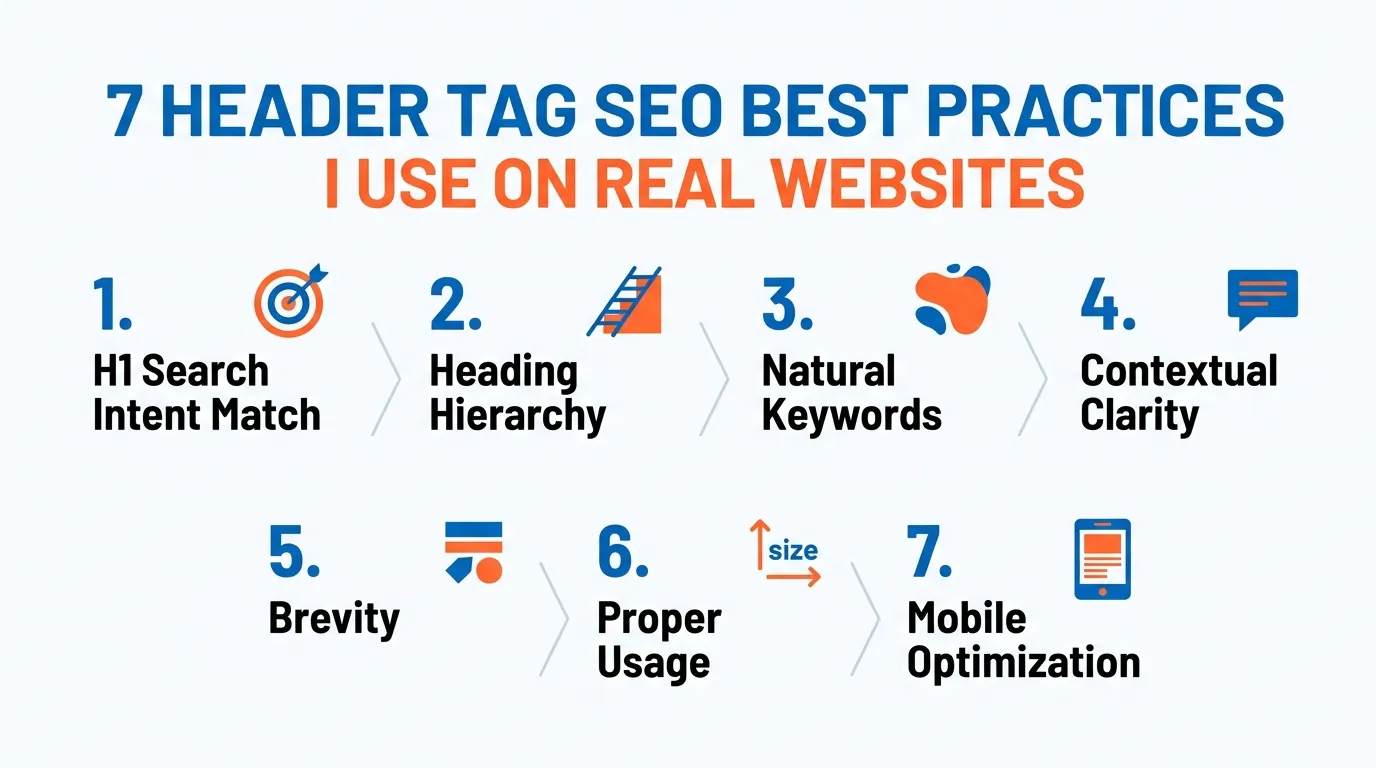
On most pages, the problem is not the content itself. It is the way the content is organised. These best practices are the ones I rely on to turn messy heading structures into clearer, more useful, and easier-to-rank pages.
1. Match the H1 to the Search Intent
This is the first thing I fix when a page is not ranking as well as it should.
If the query is informational, your H1 should sound like an informational resource. If the query is commercial, your H1 should help the reader evaluate options. Too many pages miss this and end up with headings that are technically correct but misaligned with intent.
For this topic, a better H1 is not something vague like:
The complete guide to header tag optimisation
A stronger version is:
Header tags SEO: how to use H1, H2 and H3 tags correctly
It is direct. It matches the likely search. And it tells the user what they will learn.
2. Keep Your Heading Hierarchy Clean
One H1. Then H2s. Then H3s under the right H2s.
I know this sounds basic. But I regularly see service pages with:
- Two H1s
- Missing H2s
- Decorative H3s
- Accordions using the wrong heading level
- Builder-generated sections that break the page outline
When the hierarchy is messy, the page becomes harder to interpret.
I want the page outline to read like a sensible document, not a random collection of font styles.
3. Put Keywords in Headings Naturally, Not Mechanically
Yes, I include target keywords in headings.
No, I do not force them everywhere.
A page targeting header tags SEO does not need that exact phrase in every section. That usually makes the article sound repetitive and over-optimised.
Instead, I use natural variations such as:
- Header tags
- Heading tags
- H1 tags
- H2 and H3 hierarchy
- Heading structure
- On-page SEO headings
That gives the page topical breadth without making it sound robotic.
4. Write Headings that Make Sense Even Out of Context
A good test is to copy all the headings into a document and read them top to bottom.
If they sound vague, repetitive or confusing, they need work.
I want my headings to function like a summary of the page. This improves usability and often makes the content more suitable for featured snippet formatting too.
For example:
Weak:
- Important tips
- Things to avoid
- Final notes
Better:
- 7 Header tag SEO mistakes that quietly hurt rankings
- How to audit your heading structure in Screaming Frog
- My final checklist before publishing any page
5. Keep Headings Concise
Long headings are harder to scan. They also tend to sound more self-important than helpful.
I prefer clear, tight headings. In most cases, that means:
- Shorter sentences
- Simpler wording
- No unnecessary filler
- No exaggerated claims
If a heading reads like a paragraph, it is probably doing too much.
Google’s style guidance also favours descriptive headings that are easy to navigate, have a logical structure, and avoid empty headings.
6. Do Not Use Headings Just to Make Text Bigger
This is one of the most common technical mistakes I see on WordPress builds.
A designer wants a bigger font. They chose an H2.
A content editor wants a bold callout. They chose an H3.
Now the page looks fine visually, but the semantic structure is broken.
This matters more than many businesses think. When heading tags are used for styling rather than for content hierarchy, Google gets weaker signals, and screen readers get a worse experience.
7. Check the Heading Structure on Mobile
Google uses mobile-first indexing. So if your mobile version hides, reorders or distorts the headings, that matters.
I have seen pages where:
- The desktop version had a clean H1/H2 structure
- The mobile version collapsed sections awkwardly
- The main title lost prominence
- Accordion headings became repetitive or confusing
Always check the rendered mobile version, not just the editor view.
The Header Tag Mistakes I See Most Often on Singapore Business Sites
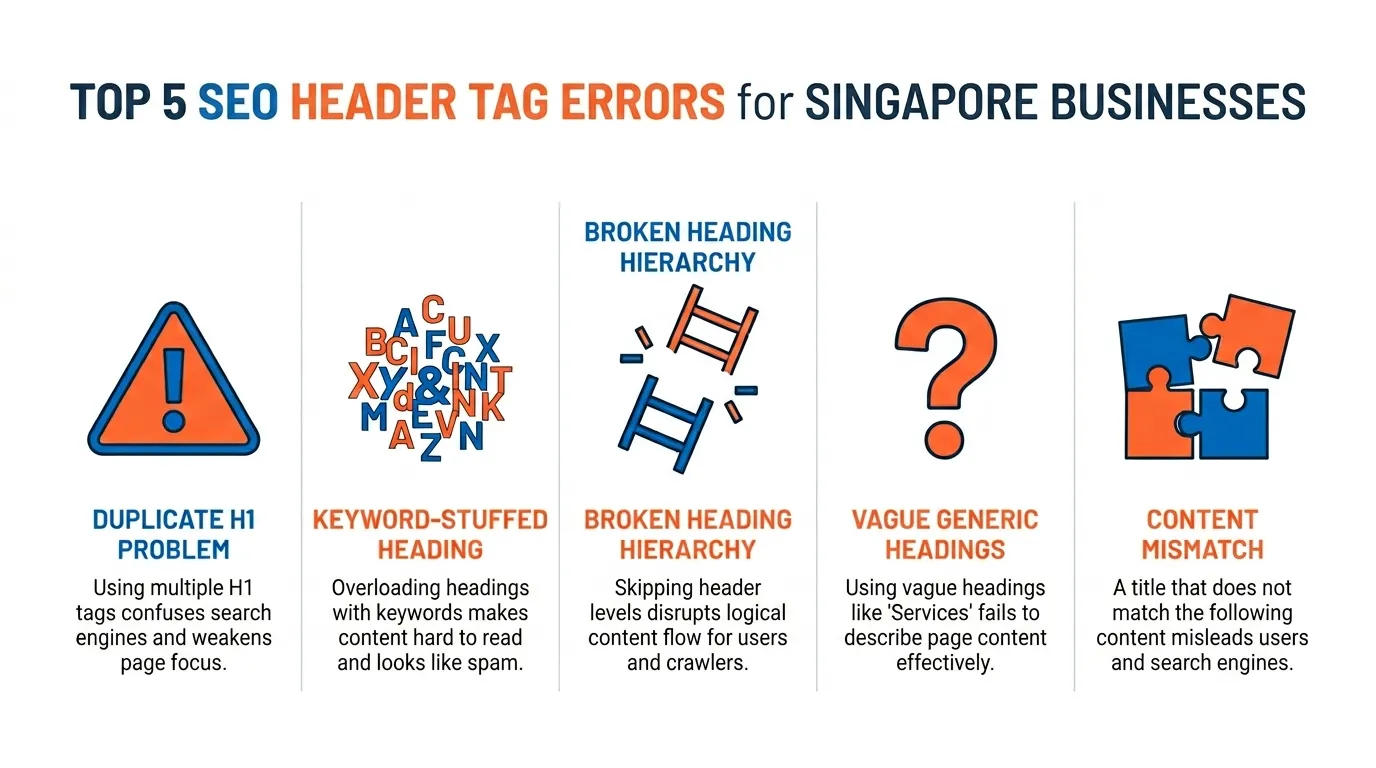
Over the years, I have seen the same issues appear again and again.
Multiple H1s on One Page
This usually happens because the CMS, theme or page builder inserts extra H1s automatically.
Sometimes the logo is an H1. Sometimes the blog title is another H1. Sometimes the hero heading becomes a third.
One H1 is easier to manage and easier for search engines to interpret.
Keyword-stuffed Headings
Headings like this still appear far too often:
Best SEO Agency Singapore | SEO Company Singapore | Top SEO Services
That is not persuasive. It is not user-friendly. And it does not build trust.
Google wants helpful, reliable content written for people. If the heading sounds like it was written for a search engine first, that is a warning sign.
Skipping Heading Levels
Jumping from H1 to H3 or H2 to H4 creates an awkward structure.
Not every page needs H4 to H6. In fact, many pages do perfectly well with only H1, H2 and H3.
The goal is not to use every tag. The goal is to use the right ones in the right order.
Generic Headings that Say Very Little
A section heading should tell the reader what is inside.
If your H2 says “Overview,” that is not very helpful.
I want headings to be informative, not decorative.
Headings that Do Not Match the Content Below Them
If the heading promises one thing and the section delivers another, readers lose trust.
That mismatch increases friction. It can also make the content feel weaker than it actually is.
This is a subtle quality issue, but it matters.
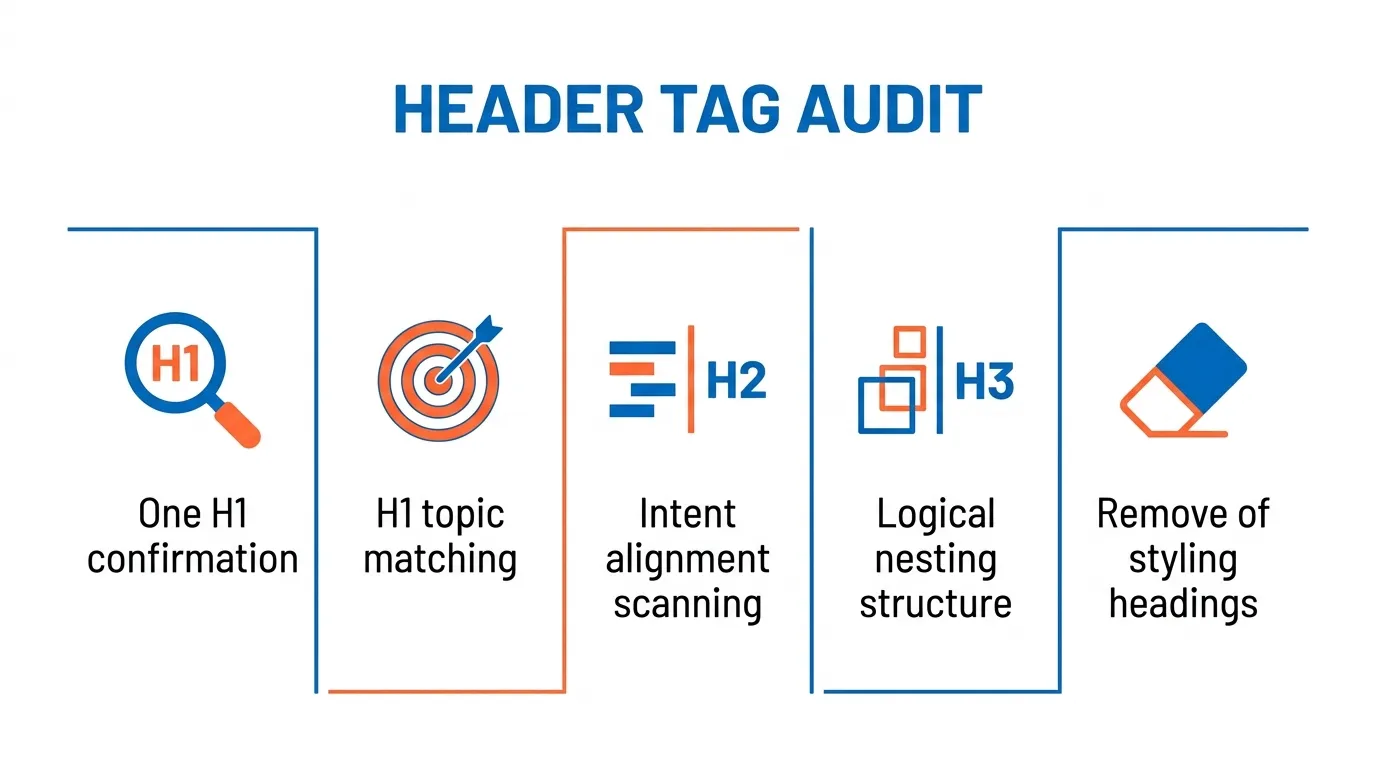
When I do a quick audit, I usually use three methods:
First, I manually inspect the page. I want to see whether the visible headings make sense when I skim the page.
Second, I use a browser extension or a crawling tool to check the hierarchy.
Third, I look at the page source when I suspect the builder is outputting messy HTML.
Here are the tools I use most often:
- Screaming Frog for site-wide heading audits and duplicate H1 detection
- HeadingsMap for a quick visual outline of the heading structure
- Google Search Console to cross-check problem pages against performance data
- Browser inspection tools to verify whether the rendered structure matches what the CMS shows
If I only had ten minutes to audit a page, I would do this:
- Confirm there is one H1
- Check that the H1 matches the target topic
- Scan the H2s for intent alignment
- Make sure H3s are nested logically
- Remove any headings used for styling only
That alone fixes a surprising amount.
A Quick Example from a MediaOne Audit
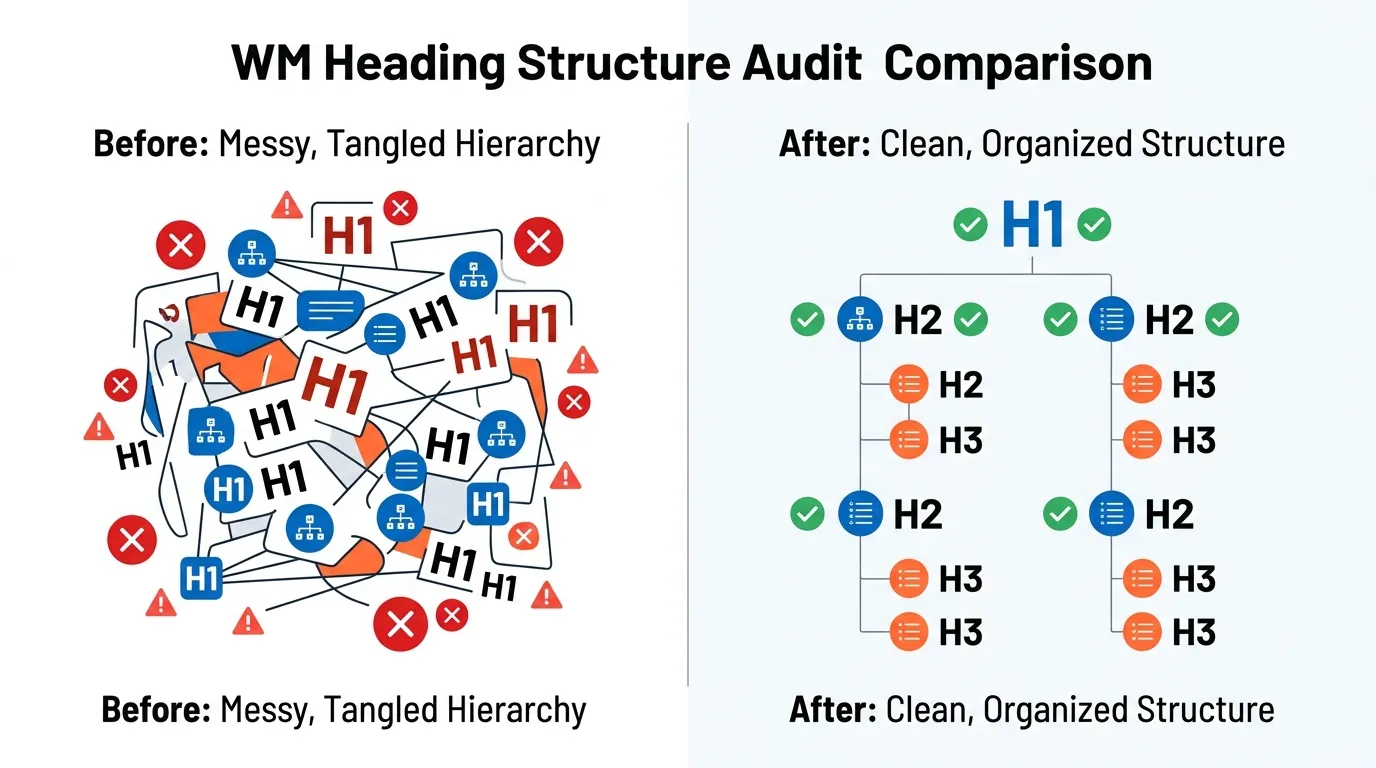
To make this practical, here is a pattern I have seen more than once on Singapore business websites.
One service page we reviewed had useful content, but its heading structure worked against it. The page looked polished on the surface, yet the HTML outline was messy. Google was getting mixed signals about the main topic, and readers had to work too hard to scan the page.
The Bad Heading Structure
The original page had three common problems:
First, it used more than one H1. The hero title was marked up as an H1, the site logo was also wrapped in an H1, and one of the content blocks introduced a third H1 further down the page.
Second, the H2s were too vague. Instead of telling the reader what each section covered, they used labels like Overview, Benefits, and More Information. That might look tidy in a page builder, but it does not give users or search engines much context.
Third, the hierarchy broke in the middle of the page. One section jumped from an H2 straight to an H4 because the designer preferred the smaller font size. Another accordion used heading tags for styling, not structure.
Here is what that looked like in simple outline form:
Before
- H1: SEO Services
- H1: MediaOne
- H2: Overview
- H4: Why Choose Us
- H2: Benefits
- H3: Contact Us
- H1: Get Started
That is not a clean content hierarchy. It is a visual layout masquerading as a document structure.
The Fixed Heading Structure
We did not need to rewrite the whole page. We just needed to clarify the structure.
First, we reduced the page to a single, clear H1 that matched the page’s core topic and intent.
Next, we rewrote the H2s so each one described a real section of value to the reader. Instead of generic labels, we used headings that reflected the actual questions buyers would want answered.
Then, we cleaned up the nesting. H3s were only used where they genuinely supported the section above them. Decorative headings were styled with CSS instead of heading tags.
Here is the cleaned-up version:
After
- H1: SEO Services in Singapore for Growth-Focused Businesses
- H2: What Is Included in Our SEO Services
- H2: How Our SEO Process Works
- H3: Technical SEO Audit
- H3: Content and On-Page Optimisation
- H3: Reporting and Tracking
- H2: Why Businesses in Singapore Work With MediaOne
- H2: Frequently Asked Questions About SEO Services
Now the page has one clear topic, logical sectioning, and headings that make sense even when skimmed out of context.
What Improved Afterward
The most immediate improvement was clarity.
The page became easier to scan. The outline made more sense. The main topic was no longer diluted by duplicate H1s or vague section labels. Instead of making users guess what sat under each heading, the structure told them exactly where to find the information they needed.
From an SEO perspective, this gave the page a stronger topical framework. It became easier for search engines to interpret the page hierarchy and easier for the content to align with the intent behind the target query.
This is the part many site owners miss. A page does not always need more words. Sometimes it needs a cleaner structure so the content it already has can work harder.
What Google Actually Wants from Content Like This
This is the part many businesses skip.
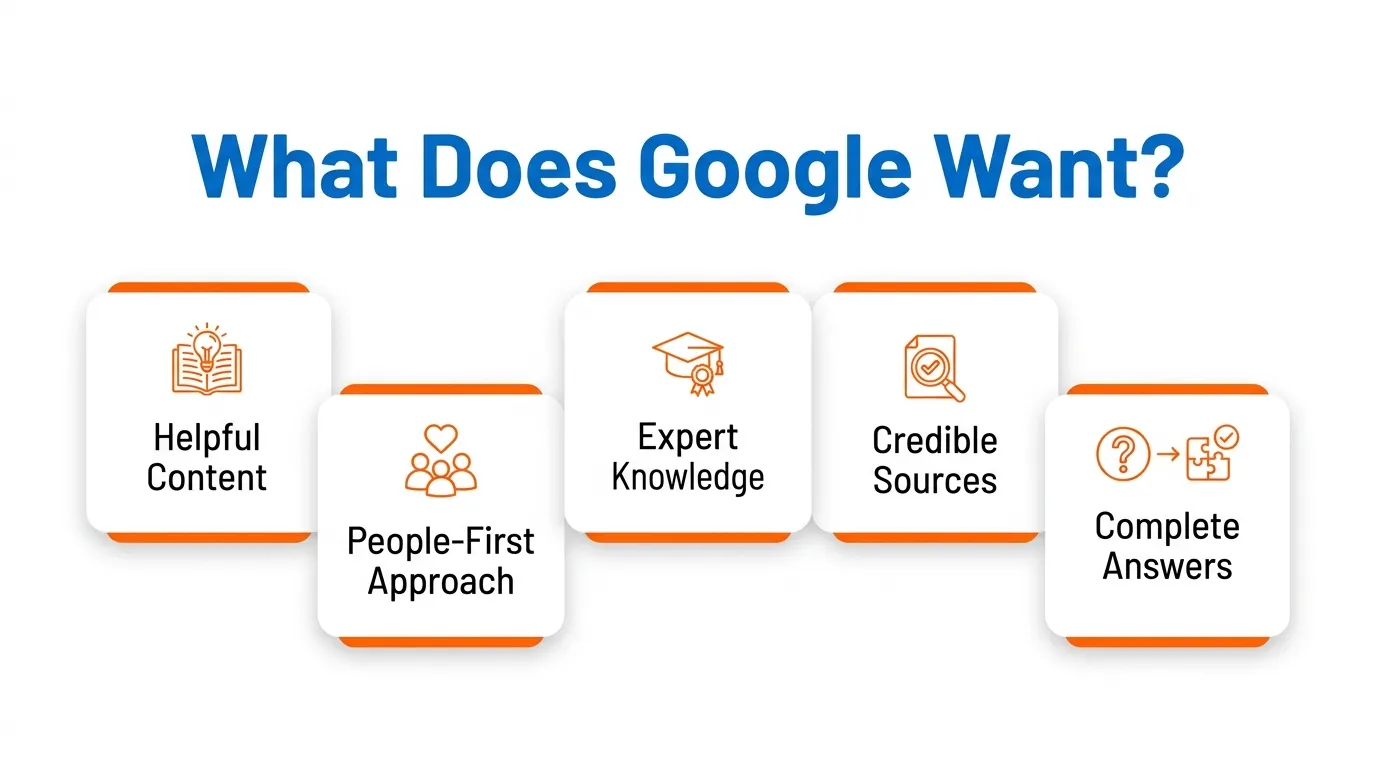
Google does not want pages that are merely “SEO-optimised”. It wants pages that are helpful, reliable and created for people first. It specifically asks whether the content provides original information, real expertise, clear sourcing, and enough value that readers do not need to search again.
That is why I do not treat header tags as a standalone trick. They are one part of a better page.
A strong page should also show:
- Who wrote it
- Why the advice is trustworthy
- What real experience sits behind the recommendations
- Whether the examples and claims are grounded in practice
At MediaOne, that matters to me. I do not want a page that only sounds smart. I want a page that reflects the work we actually do.
Why Experience Matters Here
I have worked on enough content, service and landing pages to know that heading fixes alone will not rescue poor content.
But I have also seen pages move when the structure finally matched the search intent.
Sometimes the content is already good. It is just buried under:
- Weak headings
- Messy hierarchy
- Builder-generated clutter
- Over-optimised language
- Vague section titles
When that happens, the page does not need a complete rewrite. It needs a clearer framework. That is why I treat headings as a strategic asset, not a formatting detail.
My Final Checklist Before Publishing Any Page
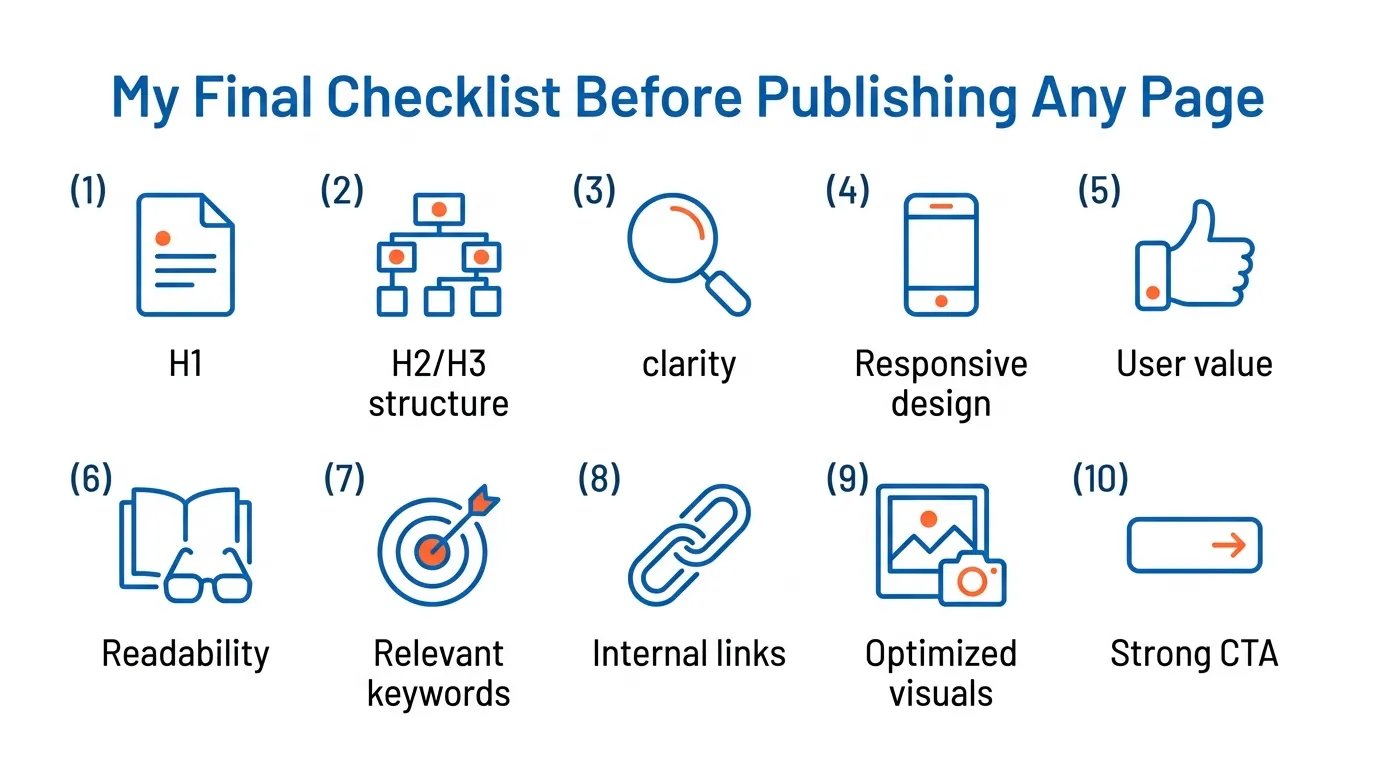
Before I sign off on a page, I run through this checklist:
- Is there one clear H1?
- Does the H1 accurately describe the page?
- Do the H2s reflect the main questions or subtopics?
- Are the H3s nested properly?
- Are the headings concise and readable?
- Do the headings sound natural?
- Are any headings there only for styling?
- Does the structure still make sense on mobile?
- Can someone skim the headings and understand the page?
- Does the page feel useful, trustworthy and complete?
If the answer is yes across the board, the page is in much better shape.
If you want a shortcut, here it is: Use one clear H1. Build sensible H2s around the questions readers actually have. Use H3s only when they support the structure. Keep your headings natural, specific and easy to scan. And never use heading tags as a design crutch.
That is the practical side.
The strategic side is this: write content that genuinely helps the reader. Show real experience. Say something useful. Structure the page so a busy business owner, marketer or buyer in Singapore can get the answer quickly.
That is what I aim to do at MediaOne.
And if your page still is not performing, do not start by adding more words. Start by checking whether your headings are making the page clearer—or harder to understand. Give us a call today for an expert audit.
Frequently Asked Questions
Do multiple H1 tags hurt SEO?
They do not always cause a direct ranking drop on their own. But they often make the page structure less clear. In most cases, I still recommend one H1 per page because it is simpler, cleaner and easier to manage.
Should I put my keyword in every heading?
No. Use the primary keyword naturally in the H1, and use related terms where they make sense in H2s and H3s. Repetition for the sake of repetition makes headings worse, not better.
Do header tags directly improve rankings?
Not in isolation. But they help search engines understand your content and help users navigate the page. That supports better SEO performance overall.
Are header tags important for accessibility?
Yes. Proper heading hierarchy helps screen readers and improves page navigation for users with accessibility needs. That makes your page more usable, which benefits readers and your site quality.
How long should headings be?
There is no strict rule. But I prefer headings that are clear, concise and easy to scan. If a heading feels bloated, rewrite it.